
fabiosun
-
Posts
12,040 -
Joined
-
Days Won
599
Content Type
Profiles
Forums
Events
Downloads
Everything posted by fabiosun
-

Ryzen 9 5900x Msi x570 carbon max WiFi sapphire Radeon RX 6600xt
fabiosun replied to carlos78's topic in General Discussion
* SATA5-6 will be unavailable when installing SATA SSD in the M2_3 slot; *SATA5-8 will be unavailable when installing PCIe SSD in the M2_3 slot. pero' nella condizione che li vedi in windows dovresti vederli anche in OSX -
Ryzen 9 5900x Msi x570 carbon max WiFi sapphire Radeon RX 6600xt
fabiosun replied to carlos78's topic in General Discussion
No (per opencore a mio parere) stavo pensando invece alla stessa cosa che hai scritto forse se riempi tutto ti disattiva qualche cosa bisognerebbe leggere bene il manuale se aiuta a capire ma il semplice swap potrebbe aiutare al volo 🙂 -
Ryzen 9 5900x Msi x570 carbon max WiFi sapphire Radeon RX 6600xt
fabiosun replied to carlos78's topic in General Discussion
sai che non lo so? Mi viene in mente che un utente internazionale sulla sua gigabyte trx40 non vede due dischi che lui definisce SSD NVME M2 onestamente era il primo che ha avuto questo problema qui da noi..non so se e' la stessa cosa per te Io ho due Sabrent uno rocket ed uno PCI3.0 ed un samsung 960 pro montato su scheda PCIEX e non ho mai avuto problemi Se anche OSX non riconosce la formattazione mi chiede di formattarli, smontare o ignorare con R-Drive puoi mettere su un disco una immagine precedentemente salvata e farci il boot ma se non ti vede il disco non so se sia questa la strada giusta -
Ryzen 9 5900x Msi x570 carbon max WiFi sapphire Radeon RX 6600xt
fabiosun replied to carlos78's topic in General Discussion
@carlos78 non saprei io proverei a spostare uno dei due che non vede sulla posizione dove hai la x gialla ma e' chiaro che e' una prova da fare "al limite" -
Added in OP 23.2.1 Shake Reduction filter (thanks @Nyaomi for this new find)
-
Ryzen 9 5900x Msi x570 carbon max WiFi sapphire Radeon RX 6600xt
fabiosun replied to carlos78's topic in General Discussion
In Windows te li vede tutti in questa condizione di macchina? -
Dai un’occhiata qui @guitarsimo93
-
Non solo la ridge ma anche le integrate Per la piena funzionalità e' necessario patcharle e creare un ssdt Si funziona senza header, se lo hai e' meglio ma funziona anche senza
-
ci sono grosse lamentele anche da utenti sia Mac che Hackintosh con schede della famiglia Vega
-
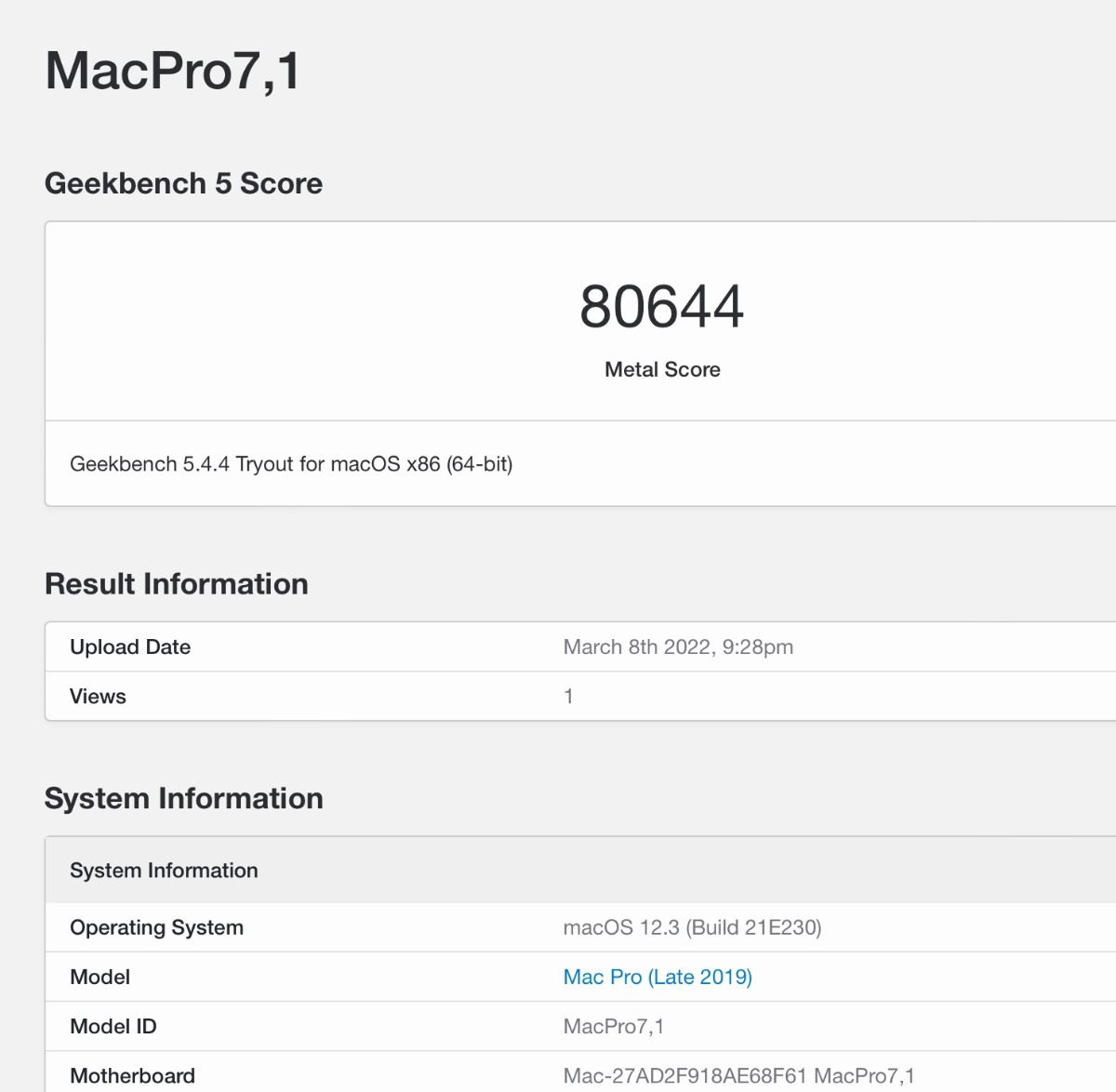
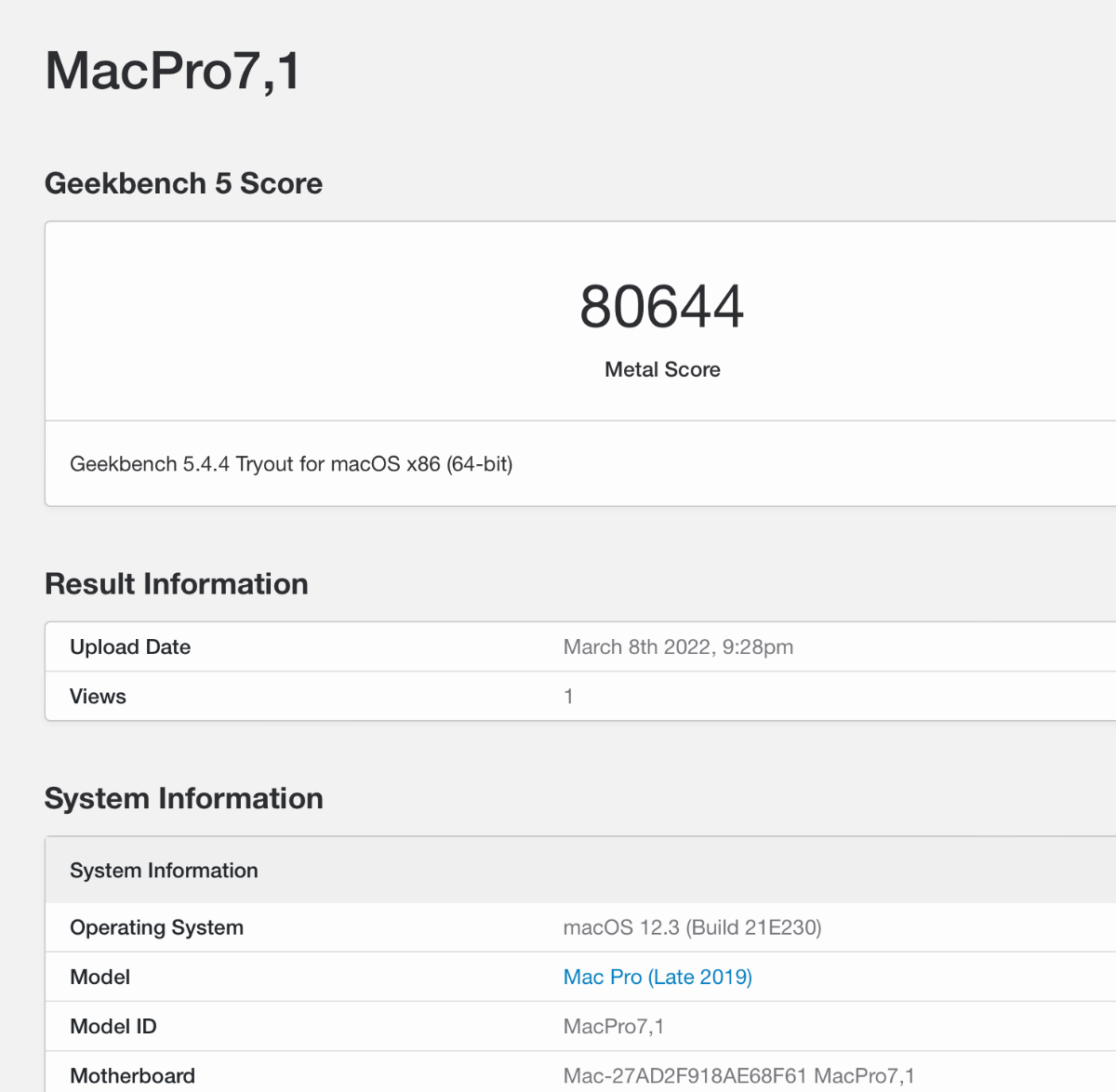
durante il benchmark metal prova ad aprire altre applicazioni o anche ad aprire il launcher..
-
si ma heavy eì altra storia 🙂 😛
-
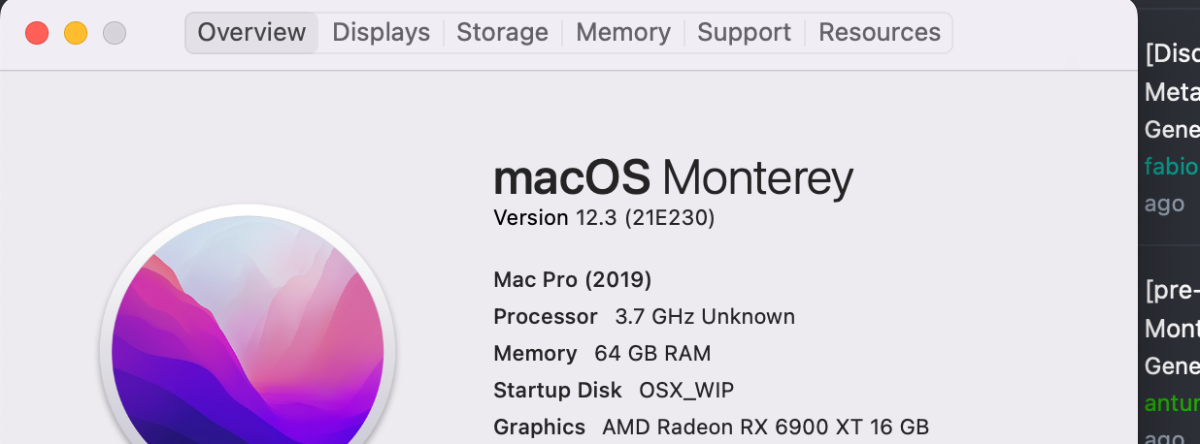
Considerando che questa e' una RC Non ci si puo' accontentare...per chi ci lavora non e' produttiva con i software maggiori e con differenti GPU... vediamo se cambierà qualcosa con la nuova beta 12.4... Se si usa la suite Adobe o DaVinci Resolve o anche banalmente qualsiasi app che usi metal..saltare questa versione e' la scelta corretta!
-
same disaster gpu performances is a pain Glitches and also the same problems with internal i21x card

- 3,995 replies
-
- 3
-

-
- amd vanilla patches
- amd kernel patches
- (and 3 more)
-
a disaster 😞
-
stessi problemi di prima.... si mette male.
-
I do not use Aquantia from 12.01 there was working I have unmounted it for a Fenvi Wifi/bt card which works without any kext I do not know if my Aquantia Card is would be working now
-
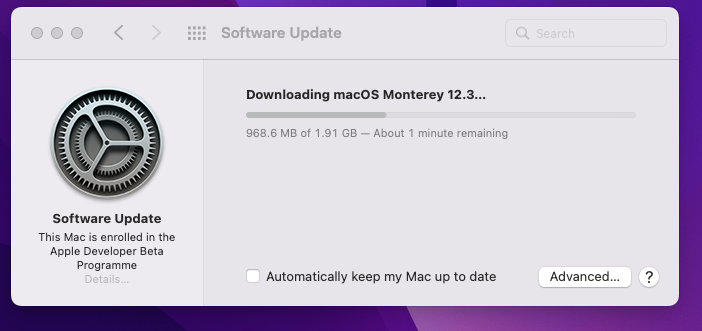
12.3 RC cross finger
-
it should be your macOS disk (4) and its EFi partition(1) I use an ASUS adapter for my 960 pro Samsung and it works fine it boots also my windows 11 installed on it
-
una volta selezionato Latest Version clicca anche su get Opencore
-
@shrishawhat do you see from terminal if you type: diskutil list ?
-
ci sono state modifiche profonde nella gestione dei database se non ne hai creati di tuoi potresti cancellare dove vengono scritti e re installare da zero
-
controlla in basso a sx la versione o nell'about se non l'aggiorni da tanto c'era una versione che non si aggiornava in passato
-
Hai aggiornato la versione di OCAT ad una delle ultime?
-
mmh i don't know exactly but that kind of M2 SSD connector in picture (SSD 860 evo) should not be good for your motherboard M2 slot but not sure @100% but if you see them in windows and linux I am wrong for sure 🙂
-
mmmh maybe I have misunderstood your problem SSD in M2 form? a picture please and where do you connect them? in a regular M2 slot?