
ldp48
-
Posts
304 -
Joined
-
Last visited
-
Days Won
1
Content Type
Profiles
Forums
Events
Downloads
Everything posted by ldp48
-
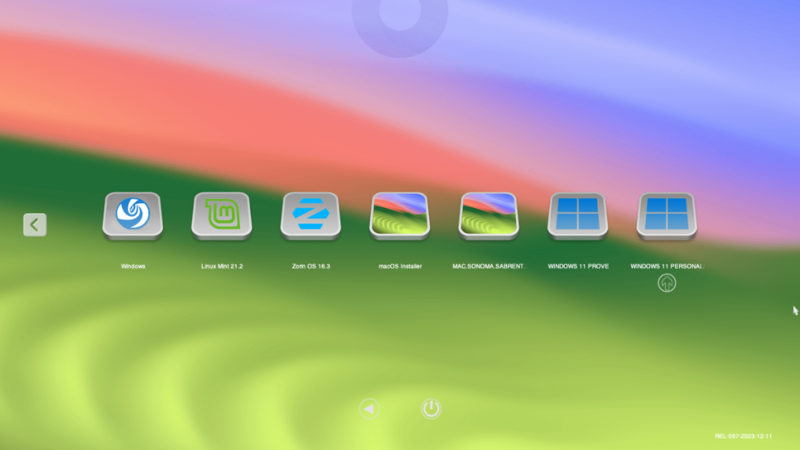
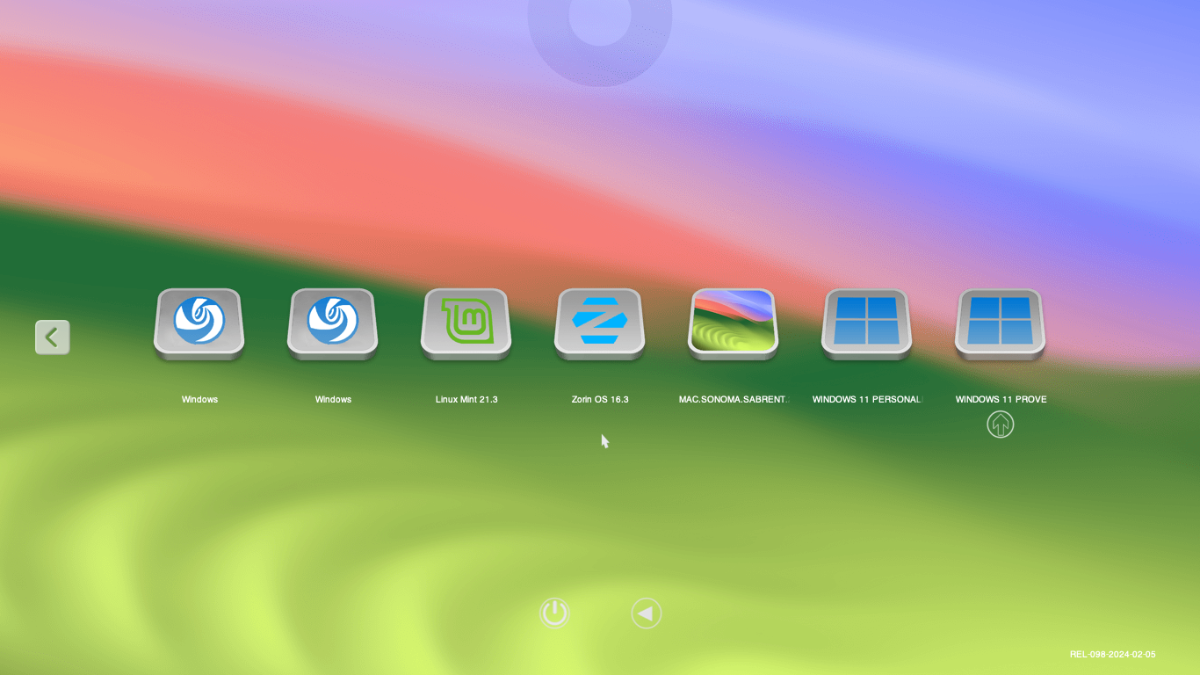
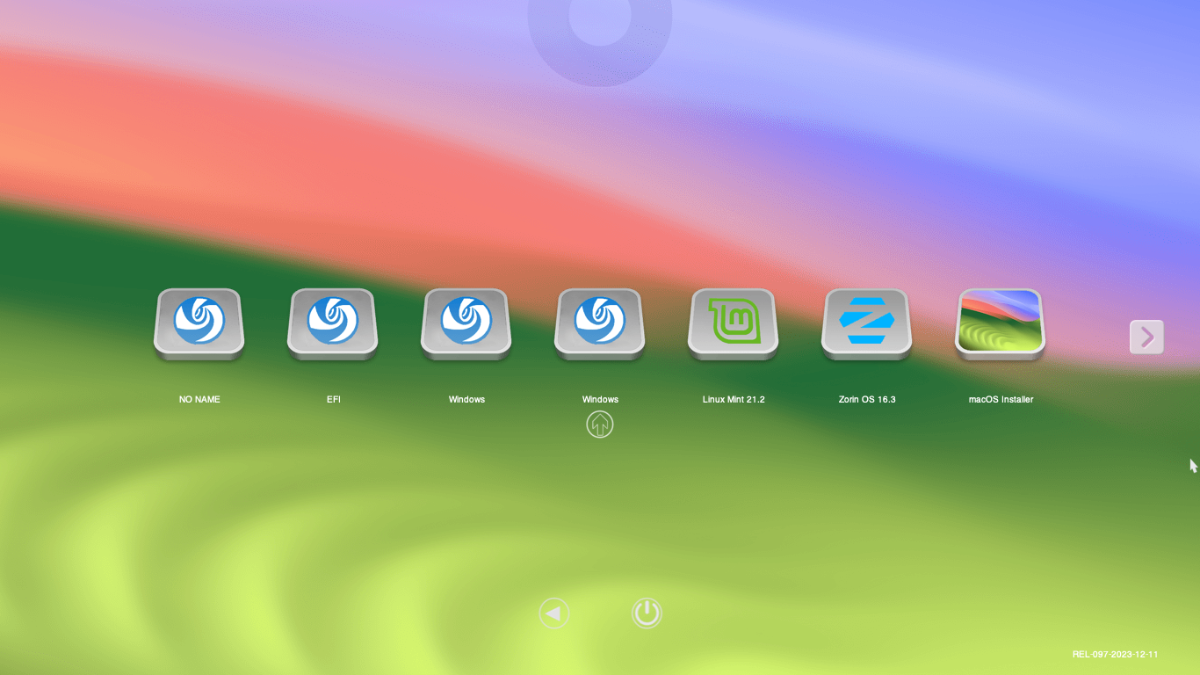
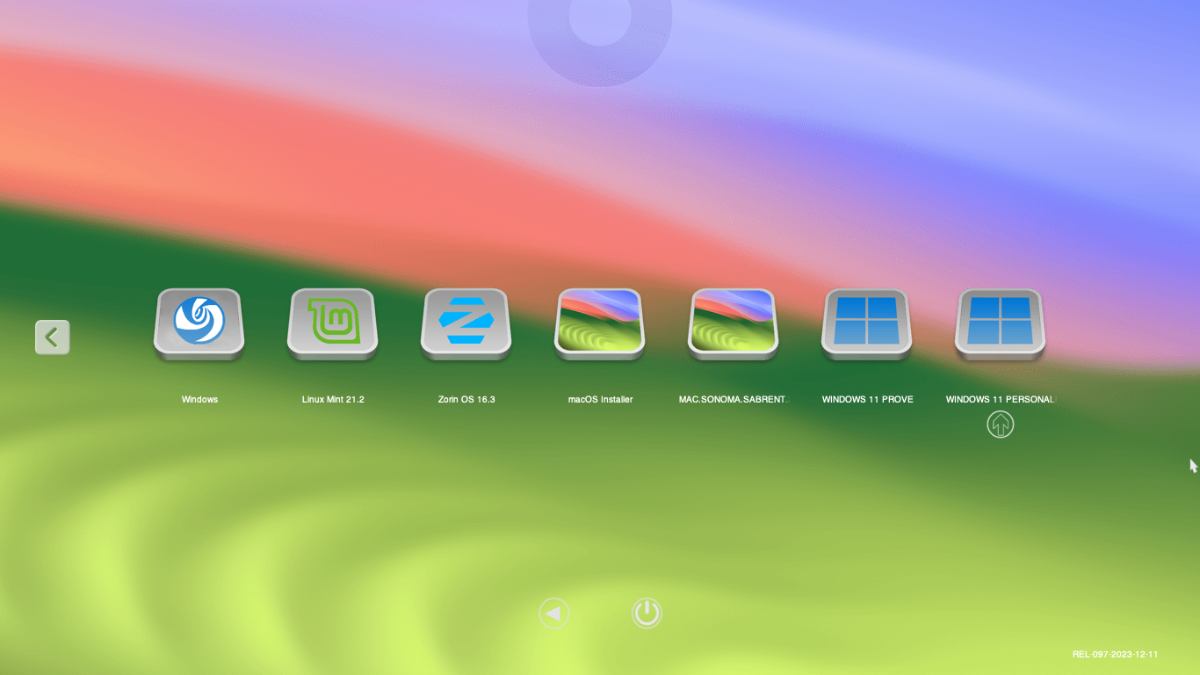
Ciao Anto, con il plist che mi hai inviato ok. Ti allego immagini. Da sx primo windows accede a windows prove, seconda schermata azzurra, terza avvia windows personale. Se premo spaziatrice vengono tutte le icone del primo post. Avendo in my theme le icone di windows e regata come si può modificare/se si può nella gui??? Grazie

-
Scusa mi sono dimenticato di mettere la spunta e modificare il policy. Vedo che mi allighi il plist con le modifiche che io non ho fatto. Arrivato a questo punto installare tutto da capo aprire il case staccare tutti i dischi e installare uno alla volta fare i backup di ognuno non me la sento. Se con il nuovo plist cambia qualcosa bene altrimenti rimango così. Ti farò sapere. Grazie mille per la pazienza e del tempo che mi dedichi
-
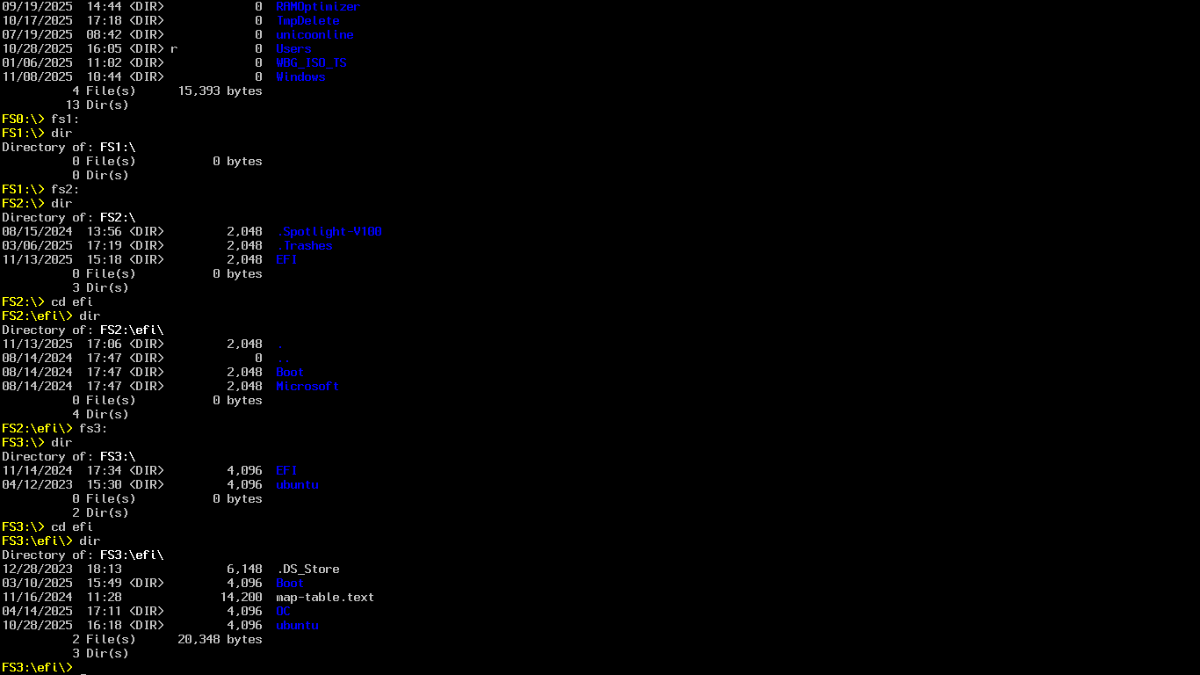
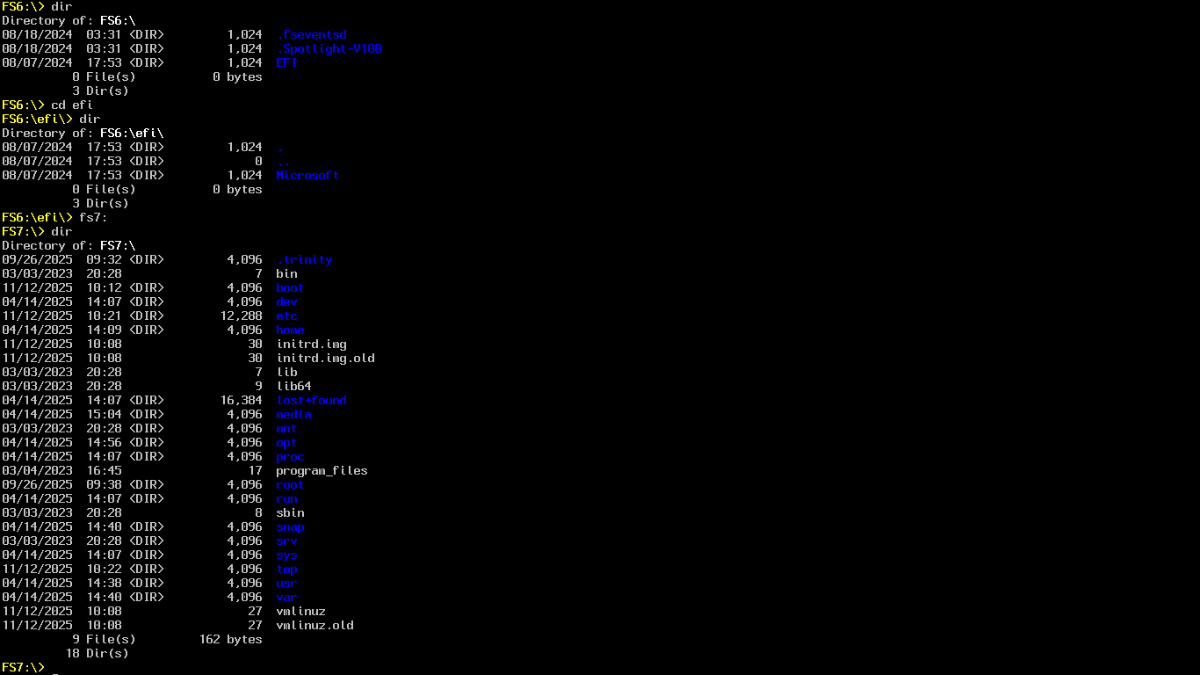
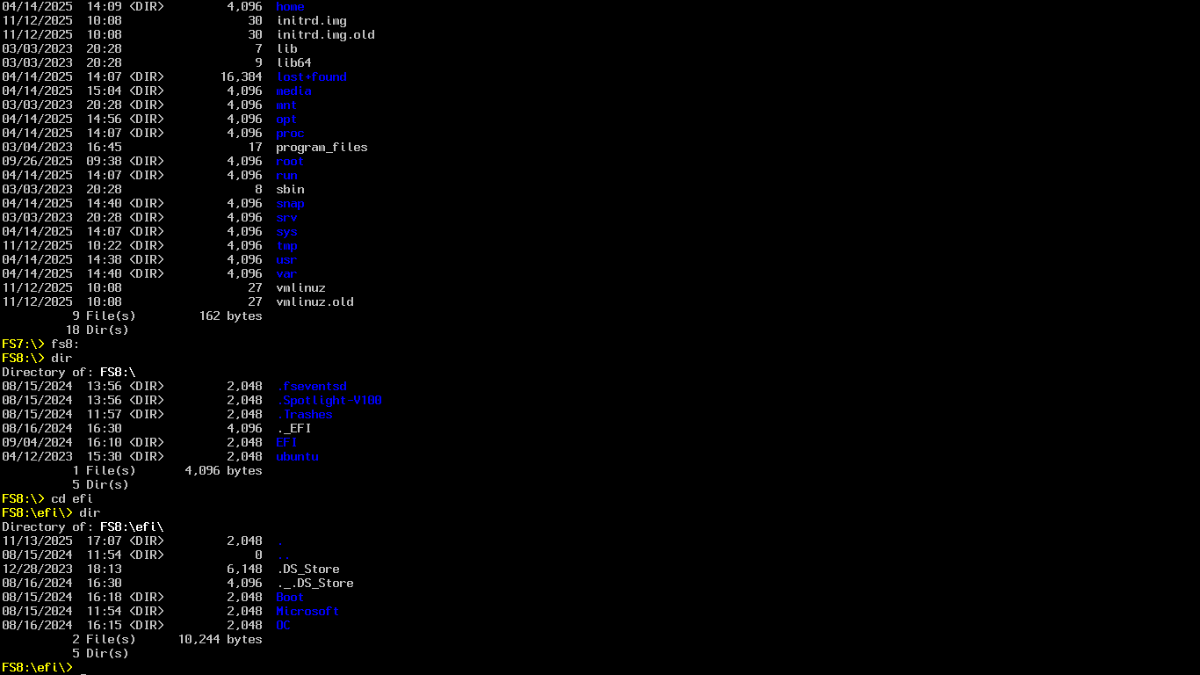
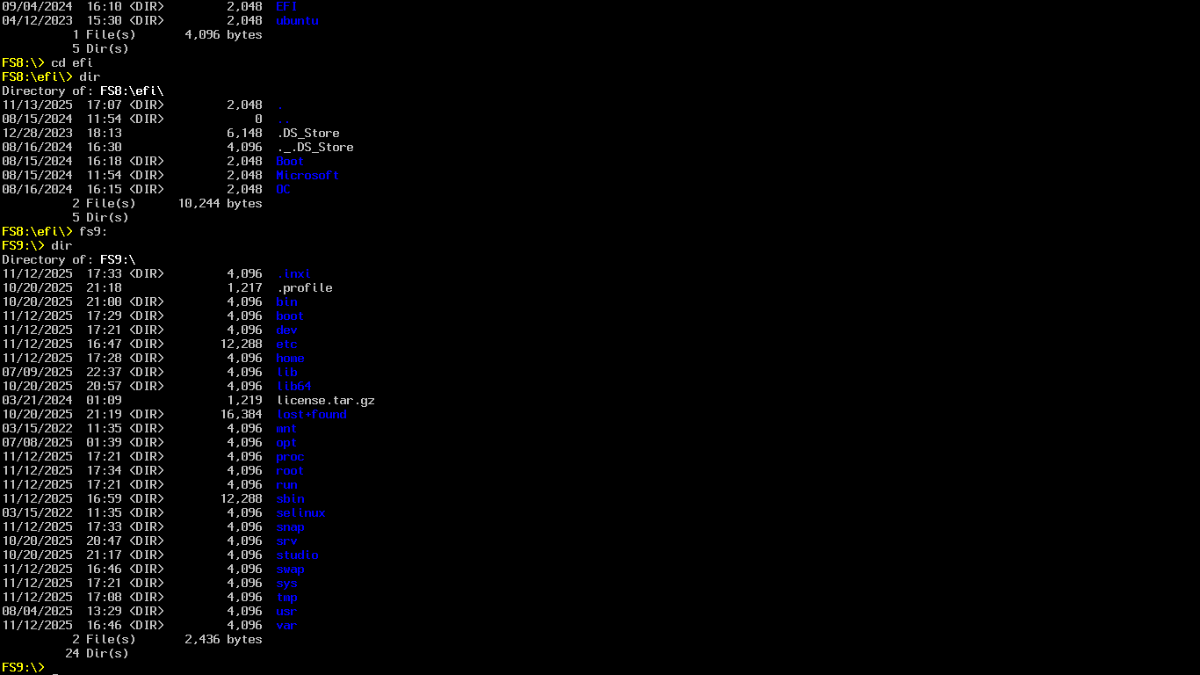
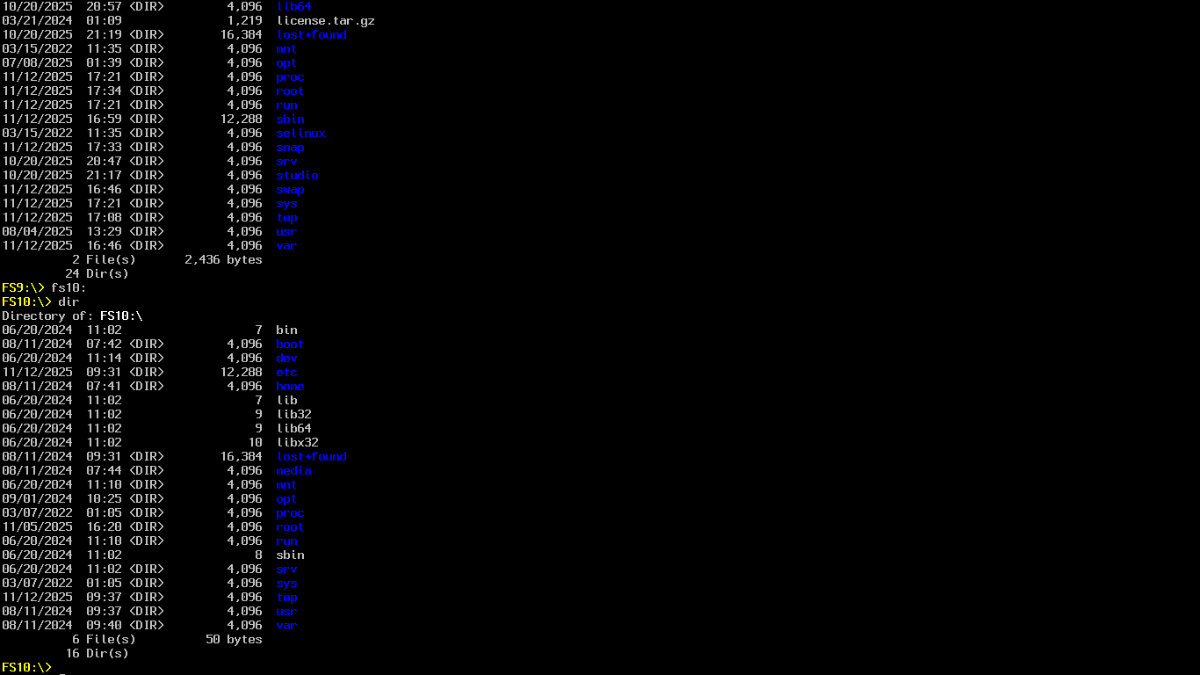
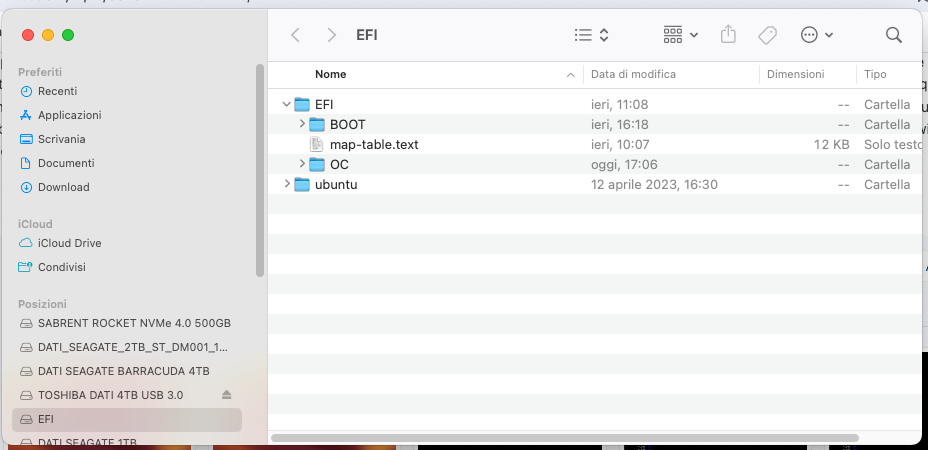
Le EFI complete superano le dimensioni massime consentite non posso inviarle. Se c' è un metodo per inviarle se possono essere utili fammi sapere. Ti allego immagini singole EFI map e plist e diskutil list. Curiosità nel map le varie path alfanumeriche come si formano e cosa indicano!!! Altra domanda "stupida" nelle directory EFI si sono mischiati i bootloader si possono eliminarli una volta montati con ESP??? Grazie e buona serata. Lorenzo config.plist.zip map-table.text.zip zorin.zip mint.zip windows.prove.zip windows.personale.zip debian.regata.deepin.zip sequoia.zip diskutil list.zip
-
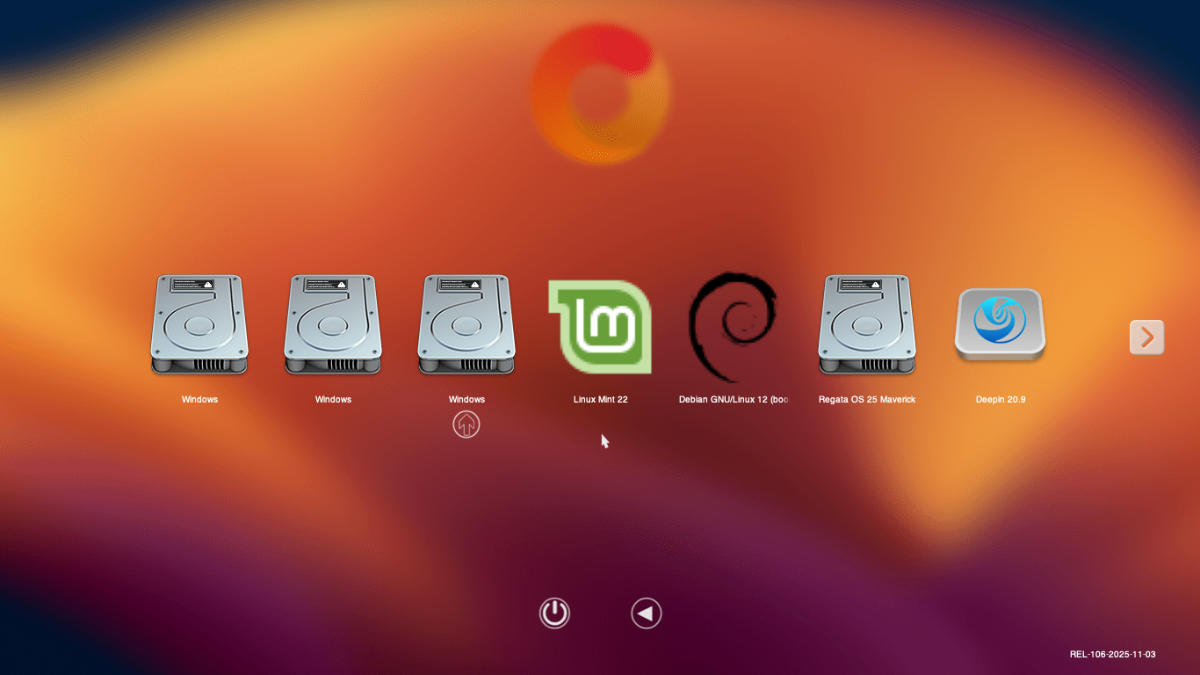
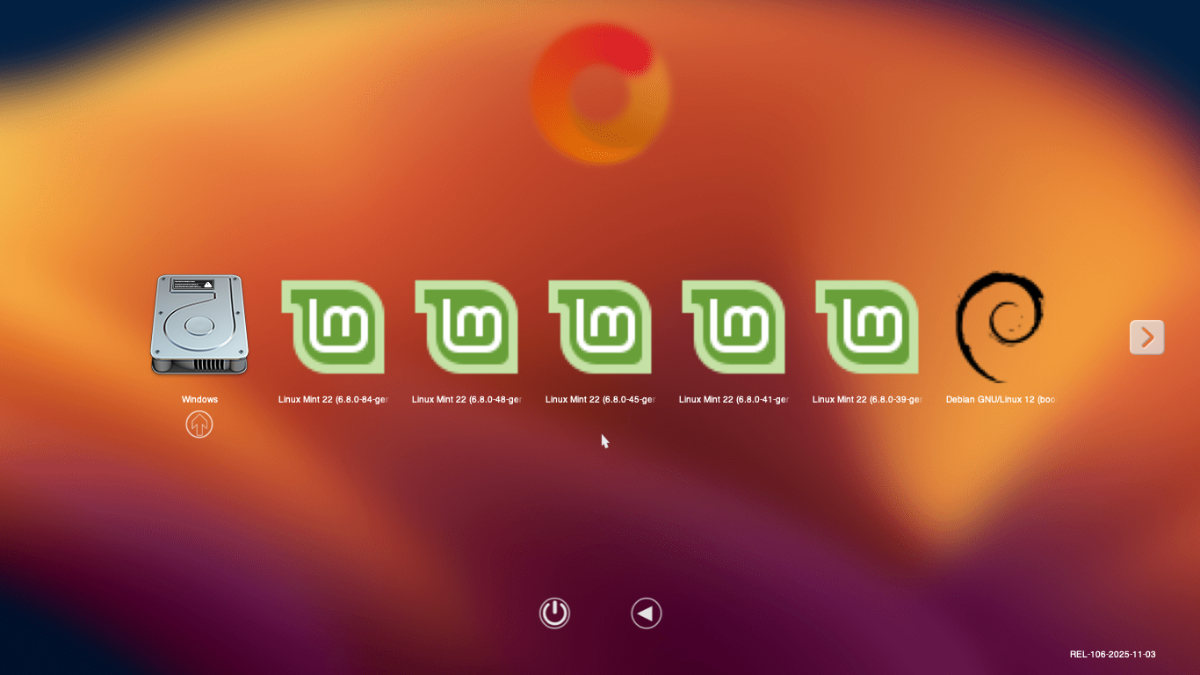
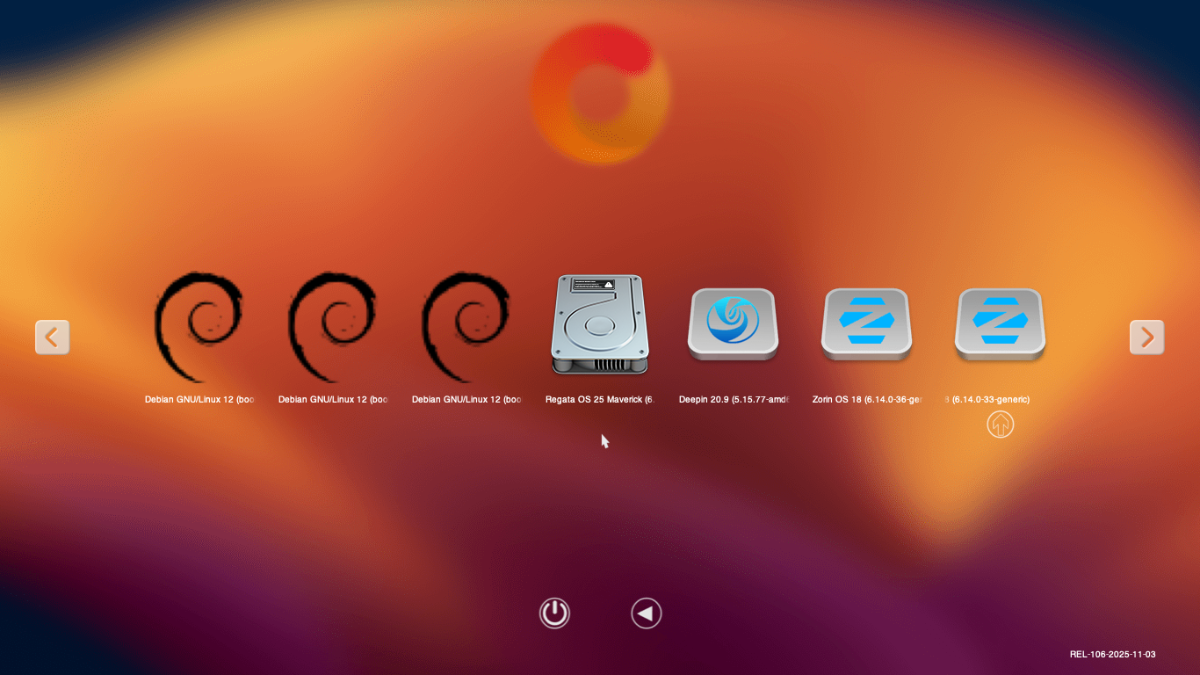
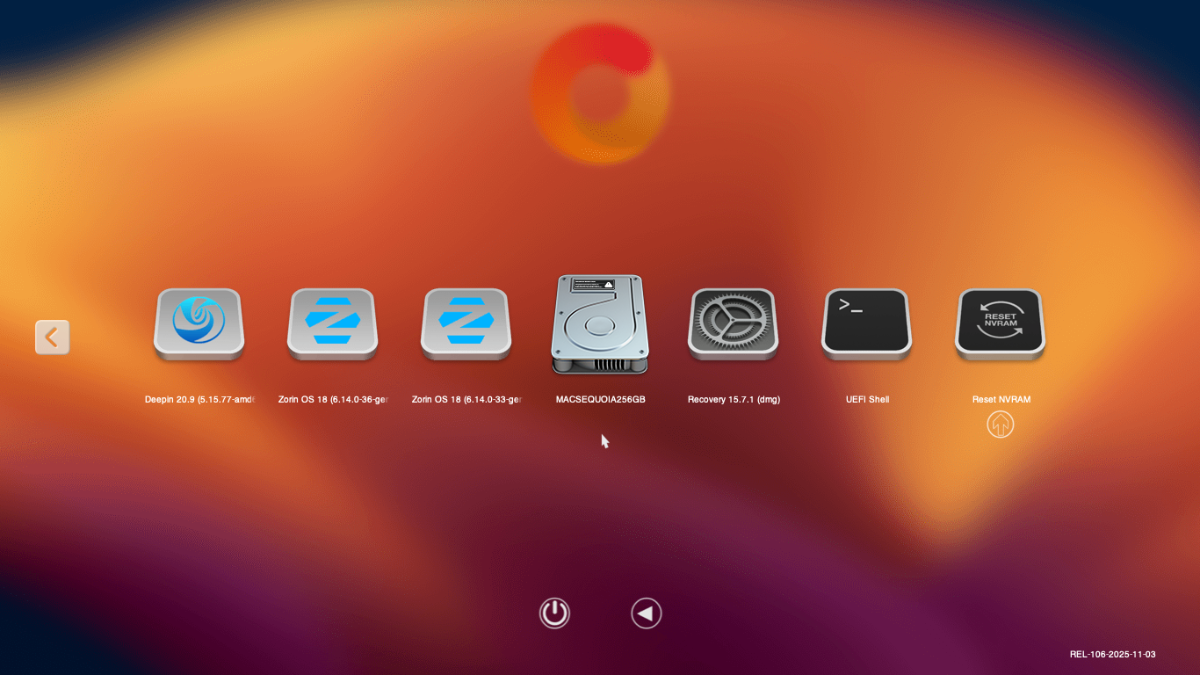
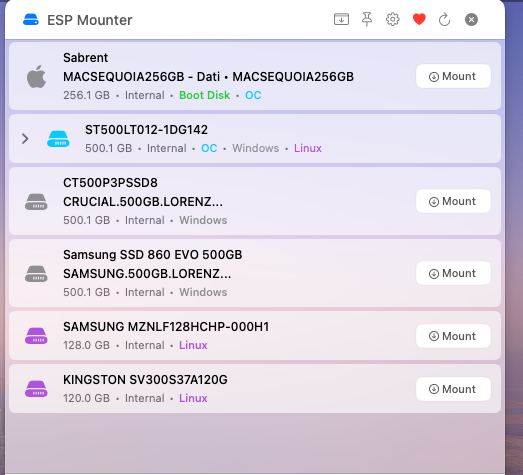
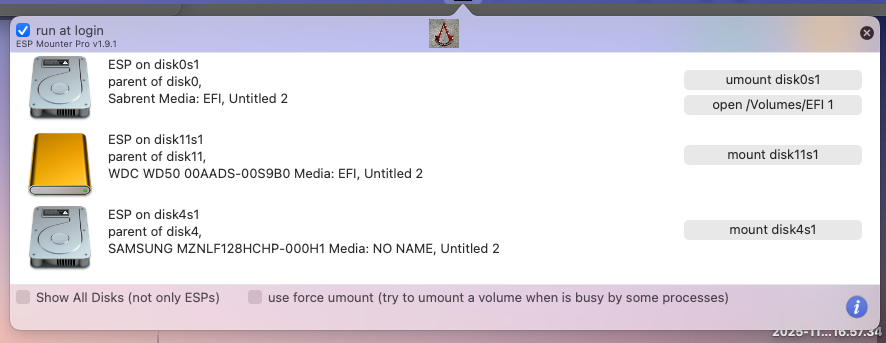
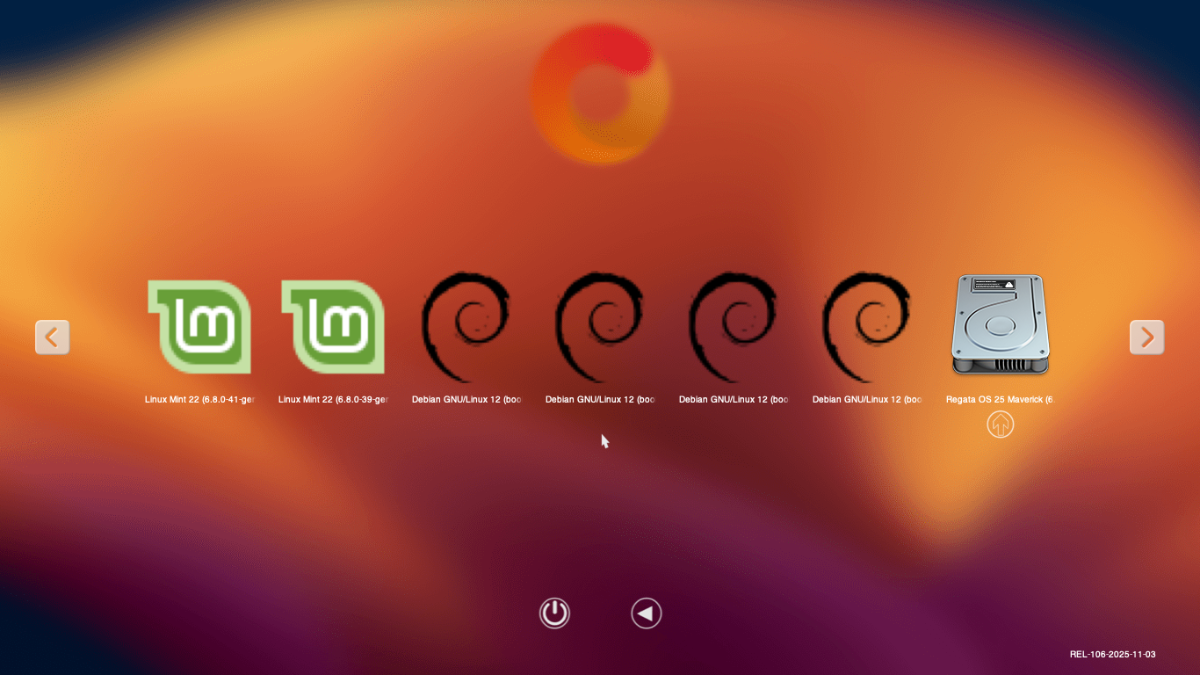
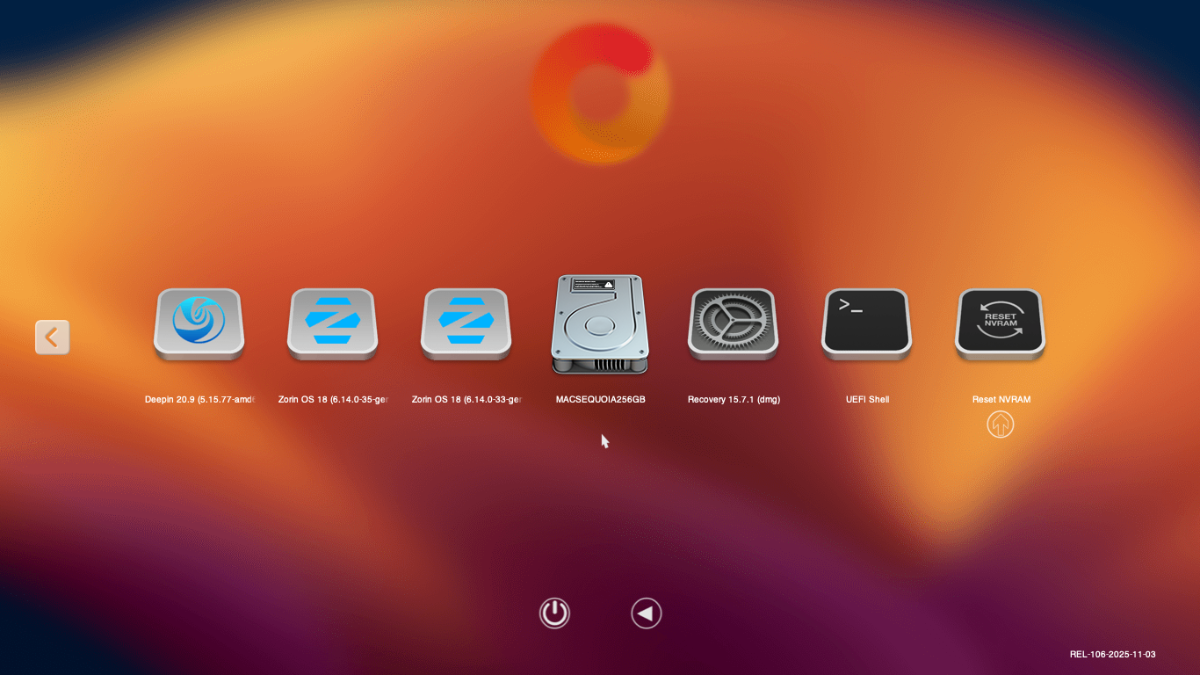
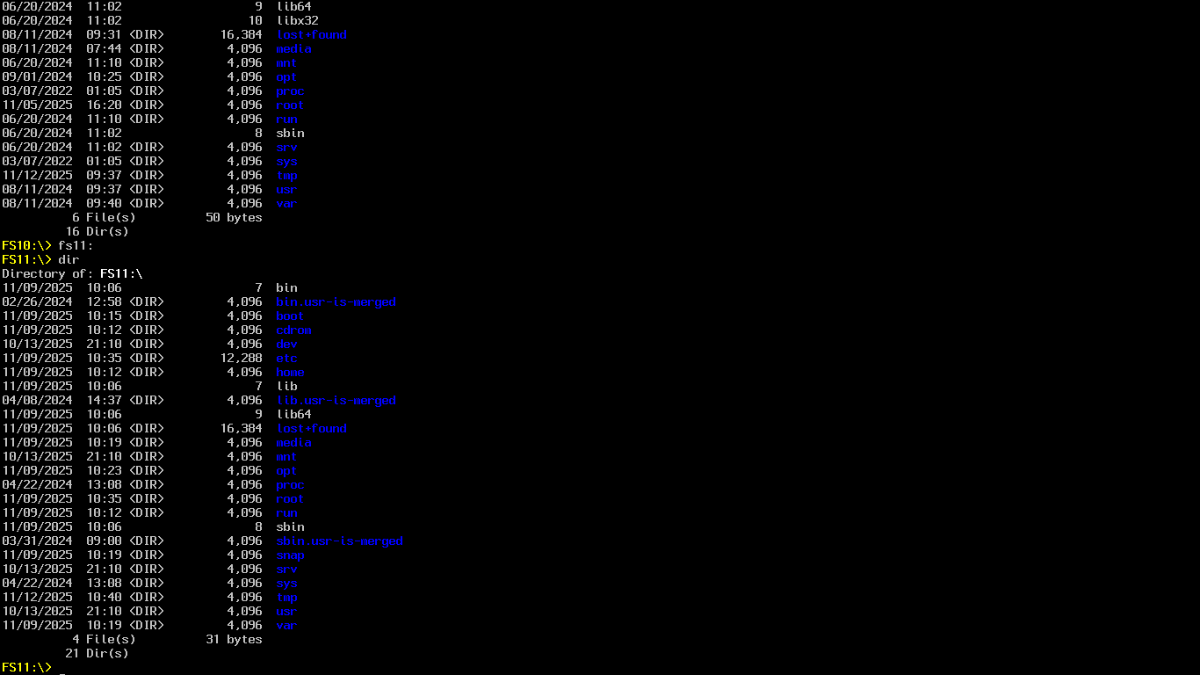
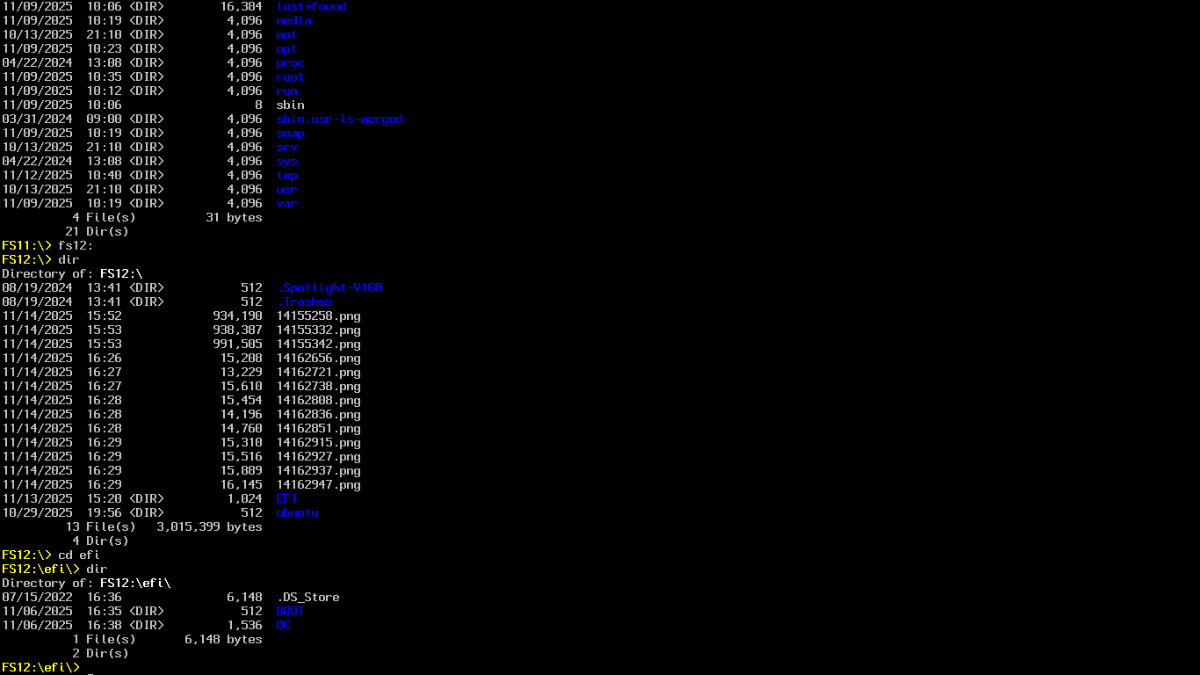
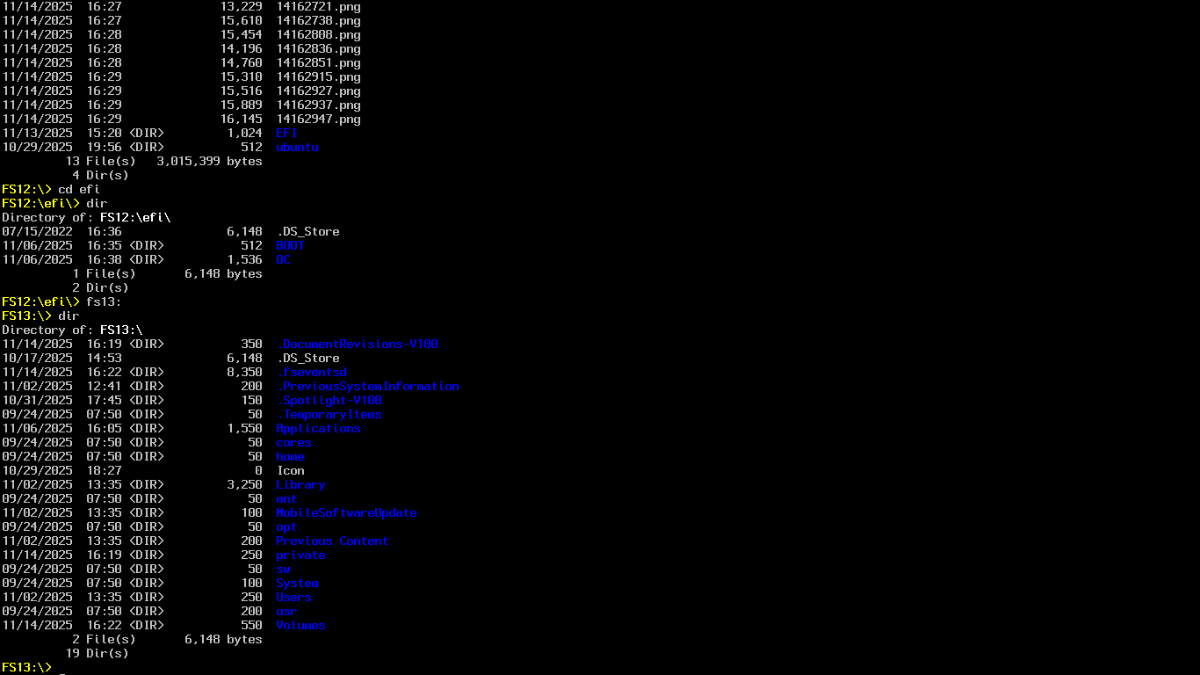
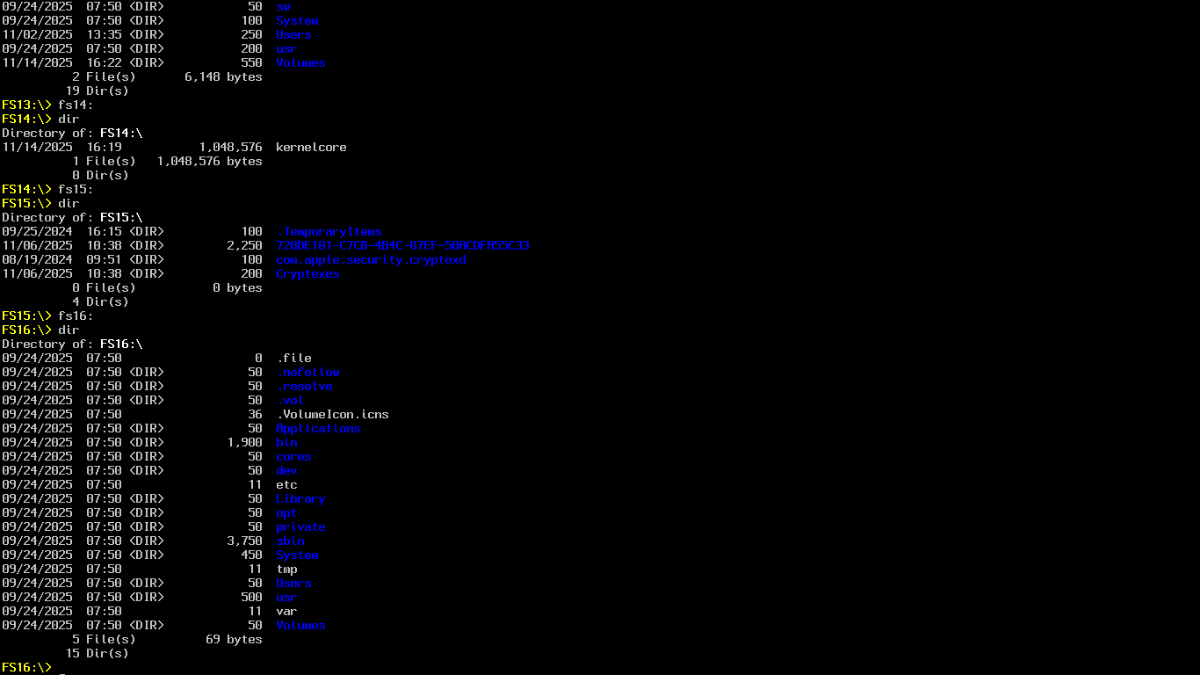
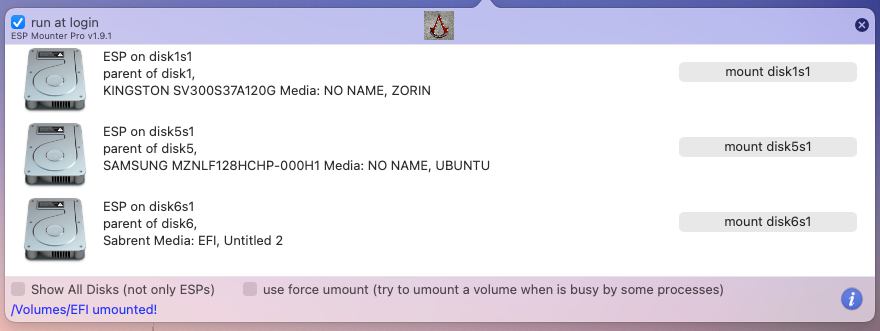
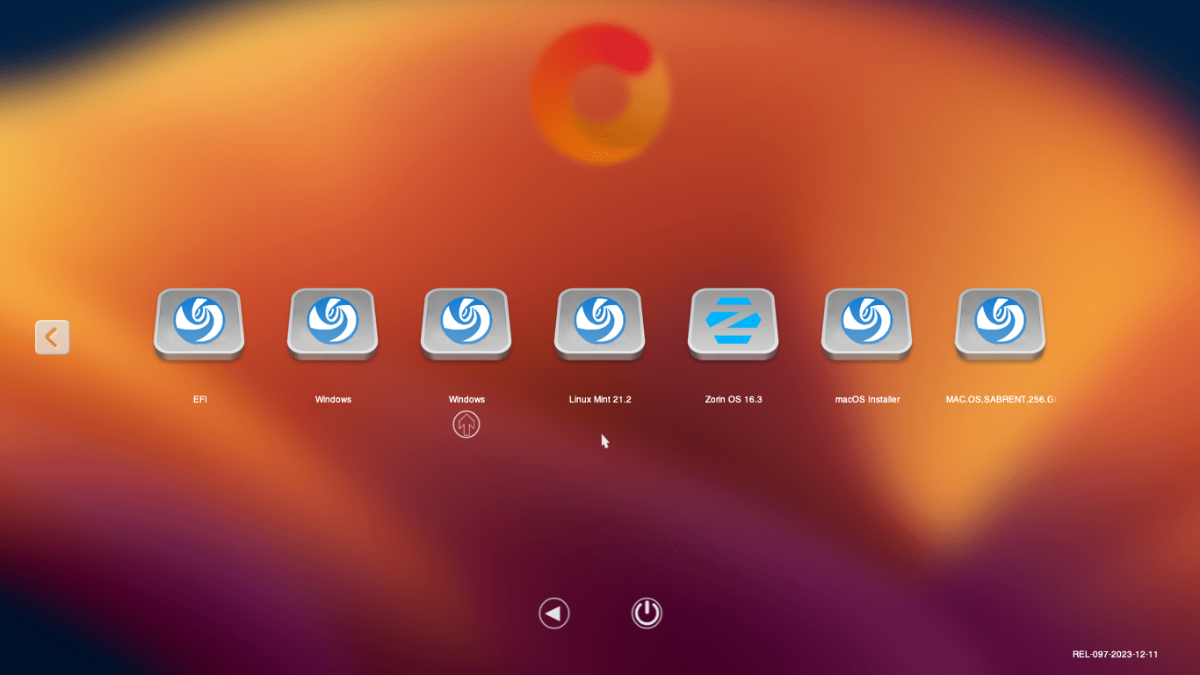
Ciao Anto, sono tornato a regime. Ho installato la nuova ESP e copiato i due file "nascosti" archivio nei boot di tutti i sistemi operativi e li ho avviati tutti funzionano. Ti allego immagini. Al boot oc tutte le icone come inizio post avviano i sistemi manca windows prove che avvio al boot con f12 tastiera. Ho sostituito OpenShell.efi e ti allego le immagini, è stato trovato un ts11 che prima non c'era. ti allego immagini. Ti allego immagine ESP di tutti i dischi rilevati. Nel prossimo post ti invio ESP singoli dischi con EFI sperando di entrare nelle dimensioni max totali.
-
Buongiorno Anto, per il momento non ho la possibilità di dedicarmi al pc. I "vecchietti" come me per fortuna ma anche con piacere servono per "tamponare" le necessità di altri. Appena posso proverò la nuova shell e la esp e ti farò sapere. Grazie e buona domenica. Lorenzo
-
Se guardi diskutil list i dischi hanno efi ognuno per conto proprio. Allora e la shell che li mischia. Cosa intendi per staccare/disabilitare i dischi.
-
👍Grazie
-
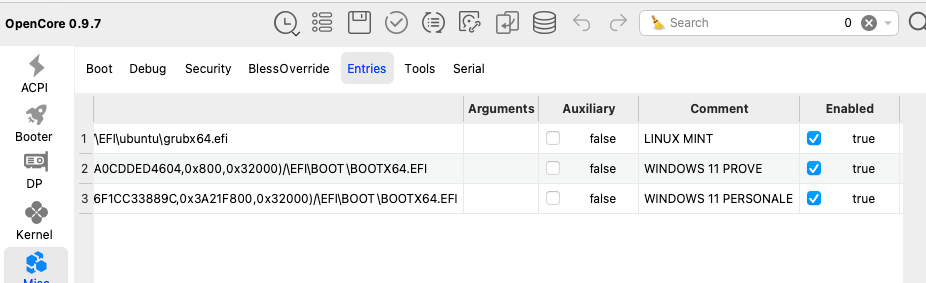
Domani controllerò il plist che ho inviato lunedì. Comunque immagine che ti ho inviato ci sono le entries dichiarate Windows 11 personale e prove. La shell che mi hai allegato la devo copiare in oc??? per montare efi uso esp come da immagine allegata dove si vedono 3 dischi. Grazie
-
Ciao, HideAuxiliary è già abilitato, ho messo i 2 file in cartella BOOT di OC e Ubuntu, windows non c'è come da immagine. il samsung è ubuntu, sabrent è mac e wdc disco esterno per time machine. Ho provato a usare hackcheck per vedere se potevo montare altri sistemi ma appena si avvia poco dopo si chiude. ti allego diskutil list se ti può servire e ho modificato ScanPolicy. fatte queste modifiche non è cambiato nulla. volevo provare a mettere oc vecchia dicembre 2023 ma non la trovo. Saluti Lorenzo ti allego le patch entries attuali e le patch del map attuale che dovrebbero sostituire quelle vecchie dove si evince che manca qualcosa!!!!!
-
Grazie anto per aver risposto. Tutto ok per i miei 77 mi accontento .Domani proverò i tuoi suggerimenti. Prima di reinstallare zorin 18 le icone erano tutte ok e funzionanti. Mi sembra strano che dopo si sia stravolto tutto. Se hai tempo vorrei che controllassi le entries che ci sono nel plist con la map perché alle stringhe del map mancano alcuni dati in quelle di Windows personale e prove e non riesco a farle vedere al boot. Grazie e buona serata. Lorenzo
-
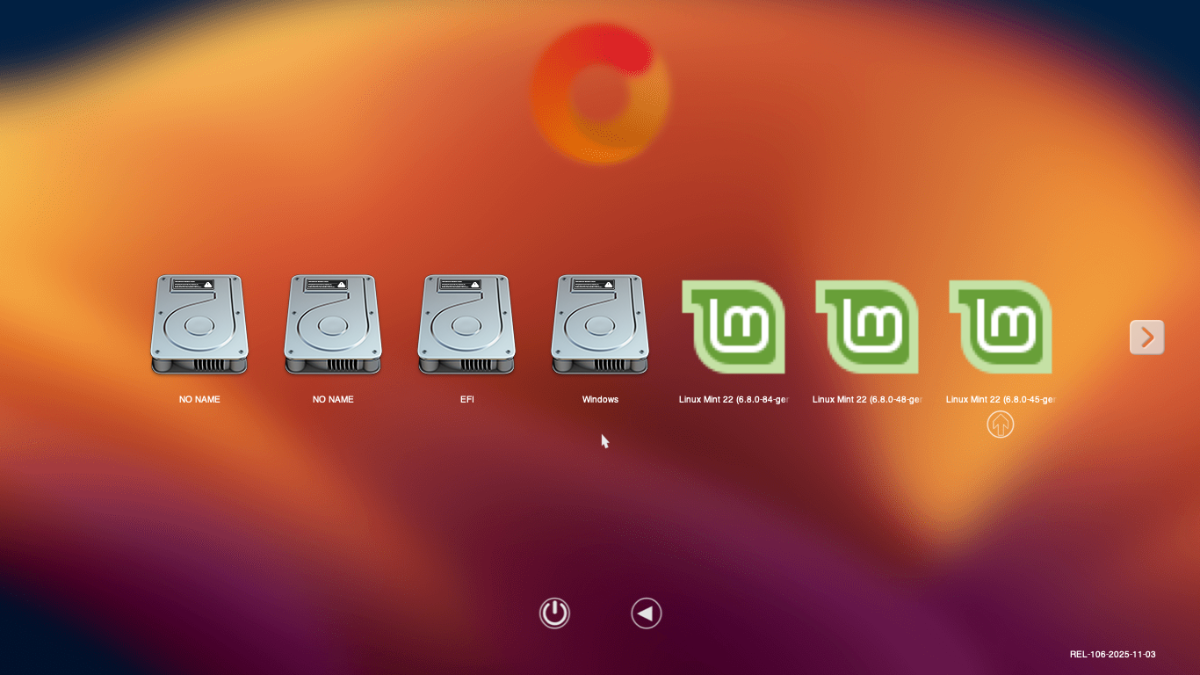
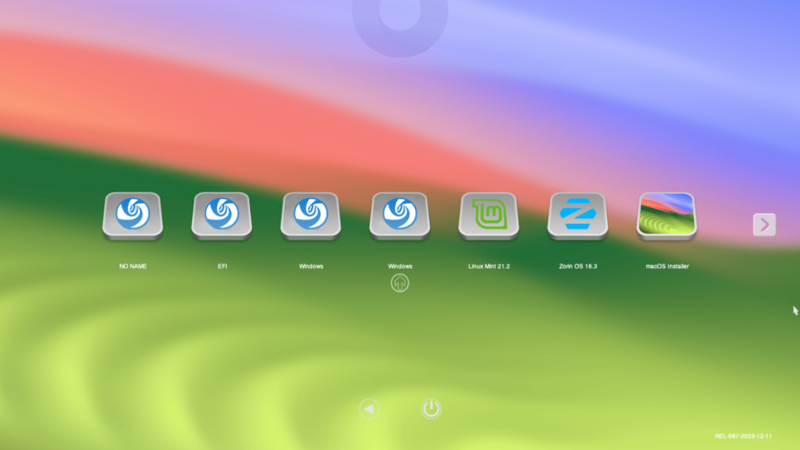
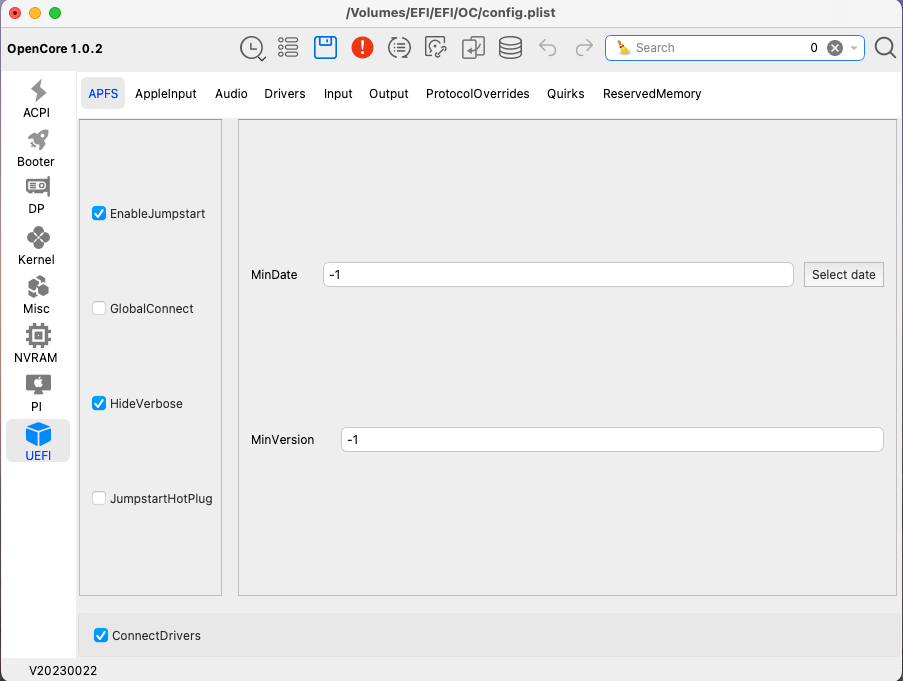
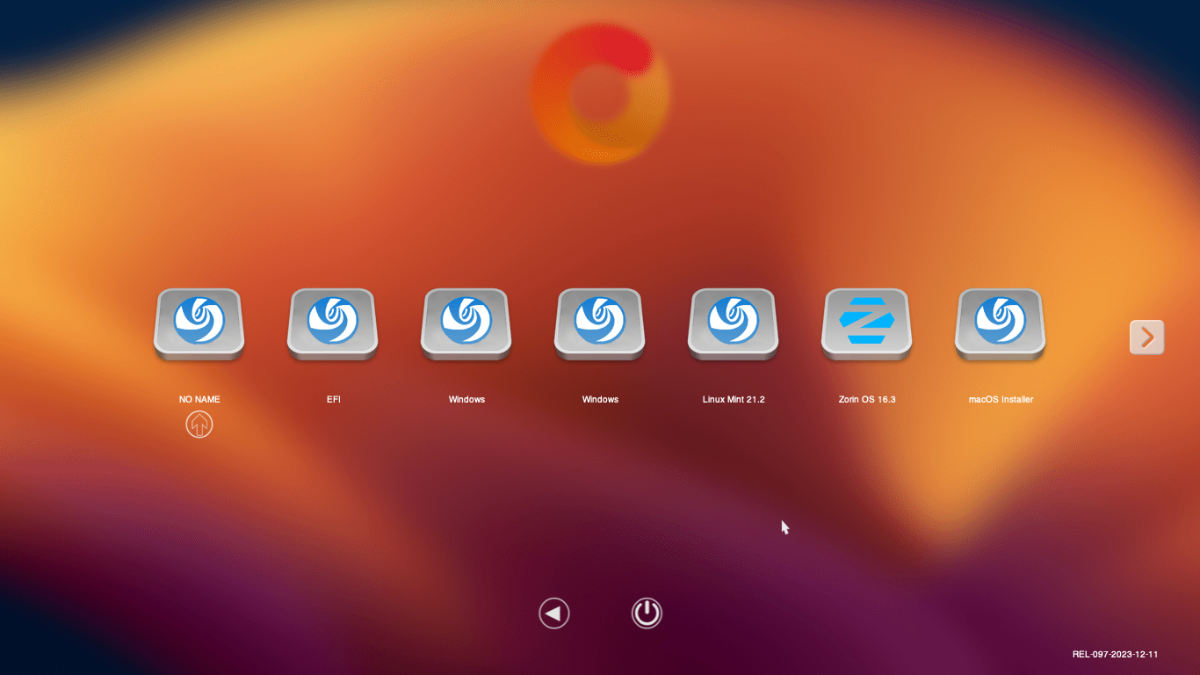
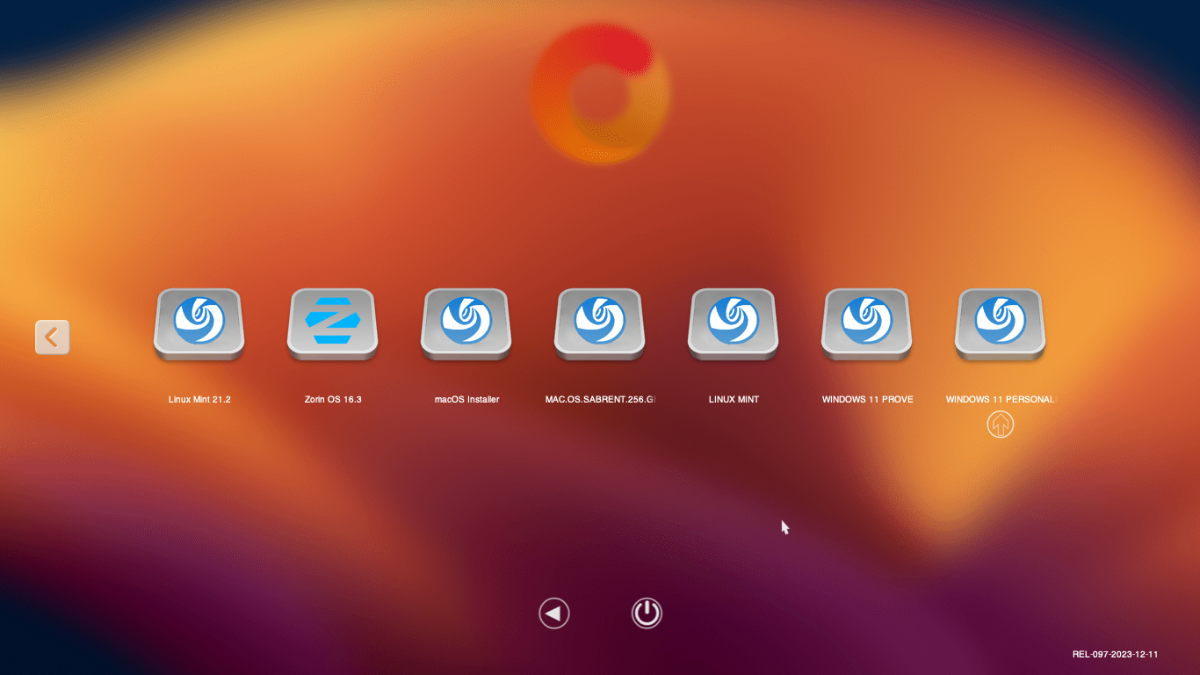
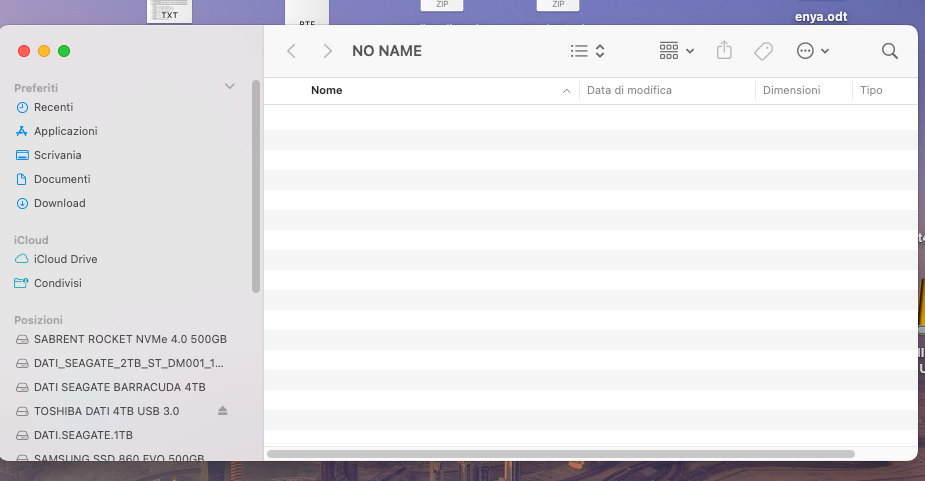
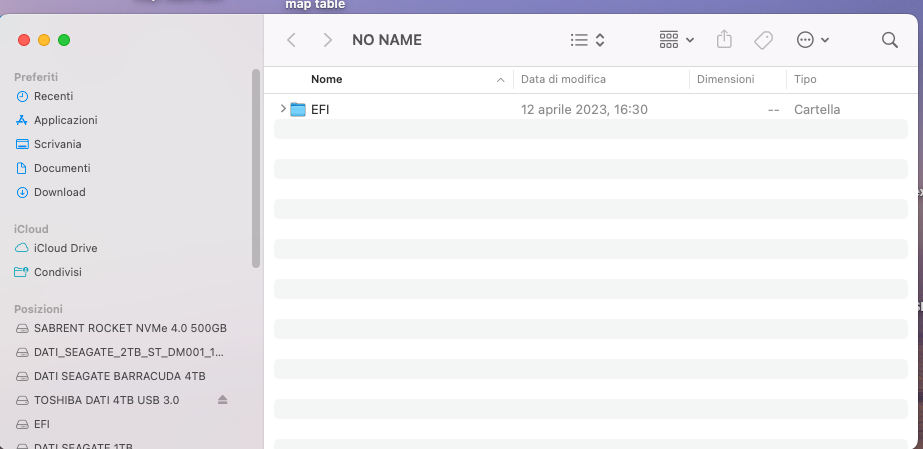
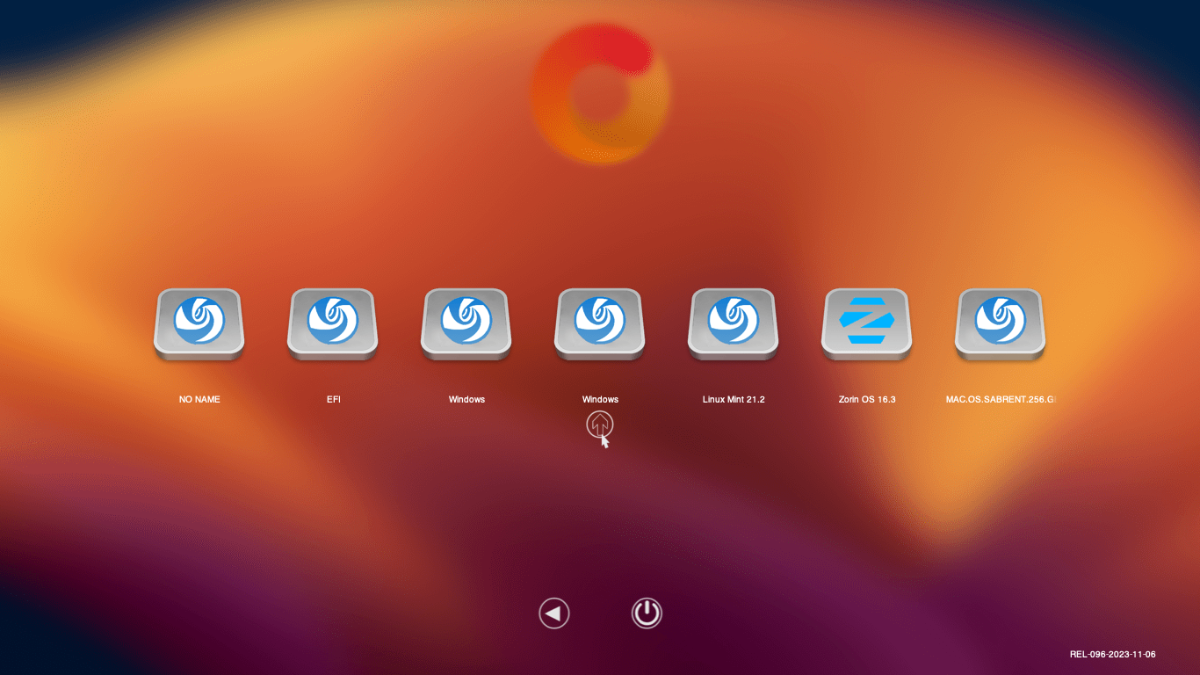
Buon pomeriggio, dopo un po ritorno per chiedere supporto. Non riuscendo aggiornare zorin 17 a 18 tramite download ho preparato con rufus la usb 18 e ho installato nello stesso disco dove c'era il 17. al riavvio oc visualizza quasi tutte le icone multiplicate una mancante, vi allego immagini. da sinistra il primo no name non si accede a nulla,il secondo no name si accede al grub di linux, efi nulla, windows a windows personale, poi 5 icone mint tutte accessibili al sistema così come debian, regata, deepin, zorin e mac. manca icona windows prove, al quale posso accedere al boot tramite F12.vi allego immagini oc dicembre 2023 dopo quella data ho installato debian, regata e deepin in un disco da 500gb diviso in 3 partizioni e all'avvio di oc potevo scegliere quale sistema avviare. vi allego la efi dove nel config.plist ci sono ancora la entries "vecchie" perchè quelle risultanti dal map non sono riuscito a farle vedere in avvio di oc. allego shel e altro. Non riesco allegare la efi.zip completa.(questo è il messaggio 1 file sono è più grandei della dimensione massima consentita per i file di 11,72 MB è stato saltato). vi allego il plist. in attesa vostri consigli per risolvere il problema saluto. Lorenzo map-table.text.zip map.zip config.plist.zip
-
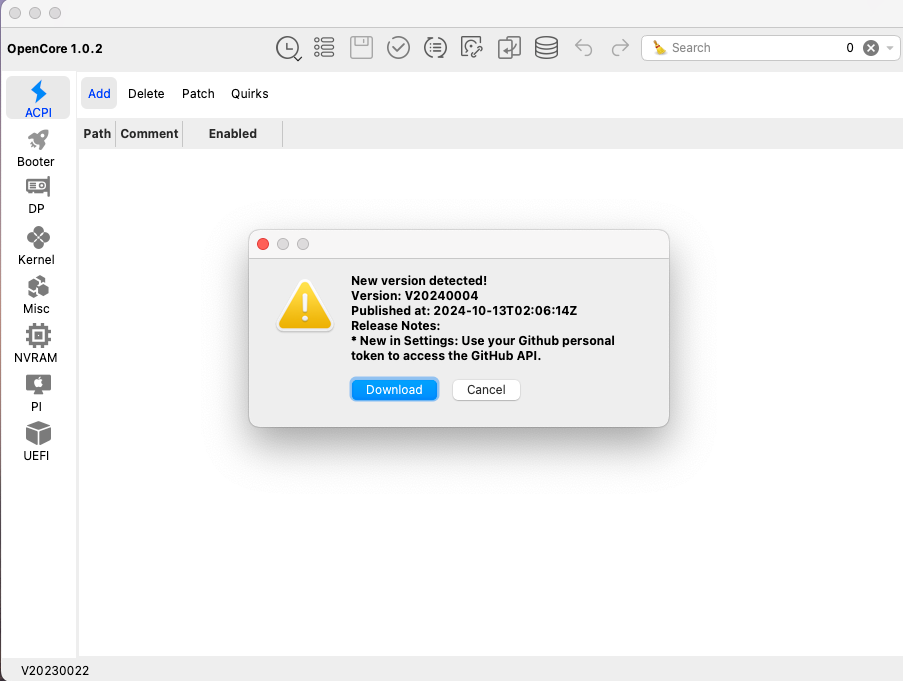
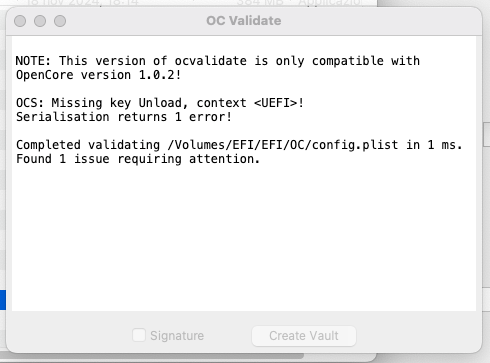
Grazie Anto65 aggiornato errore sparito e non si aggiorna più ogni volta che aprivo il config. Però ho dovuto in ottieni informazioni apri con "cambiare di default OCAuxiliaryTools 20230022 con OCAuxiliaryTools (xxxx.xx) altrimenti apriva con la vecchia versione e mi chiedeva di aggiornare ogni volta".
-
Buona giornata dopo molto tempo torno a chiedere aiuto. Attualmente ho la versione macOS sequoia 15.3.1 (24D70). OC mi da errore e ogni volta che accedo a OC mi chiede di aggiornare lo faccio e al riavvio di OC mi chiede di aggiornare. Ho cercato in OC ma non so dove mettere le mani per correggere errore e continuo aggiornamento. Allego immagini e config.list. In attesa suggerimento grazie. Lorenzo config.plist.zip
-
Buona sera, ho avuto ancora problemi con il bios della scheda madre e ho rifatto il reset completo come descritto nelle conversazioni del 2022. avviando l'icona di win prove mi dava questo messaggio: oc boot falled invalld parameter. ho rifatto shell ho sostituito pciroot ma non si avvia nulla.Allego immagini, map e config. Grazie config.plist.zip map-table.text.zip
-
Ciao, si fast boot disabled e avvio rapido disabilitato.
-
Ho eliminato da entries mint. Come nascondere no name, efi e le due windows nel boot.1??? Con boot.2 meglio molto meglio. Grazie L'unica cosa che non si è riusciti a risolvere è lo spegnimento del pc, pazienza
-
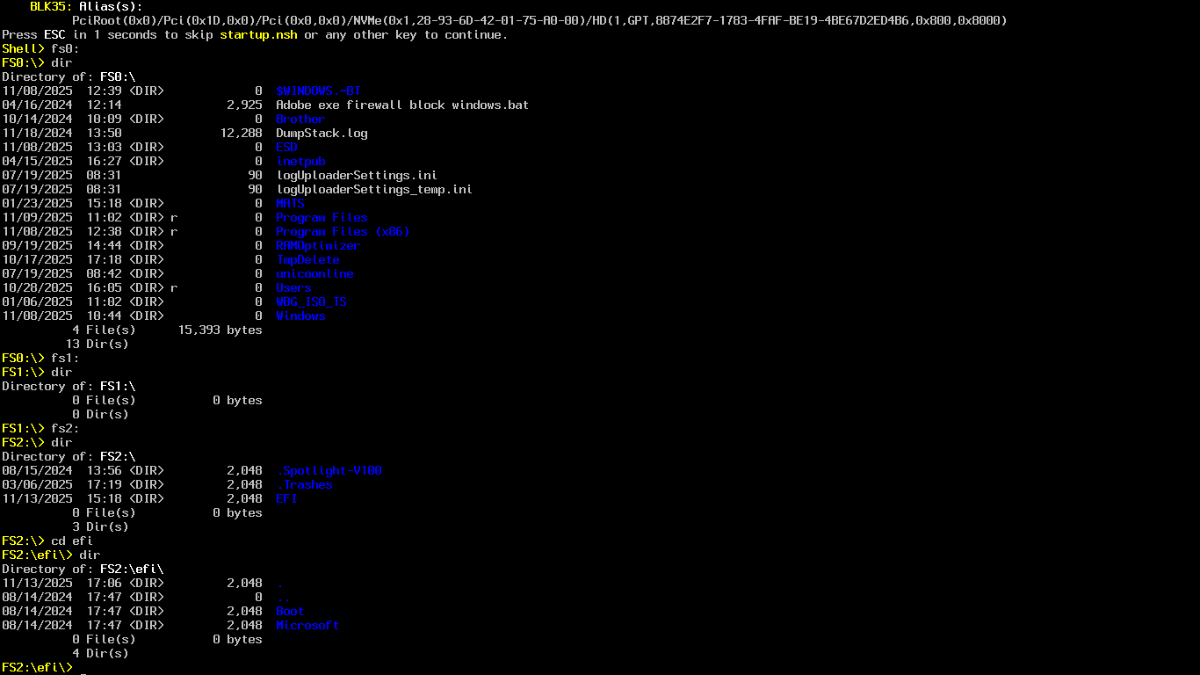
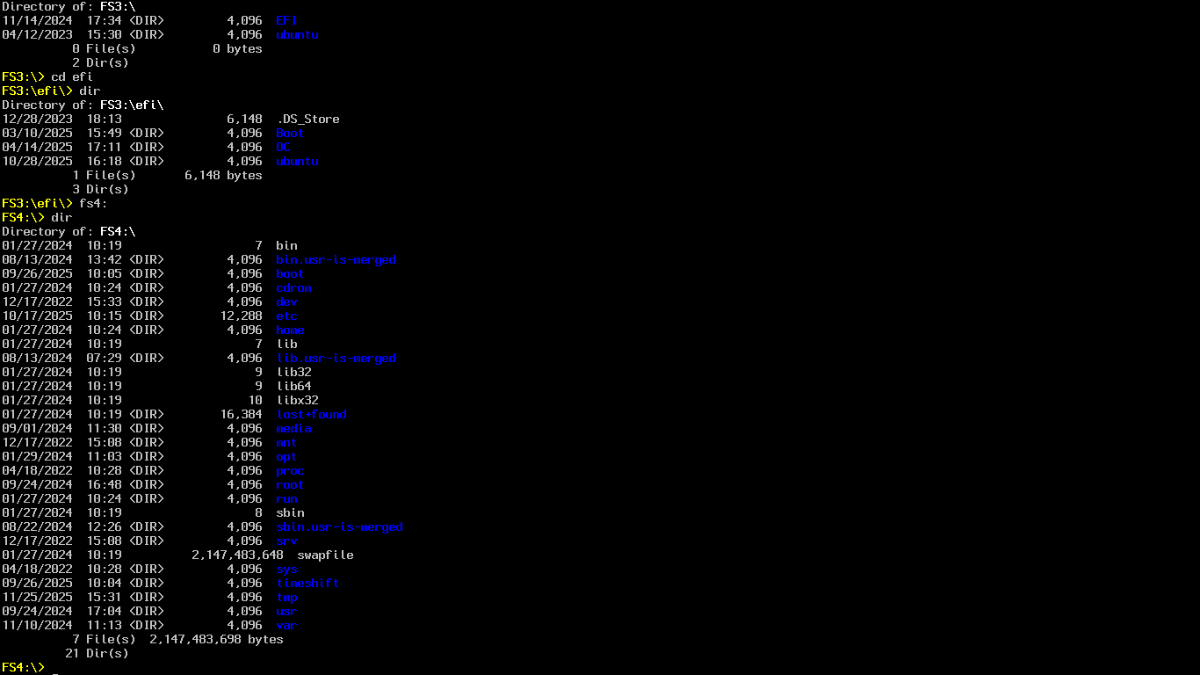
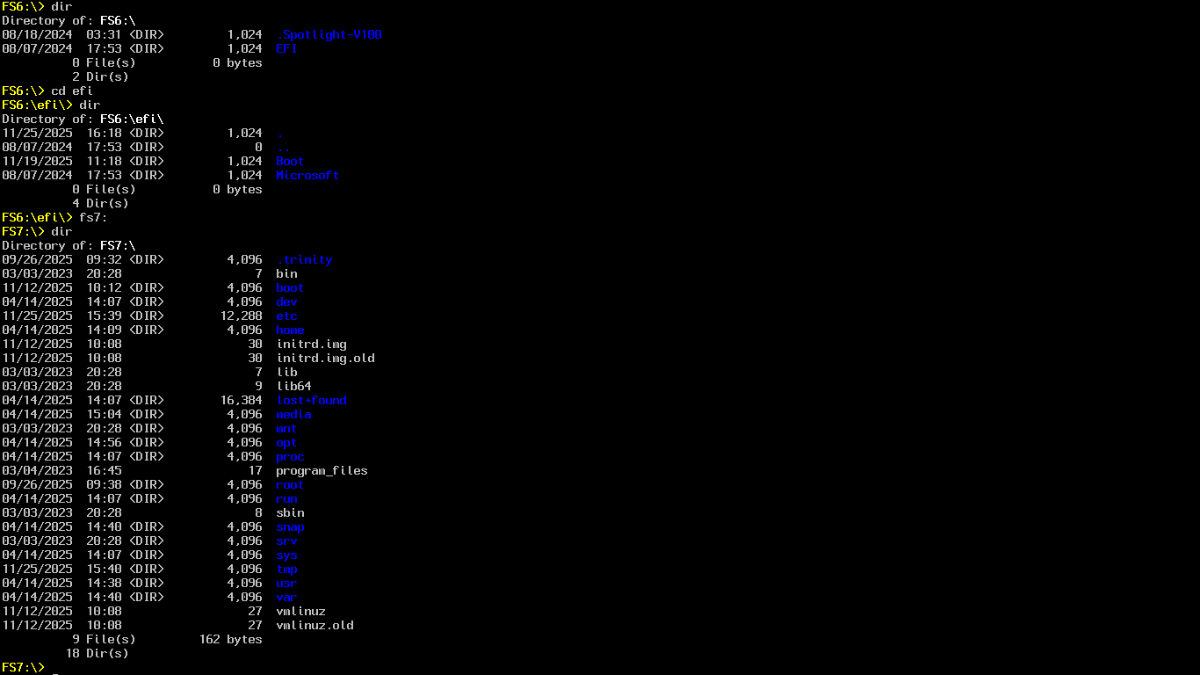
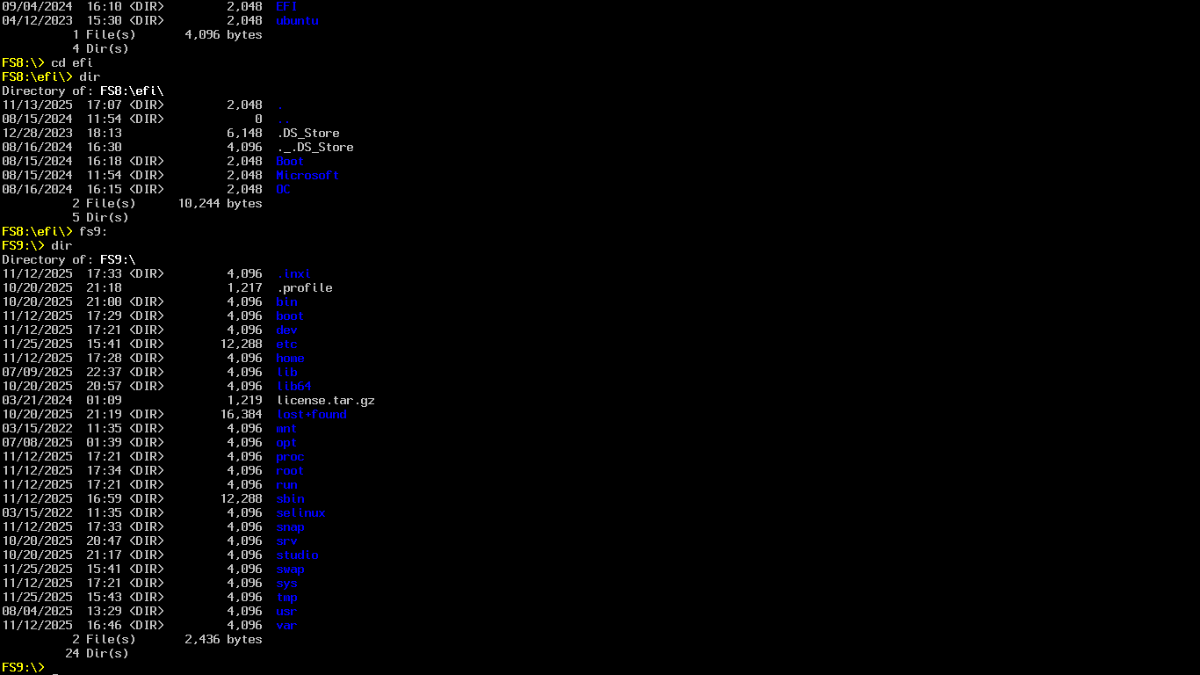
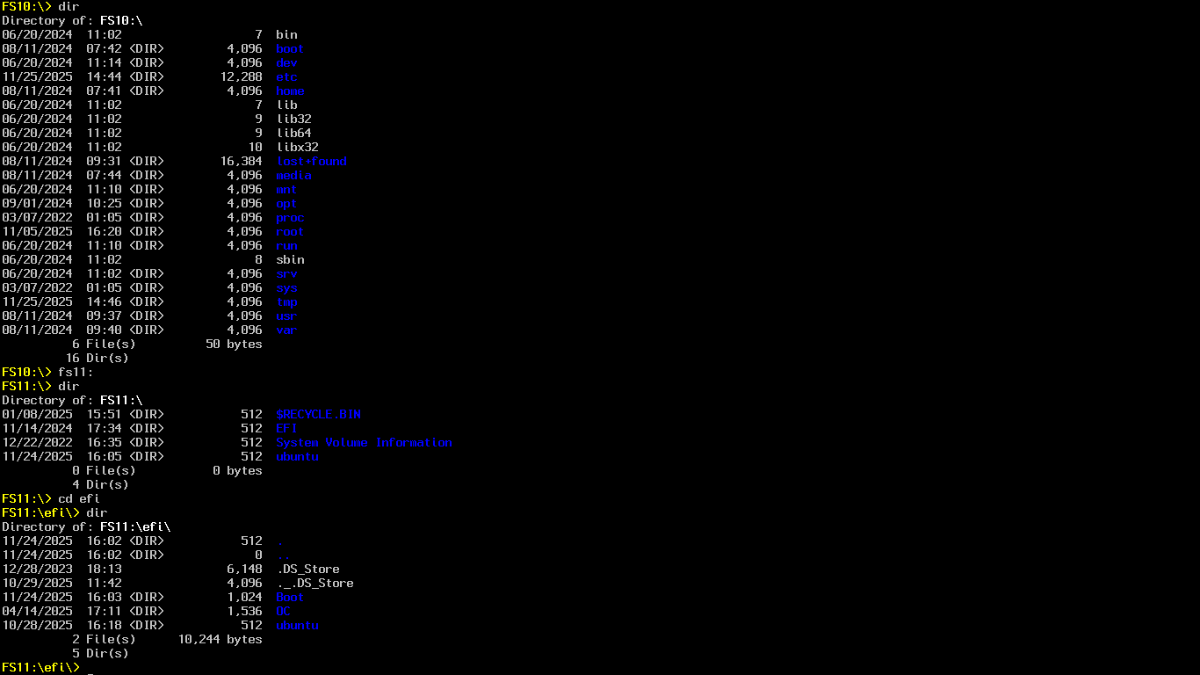
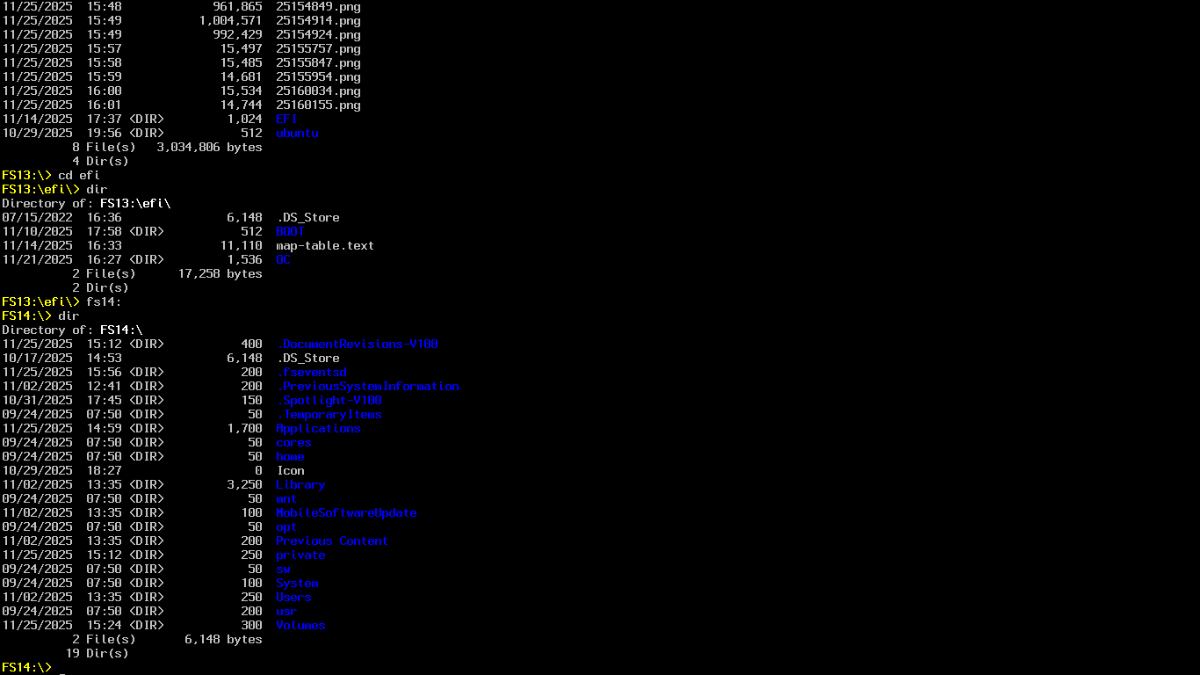
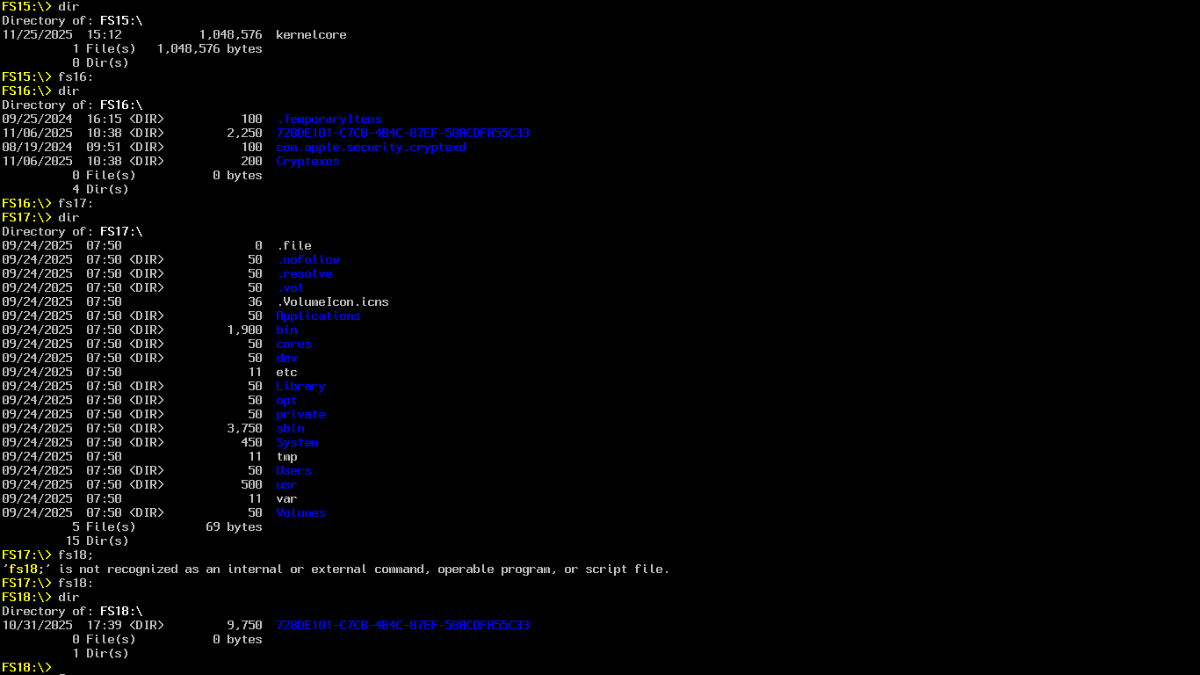
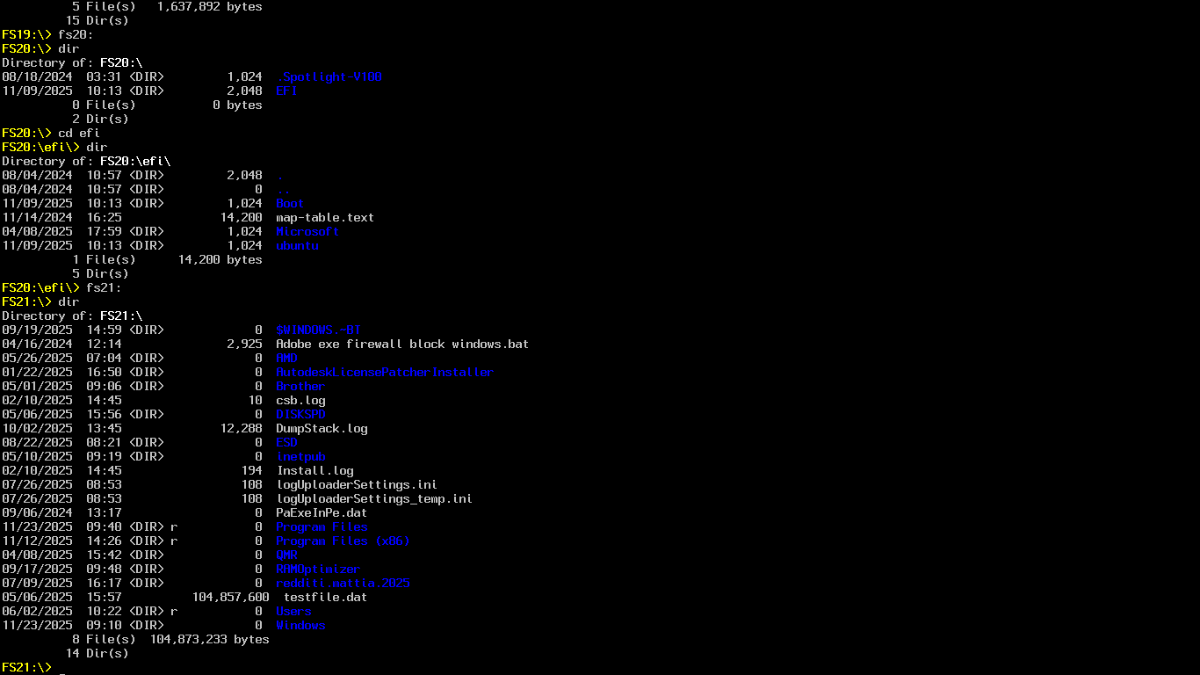
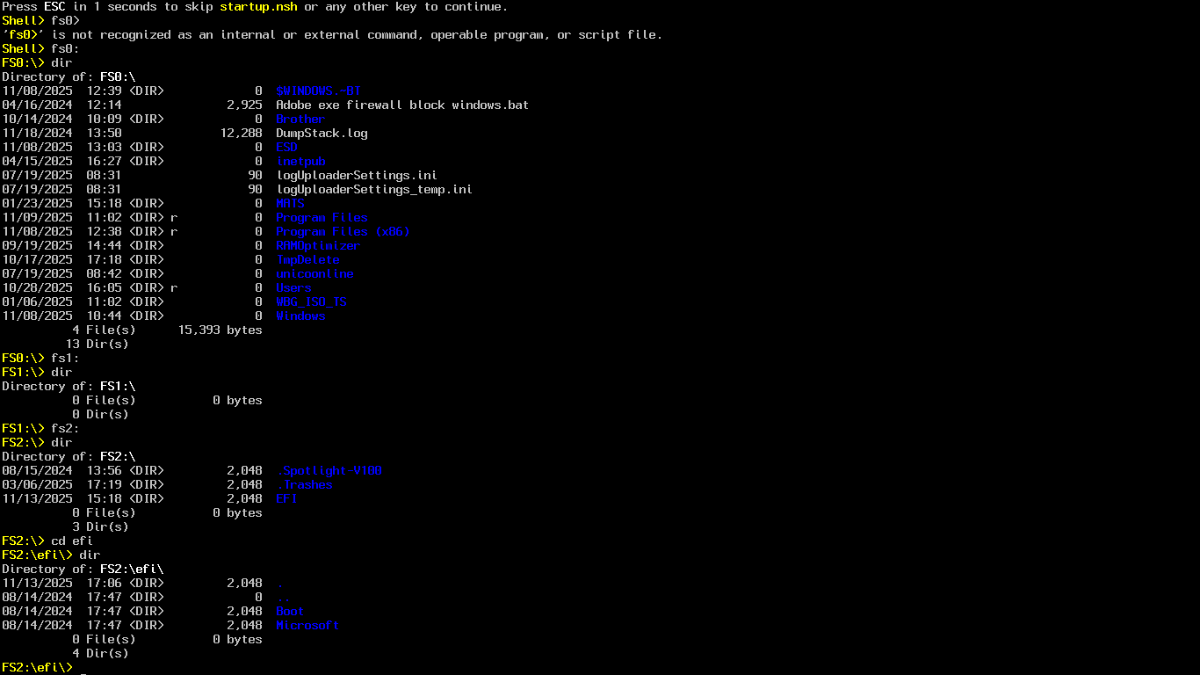
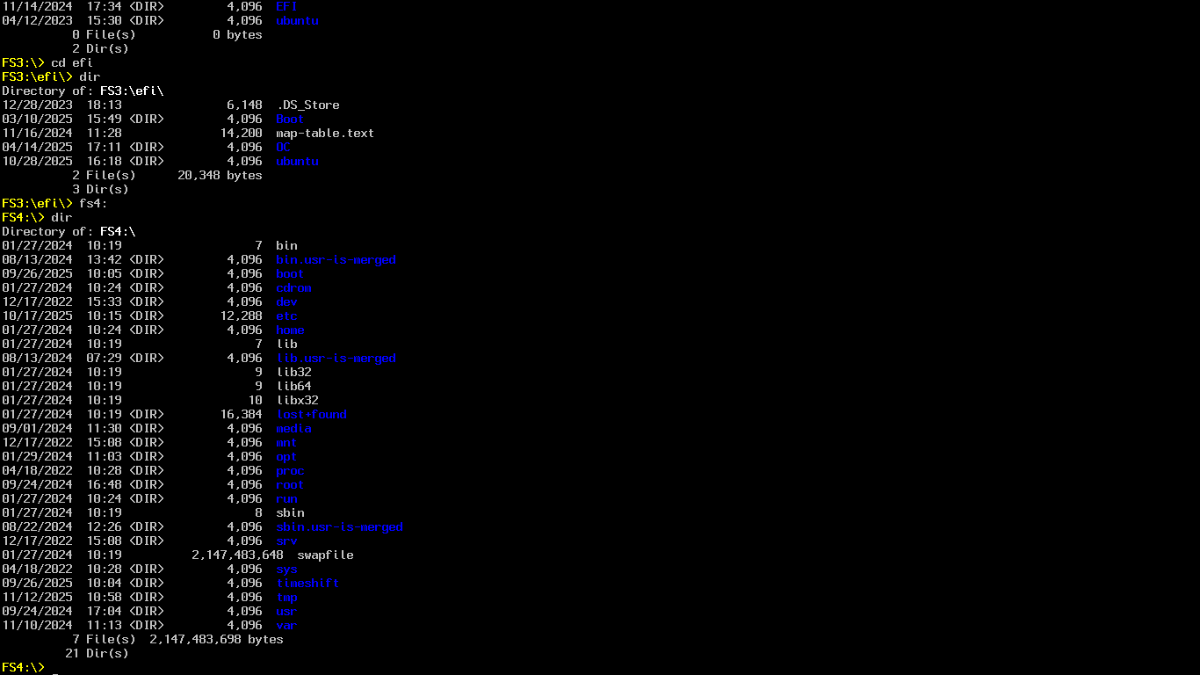
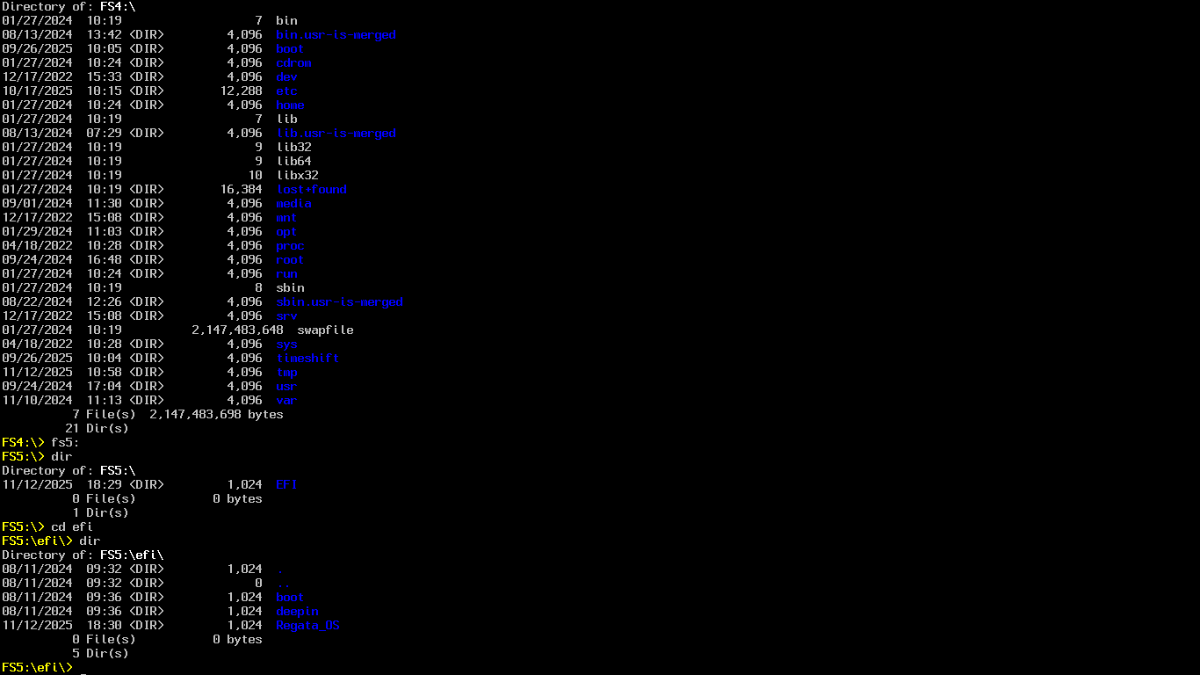
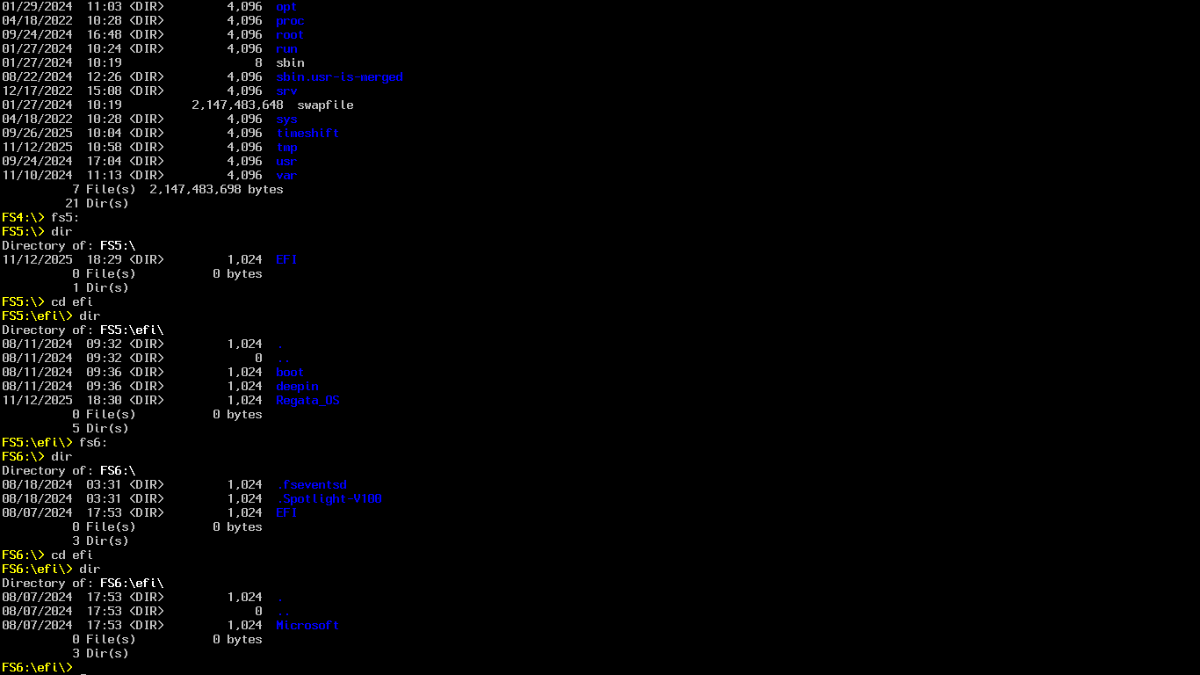
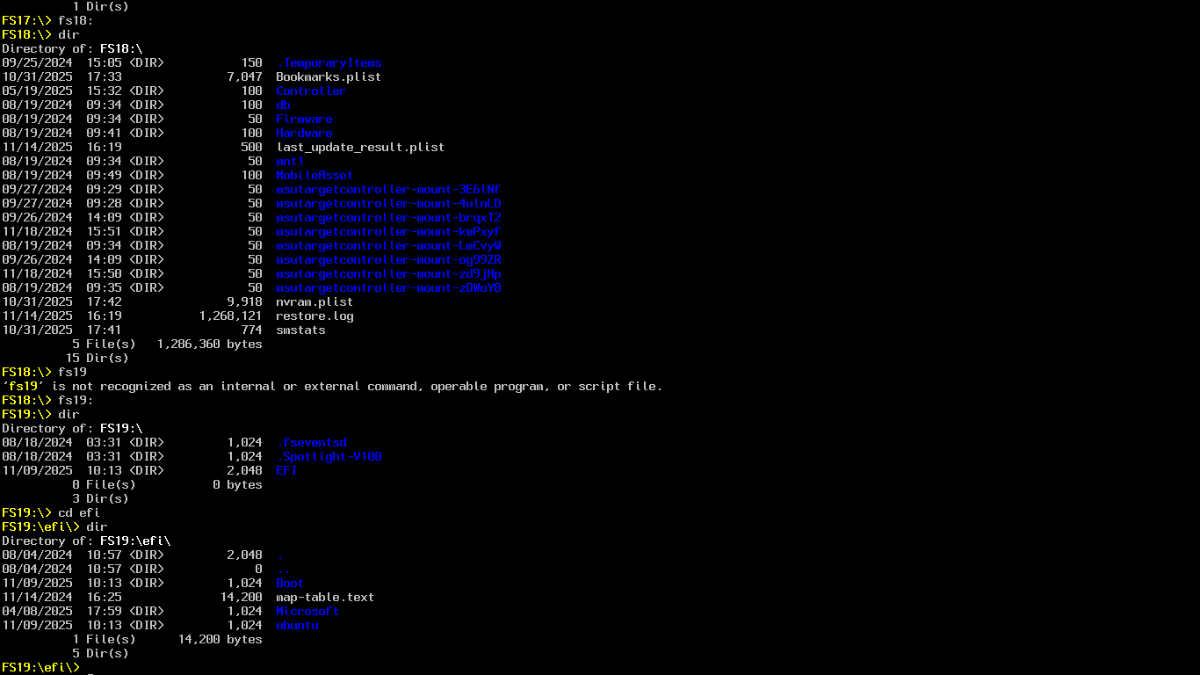
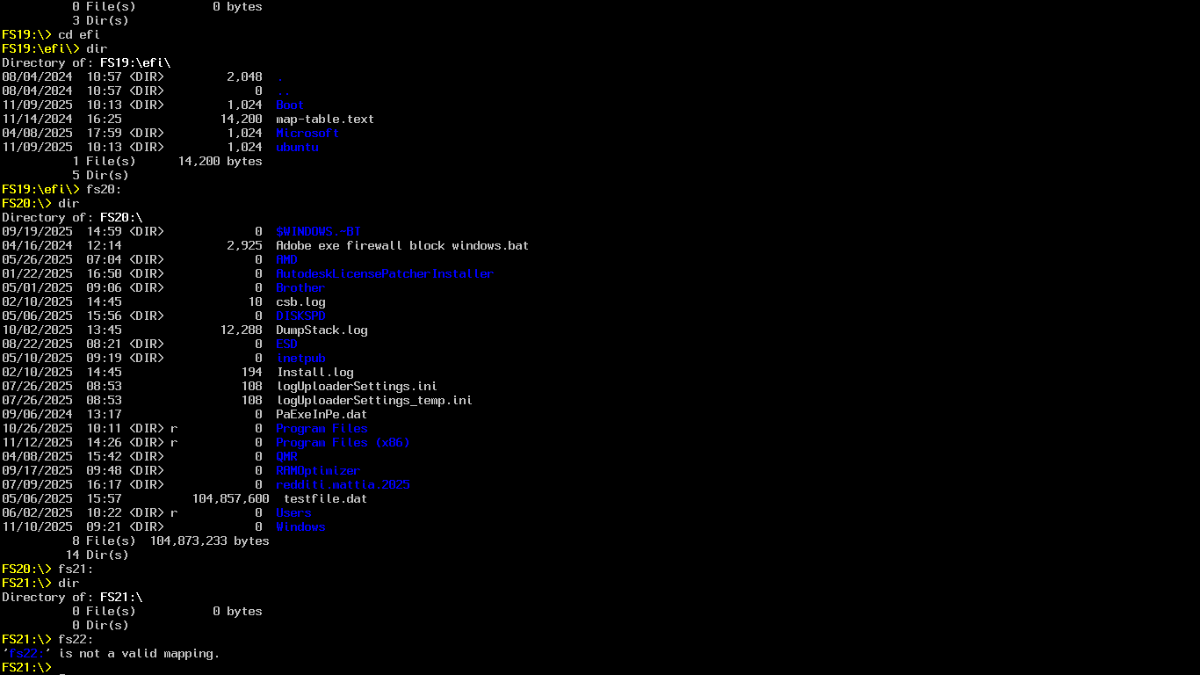
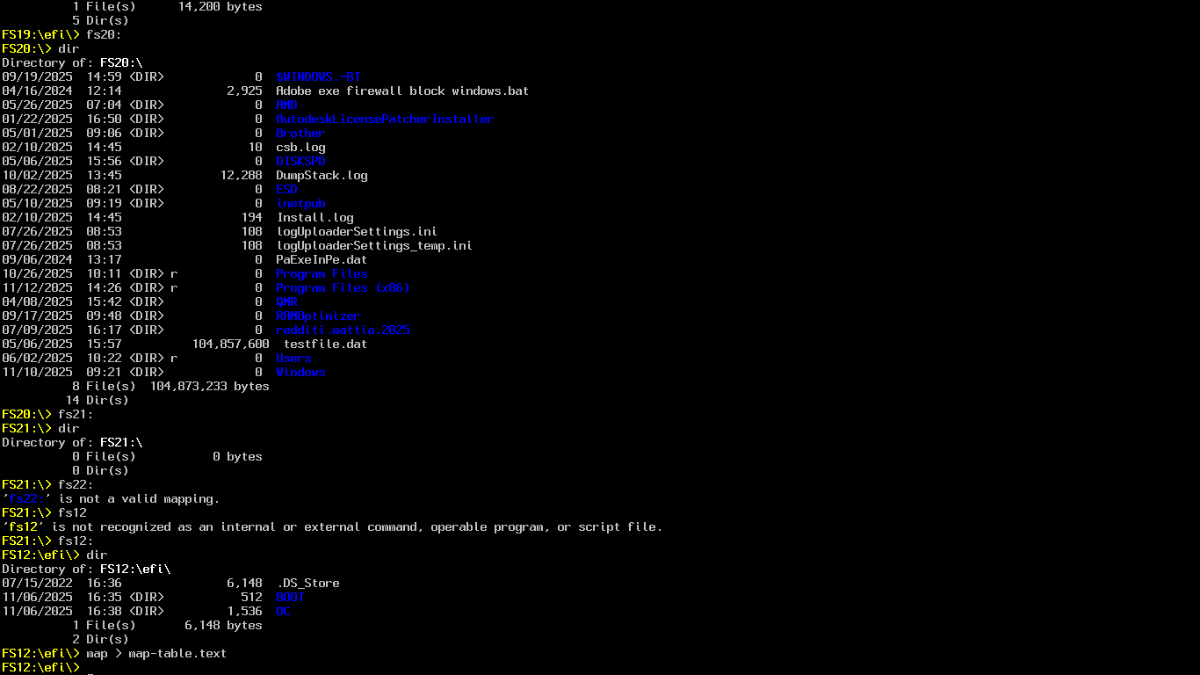
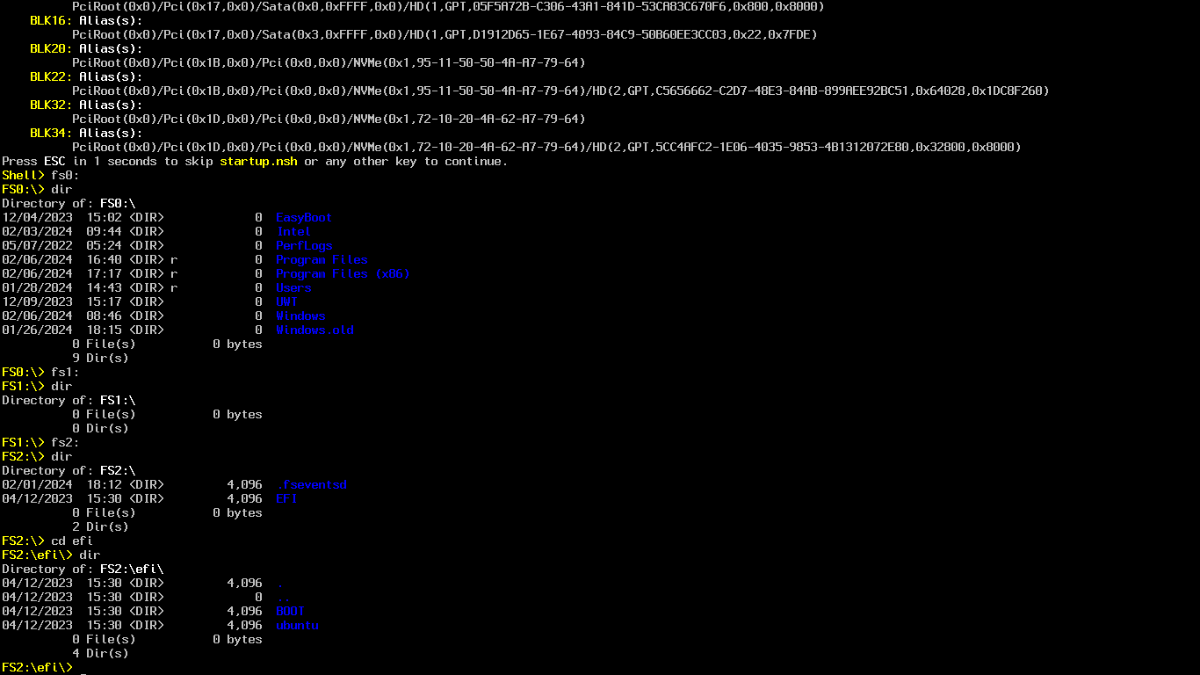
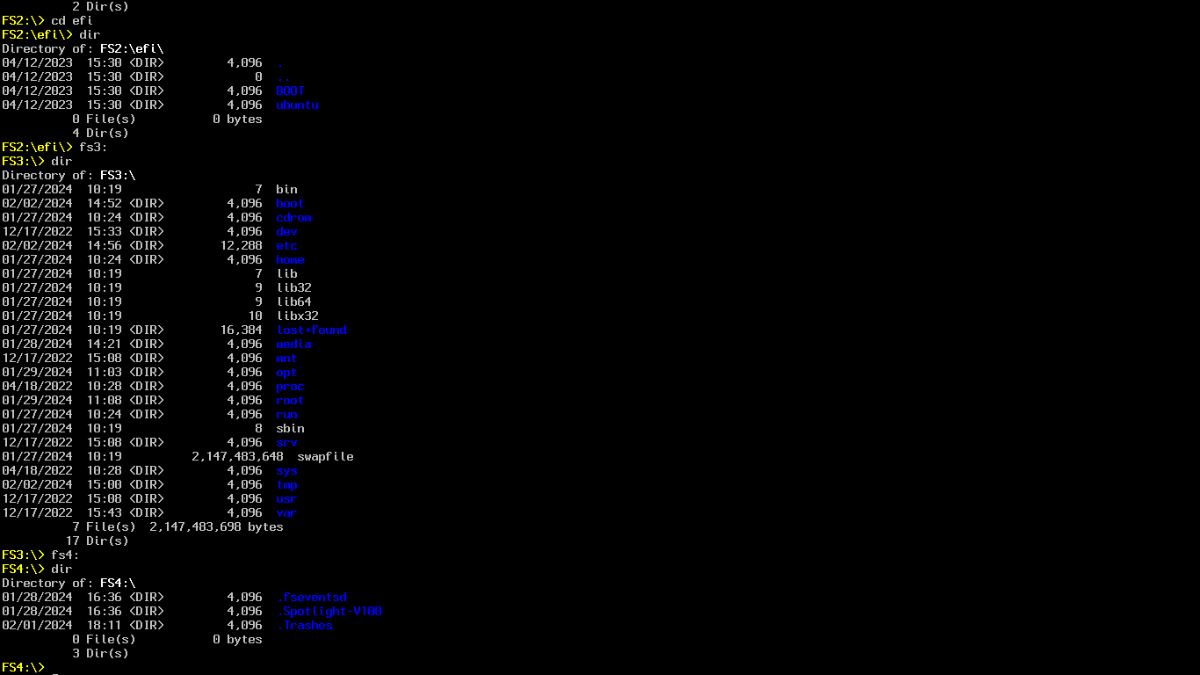
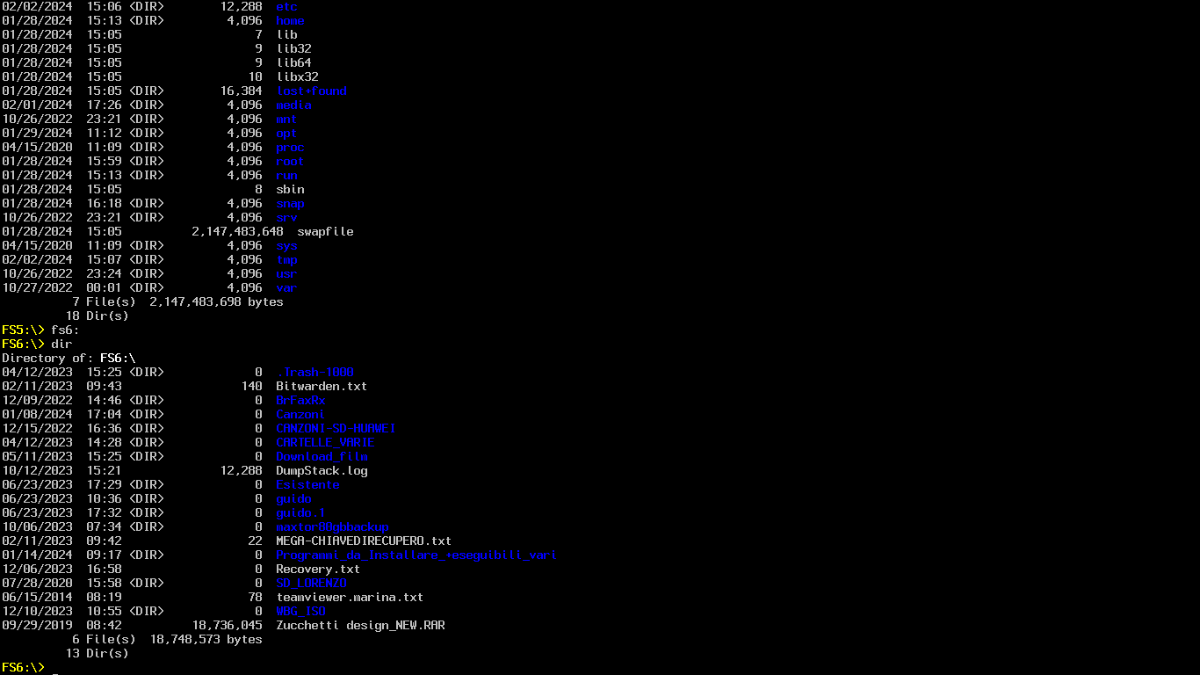
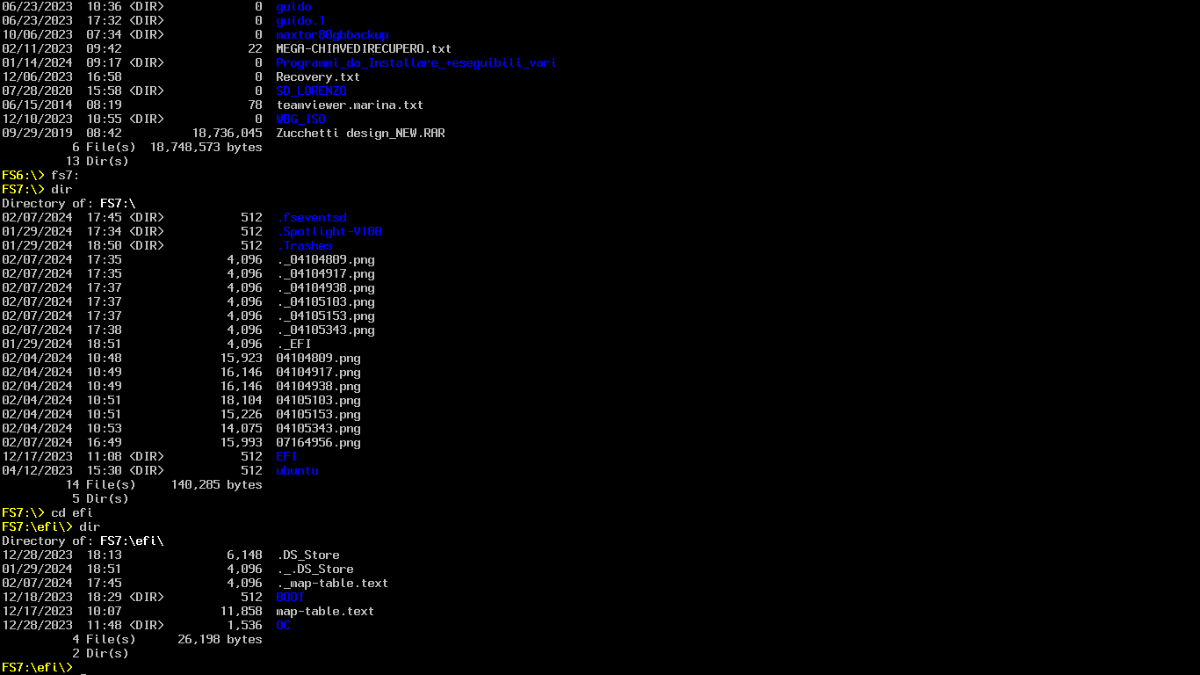
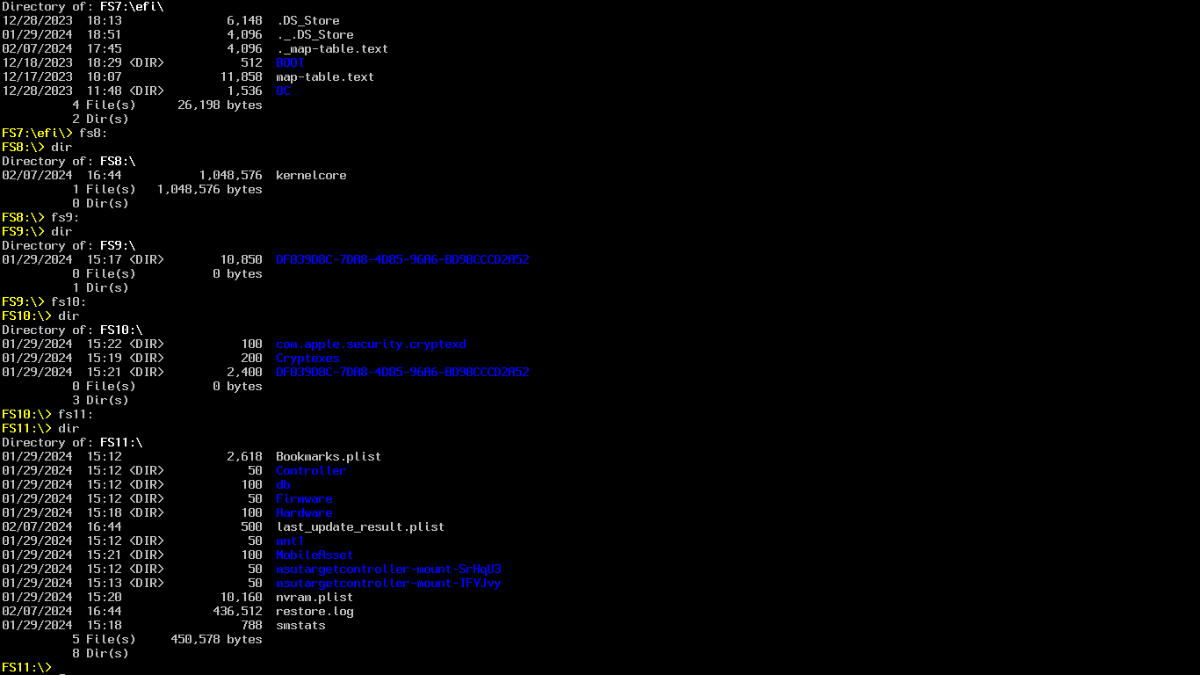
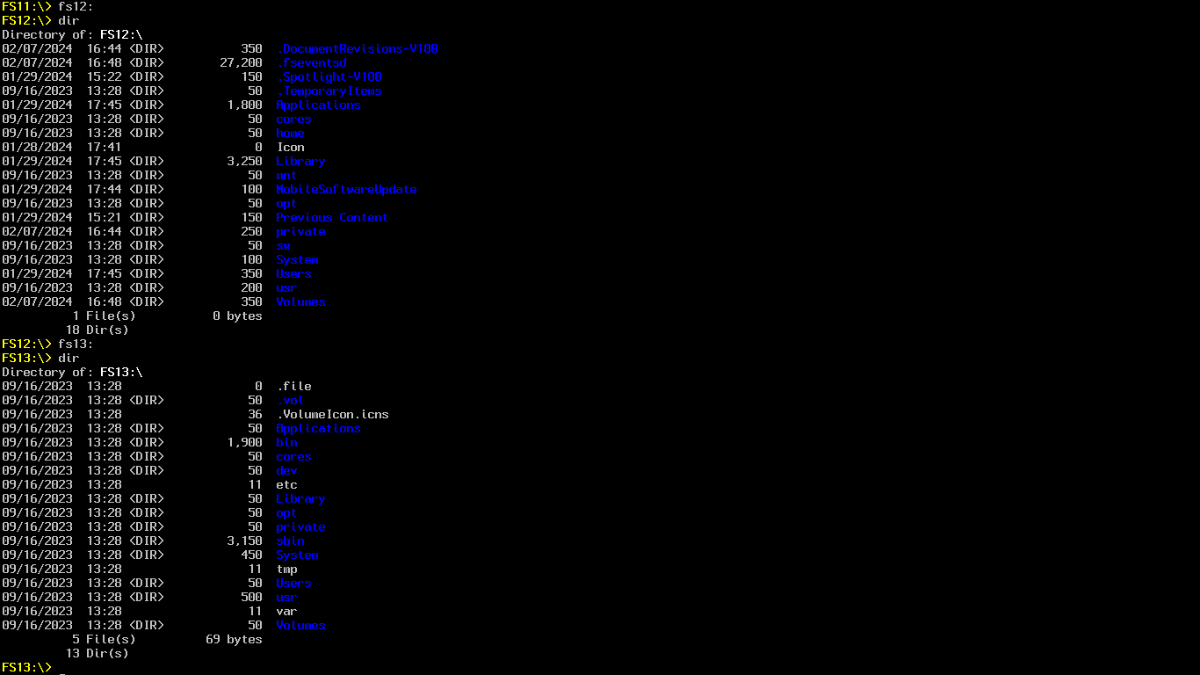
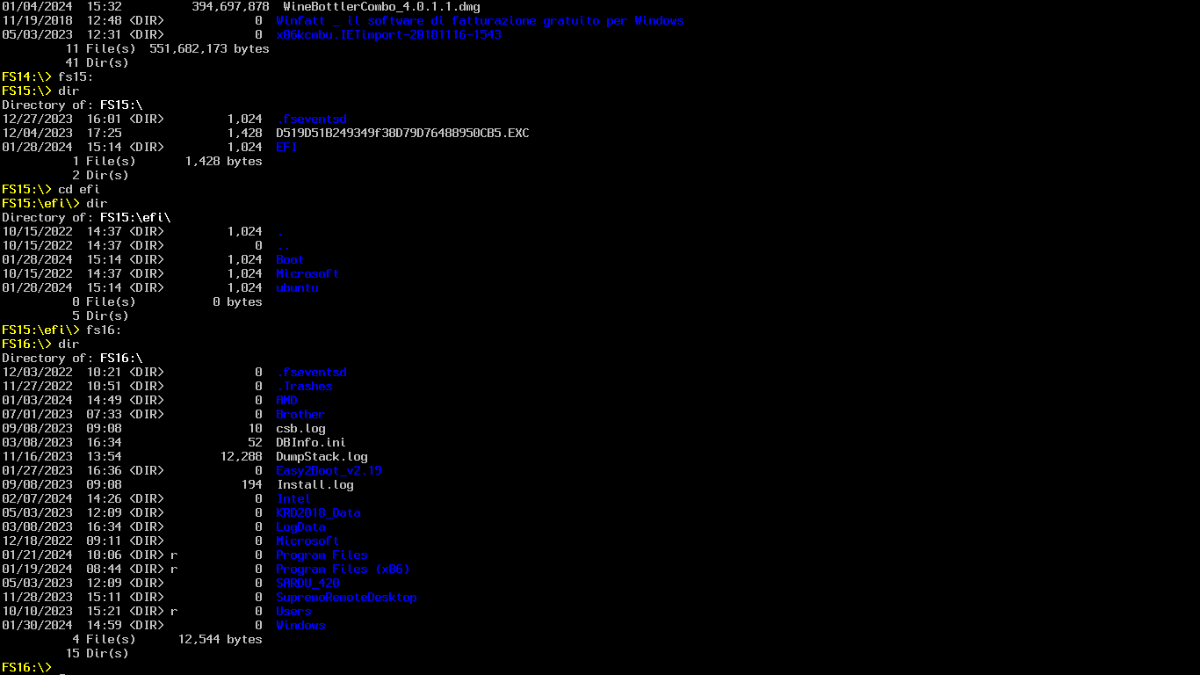
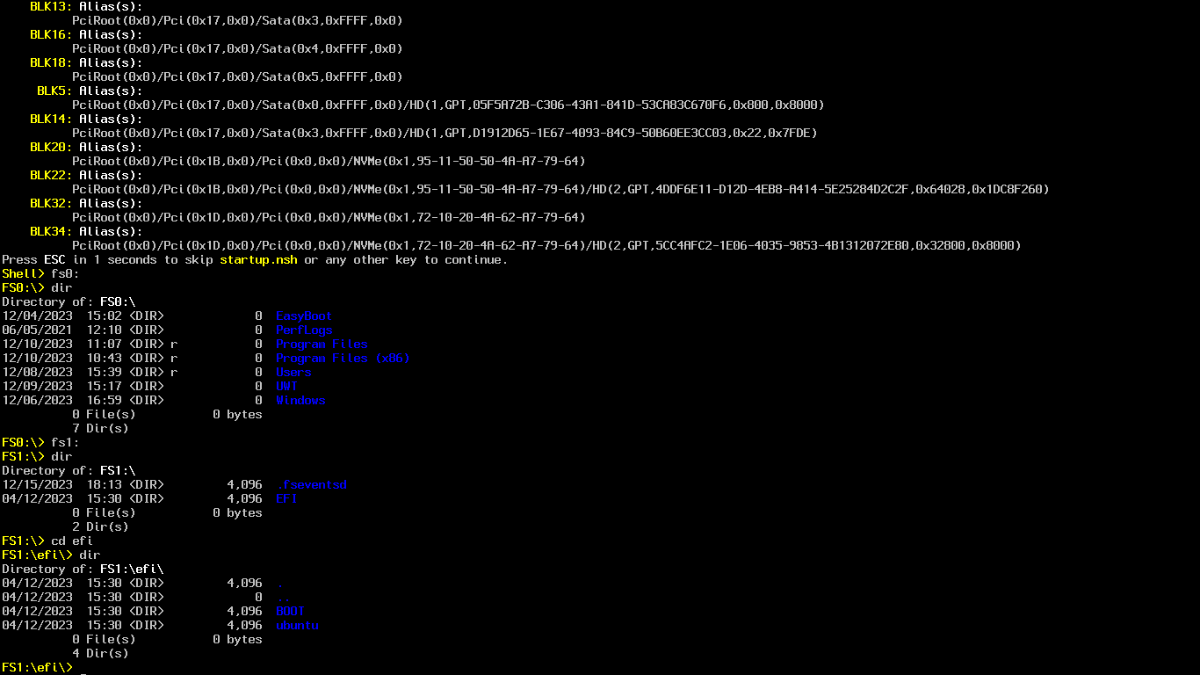
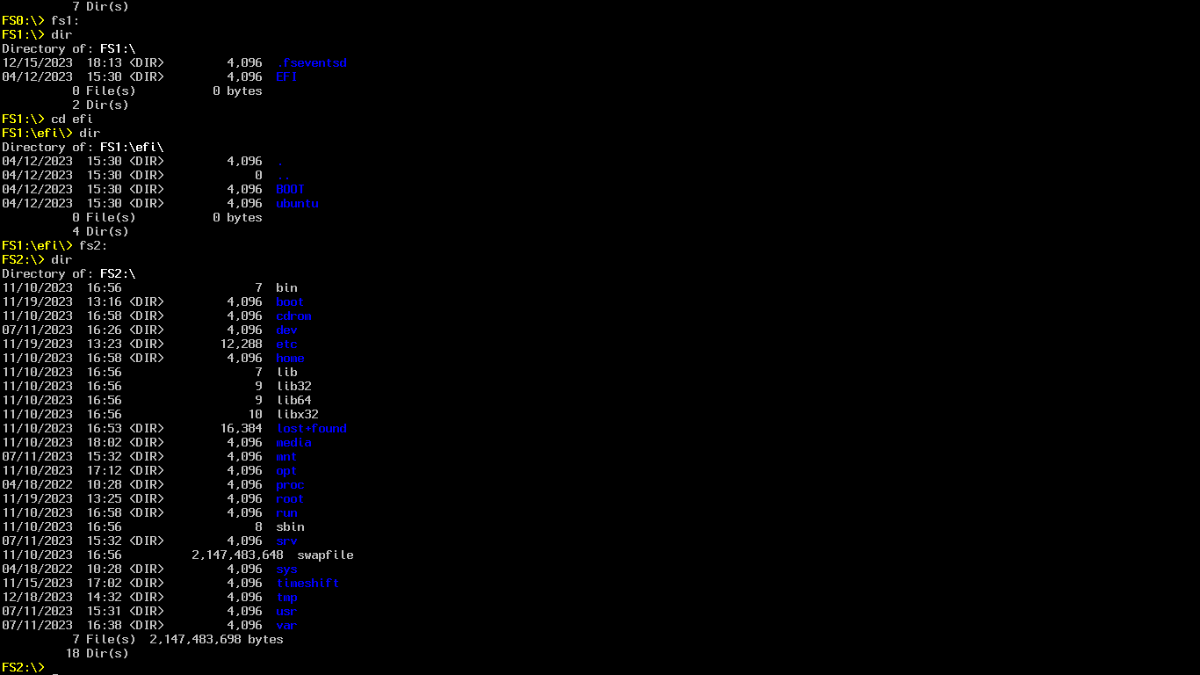
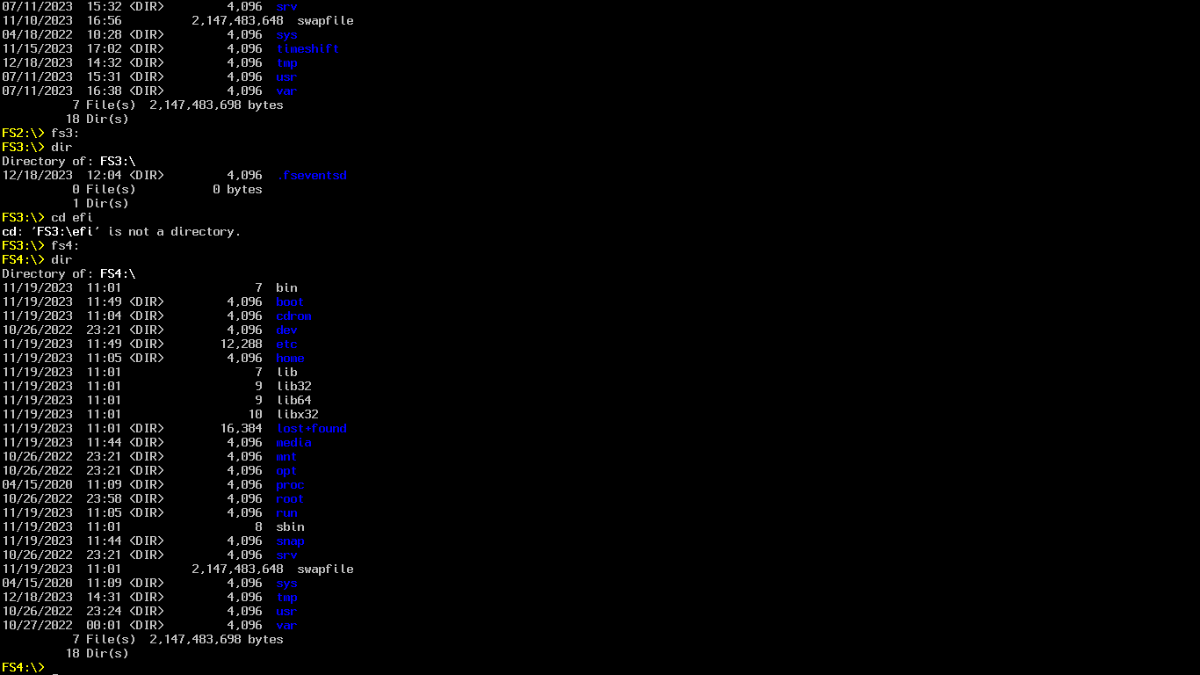
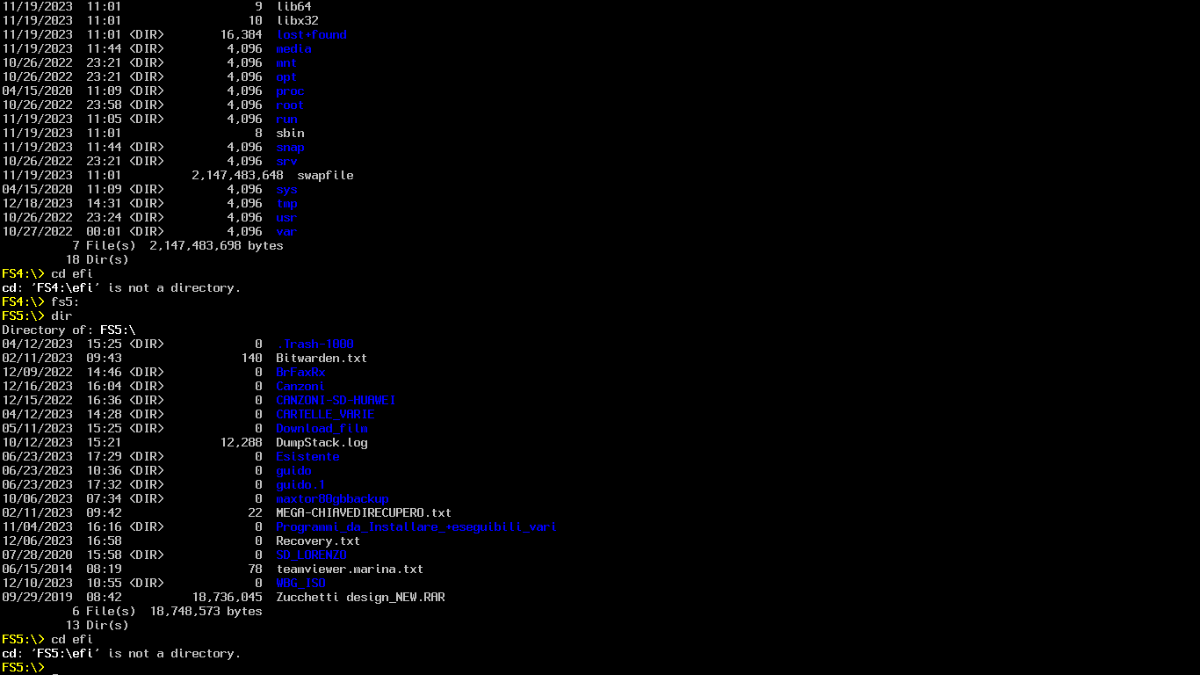
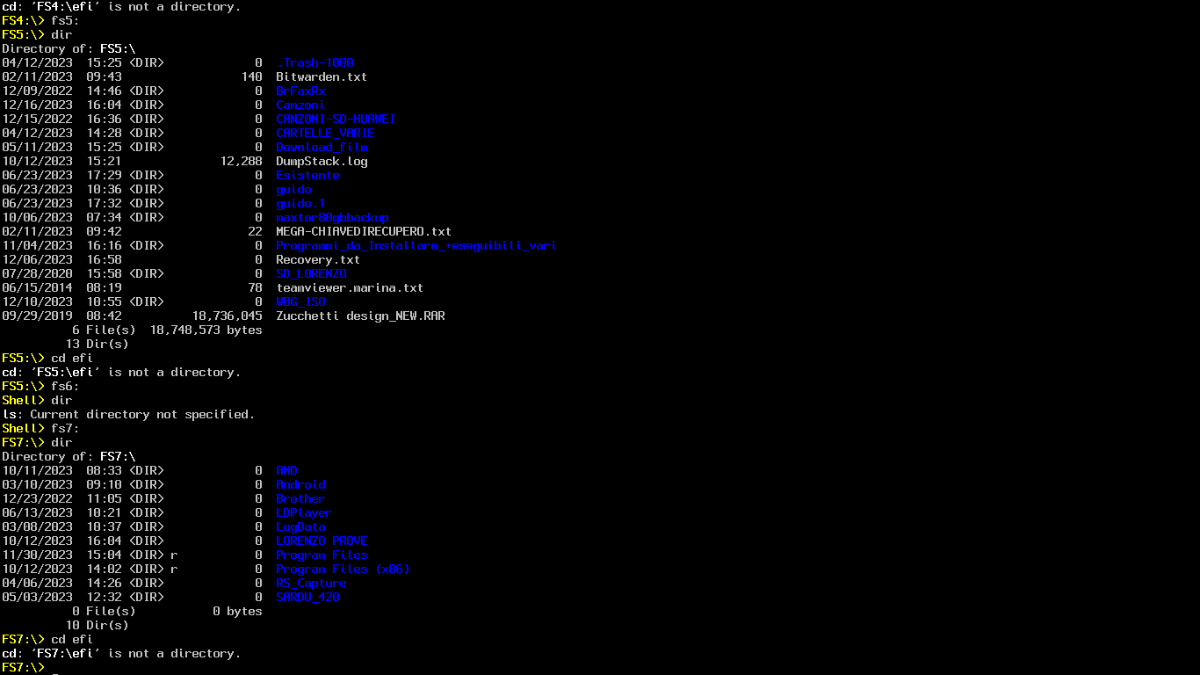
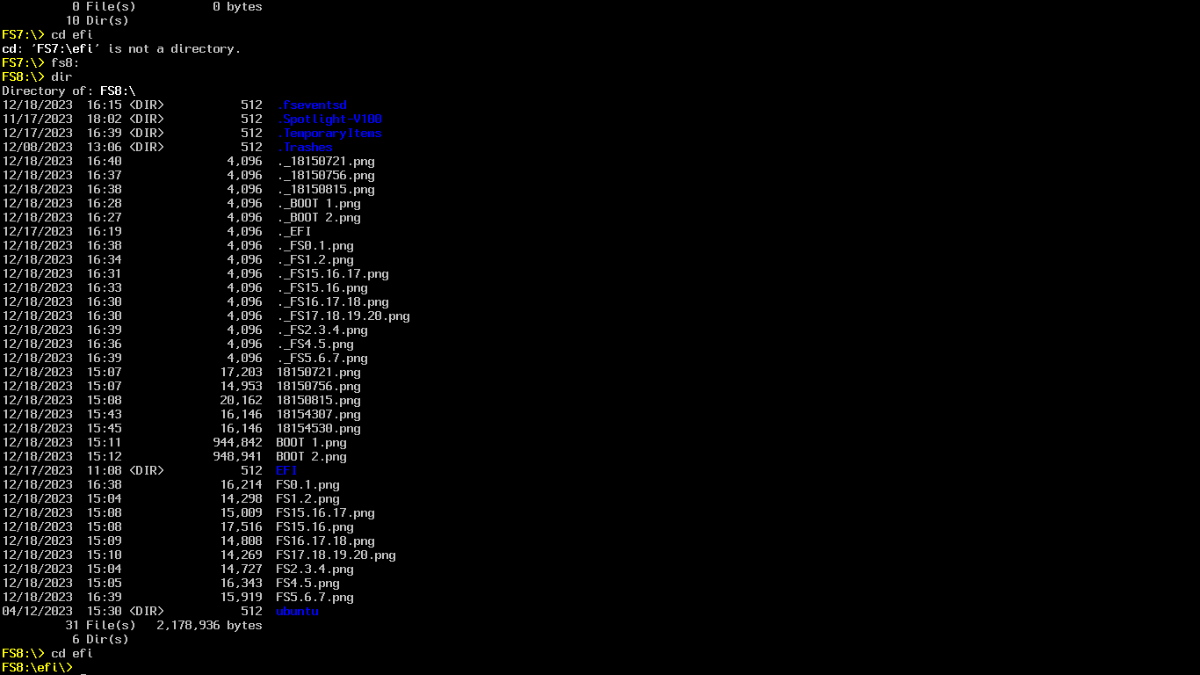
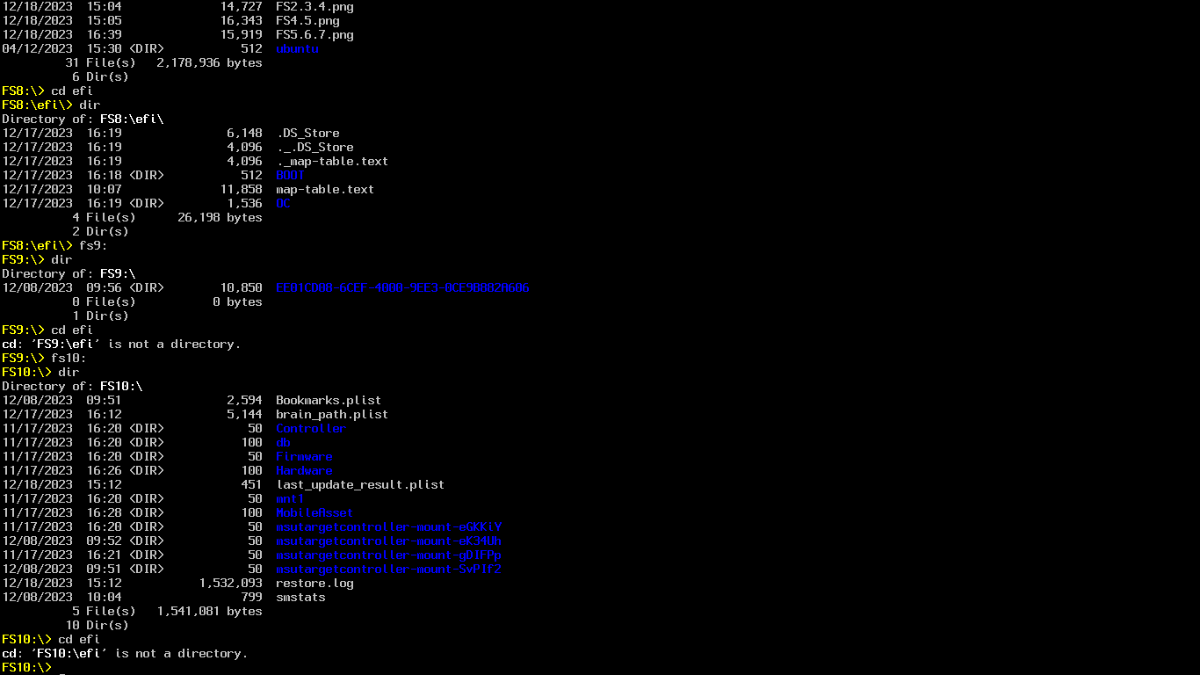
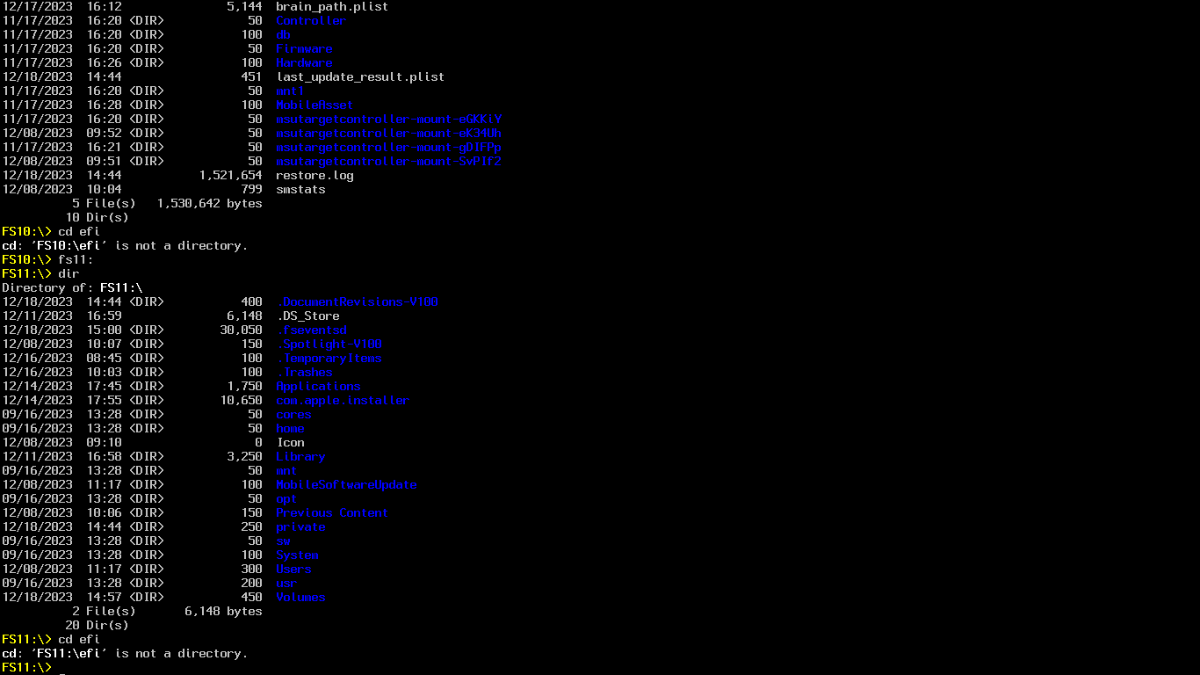
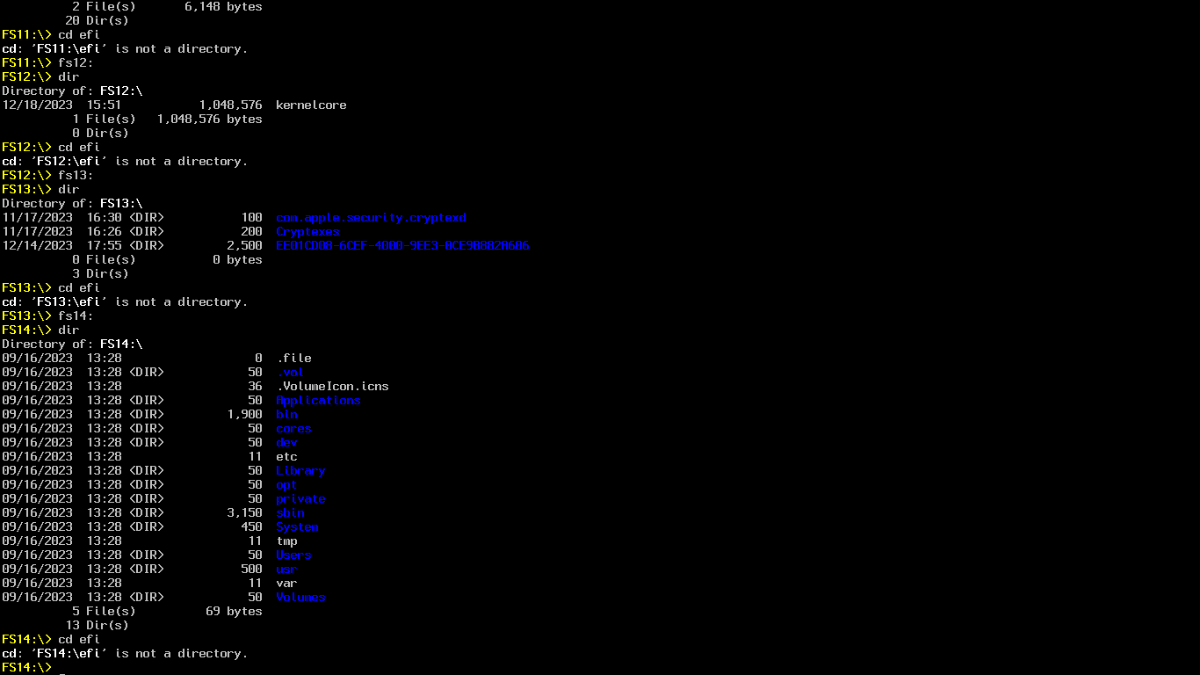
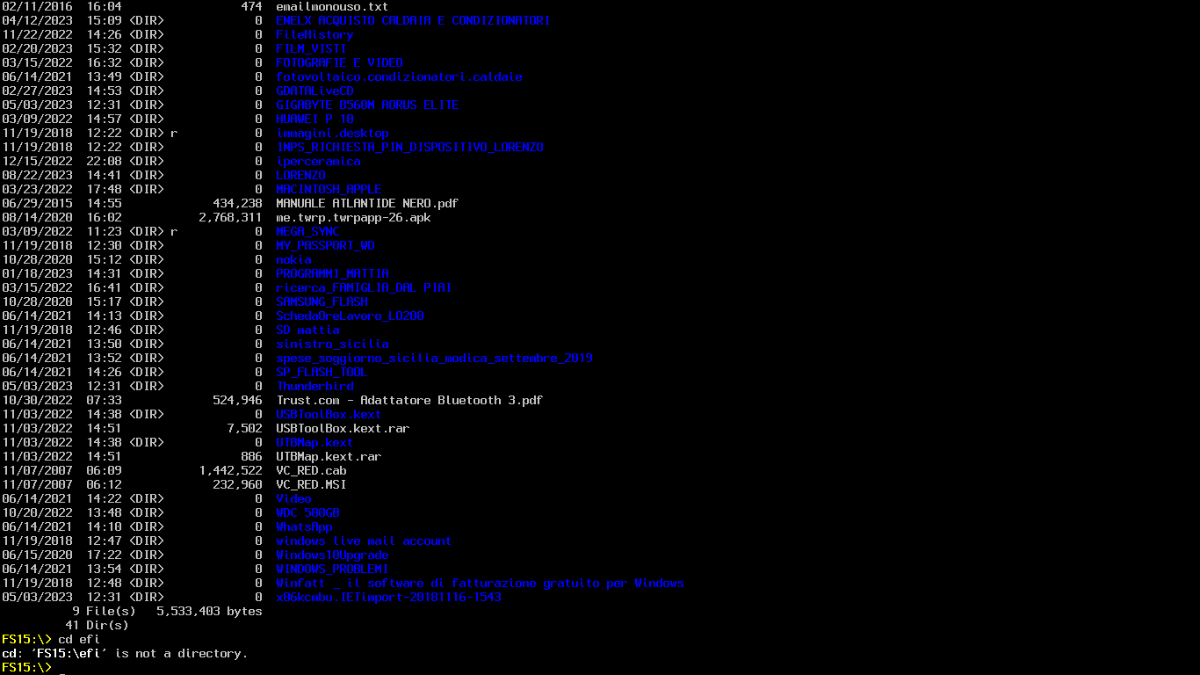
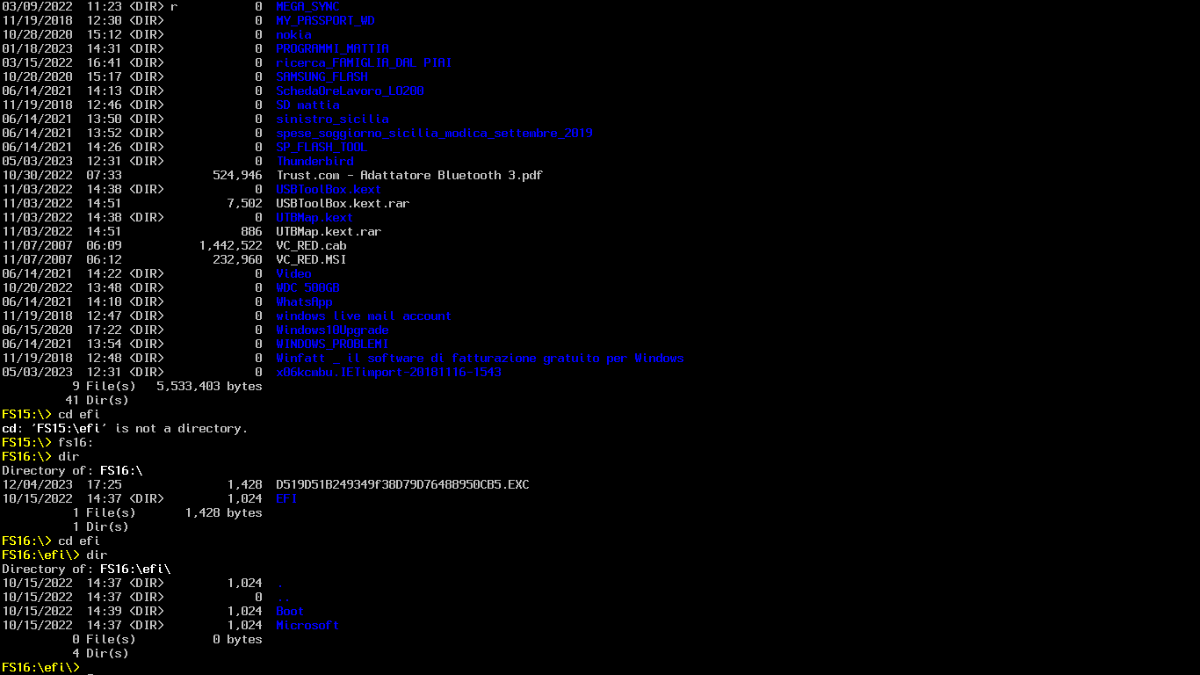
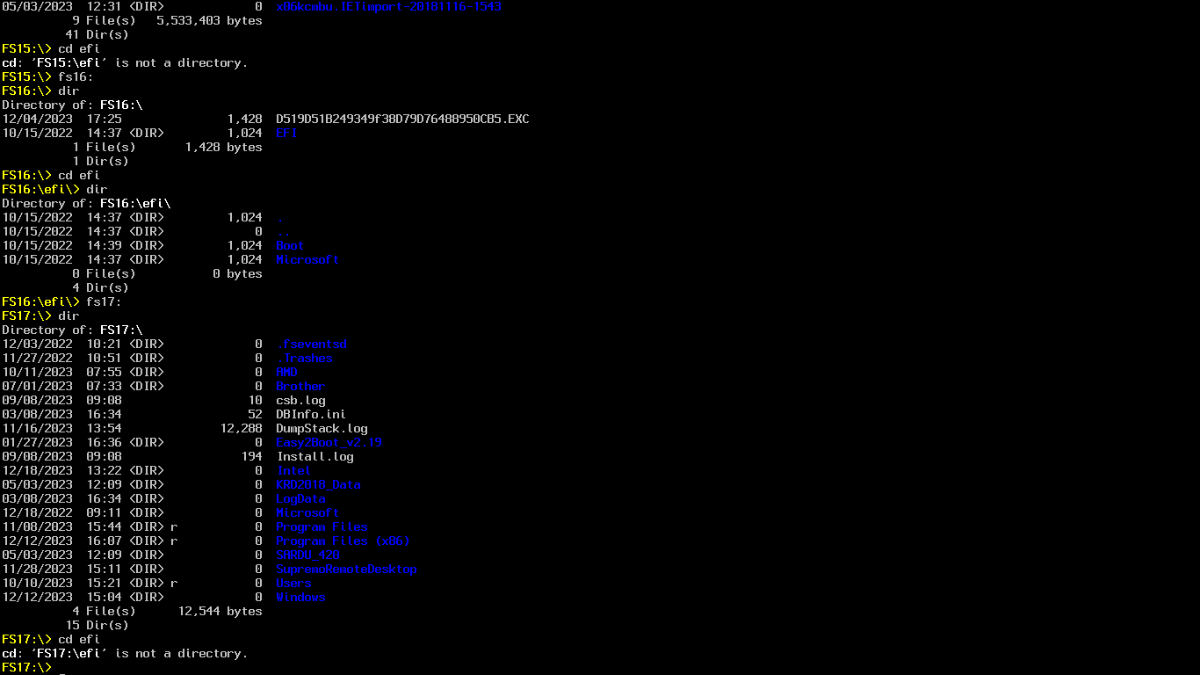
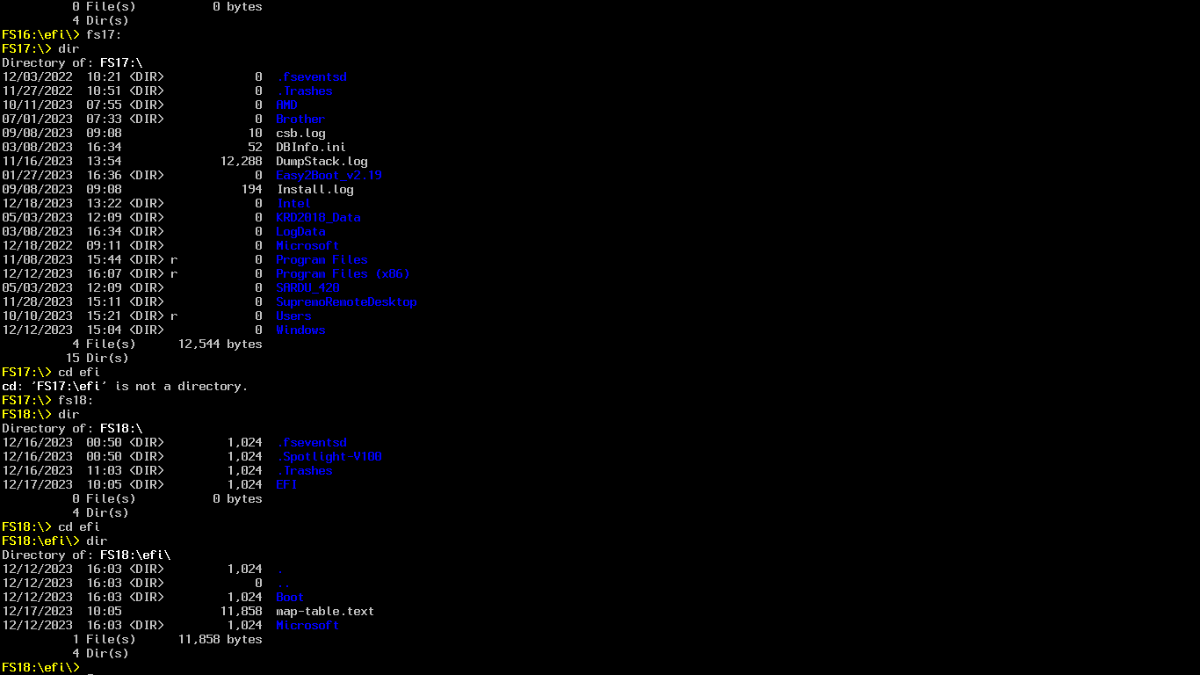
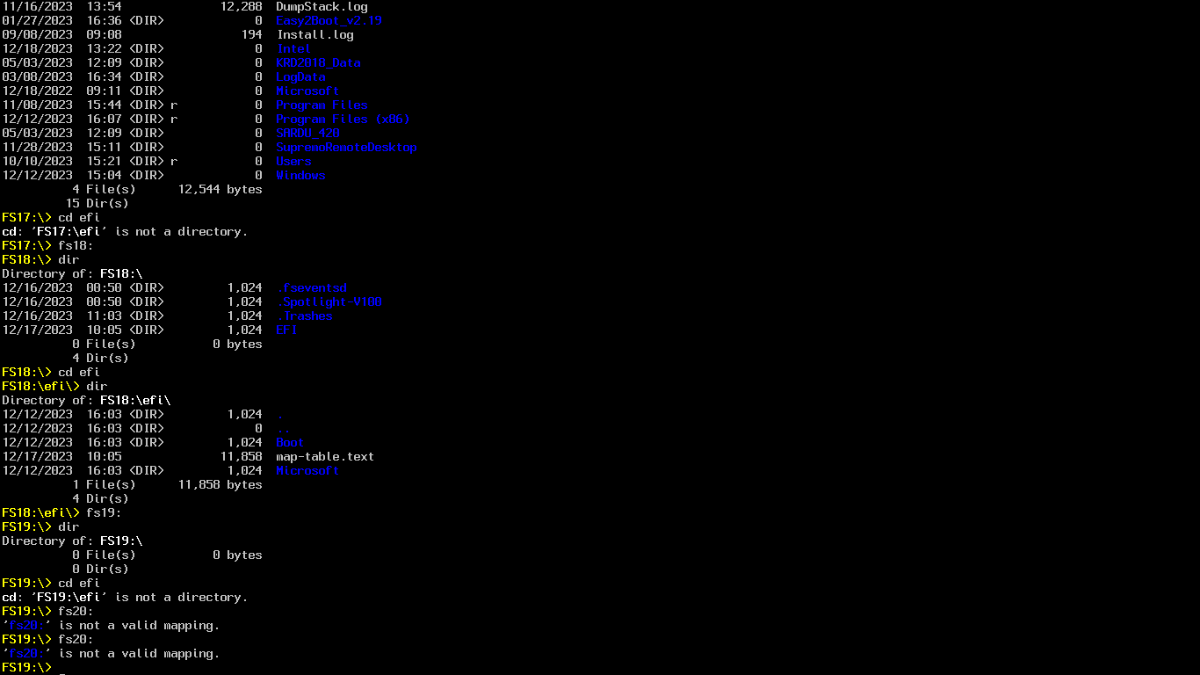
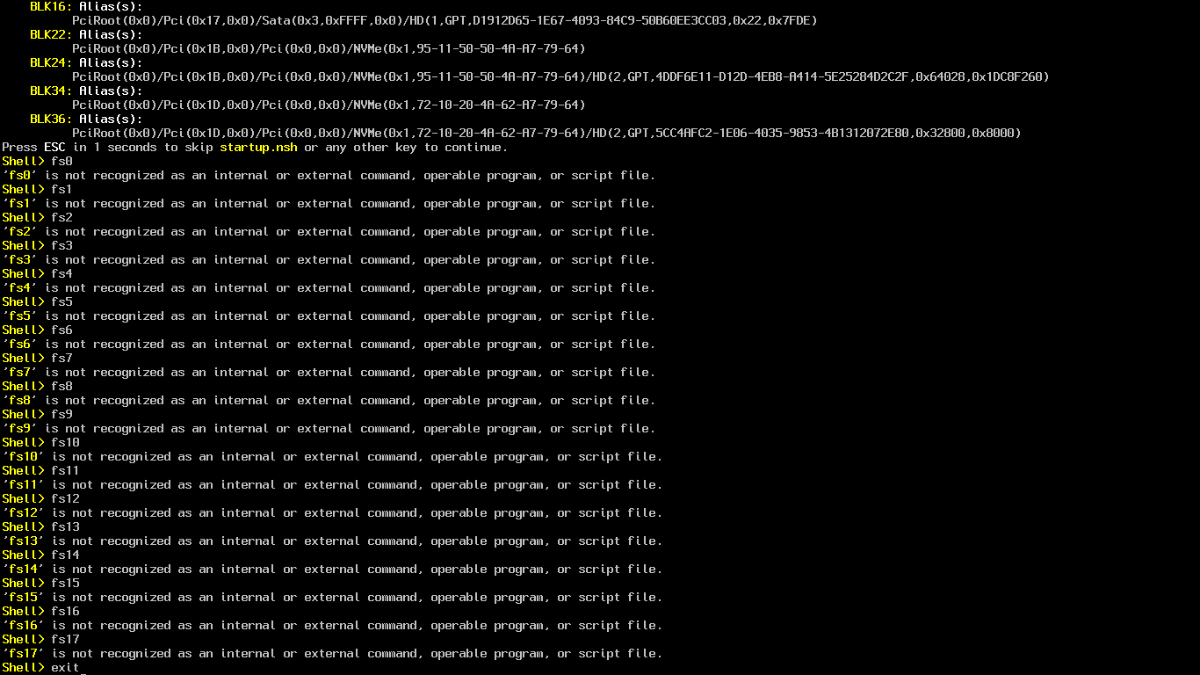
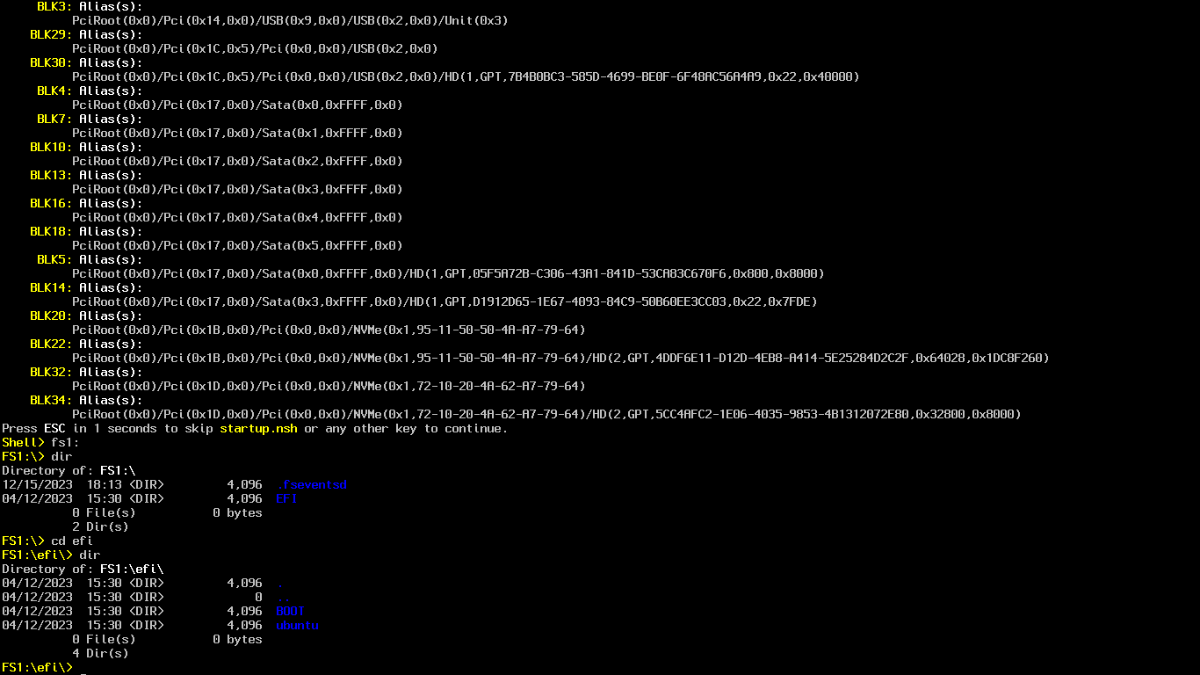
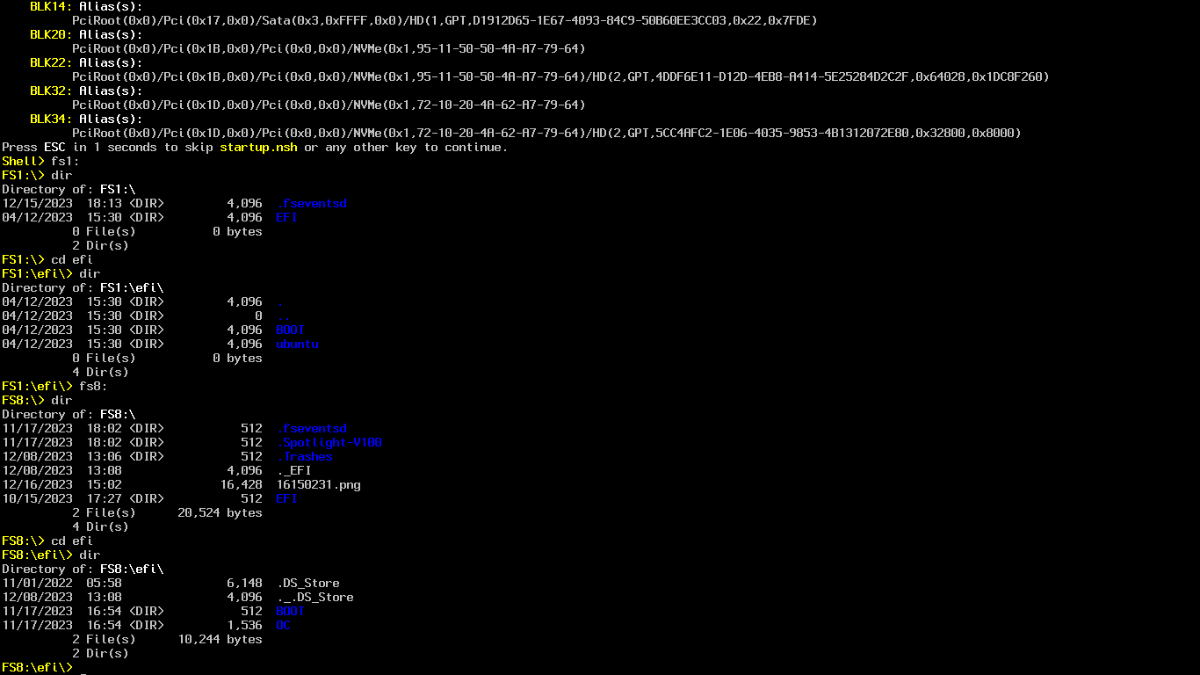
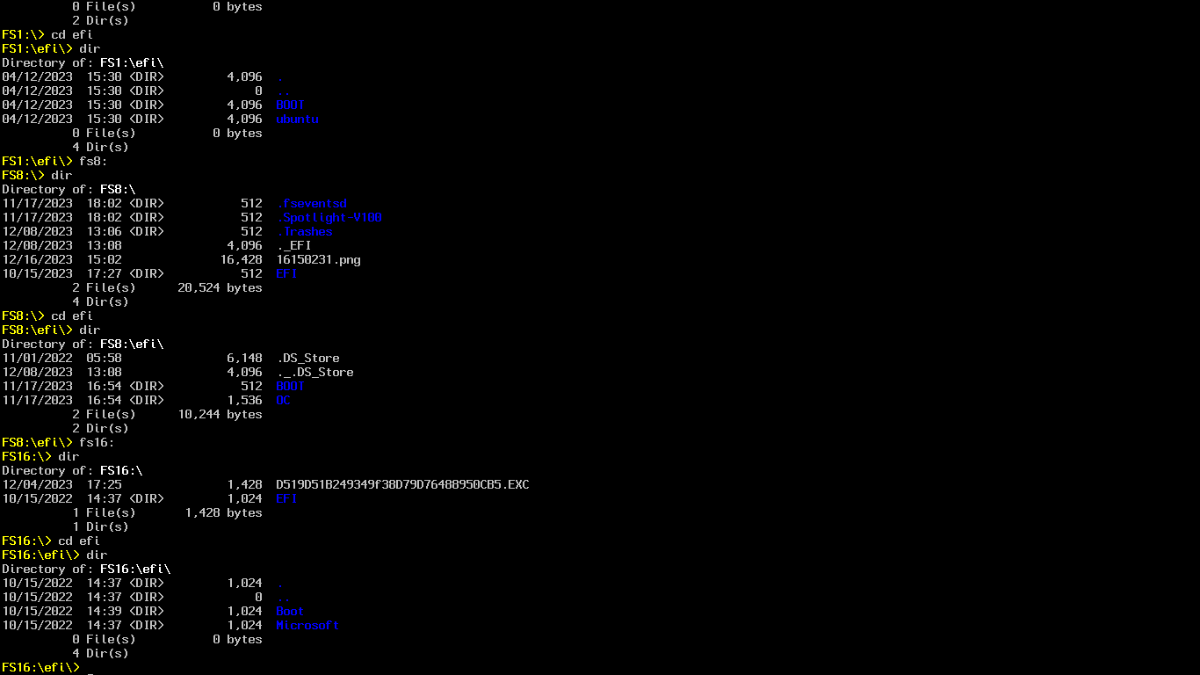
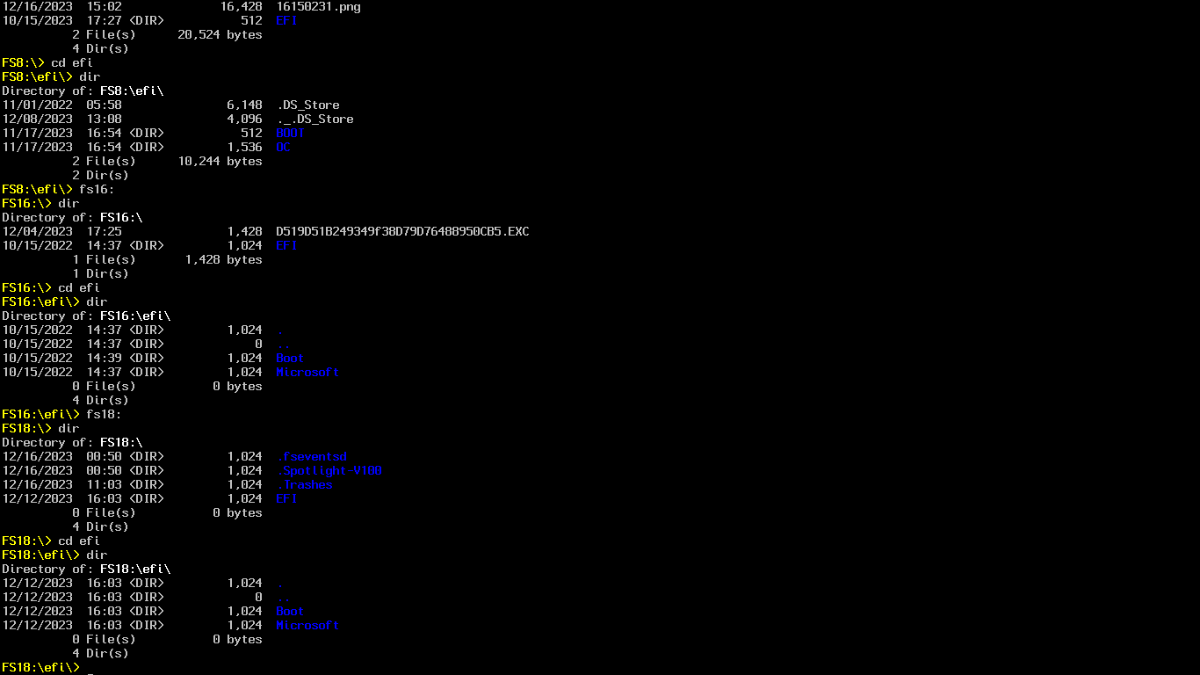
Ciao, per vedere al boot windows personale e prove ho disabilitato auxiliary, ho montato i dischi dove ci sono zorin e mint e in zorin non c'è efi mentre in mint si. Nel diskutil ci sono le efi delle distro linux.Ho copiato la cartella mint in efi sonoma.FS2,3,4......non ho trovato altri efi se non 1,8,16,18. Nella shell FS8 c'è qualcosa che non mi torna. Tra i file elencati trovo efi e ubuntu ma con cd efi+dir indica mac. Ti allego tante immagini. Al boot.1 attuale no name e efi non avviano nulla e si potrebbero nascondere i due windows e min e zorin avviano i sistemi.Al boot.2 mint non avvia nulla mentre i due windows si. Ho rinominato in entrie windows perchè avviavano il contrario. Avvio senza la usb. Poi guardo il plist che mi hai inviato e sistemo le icone.
-
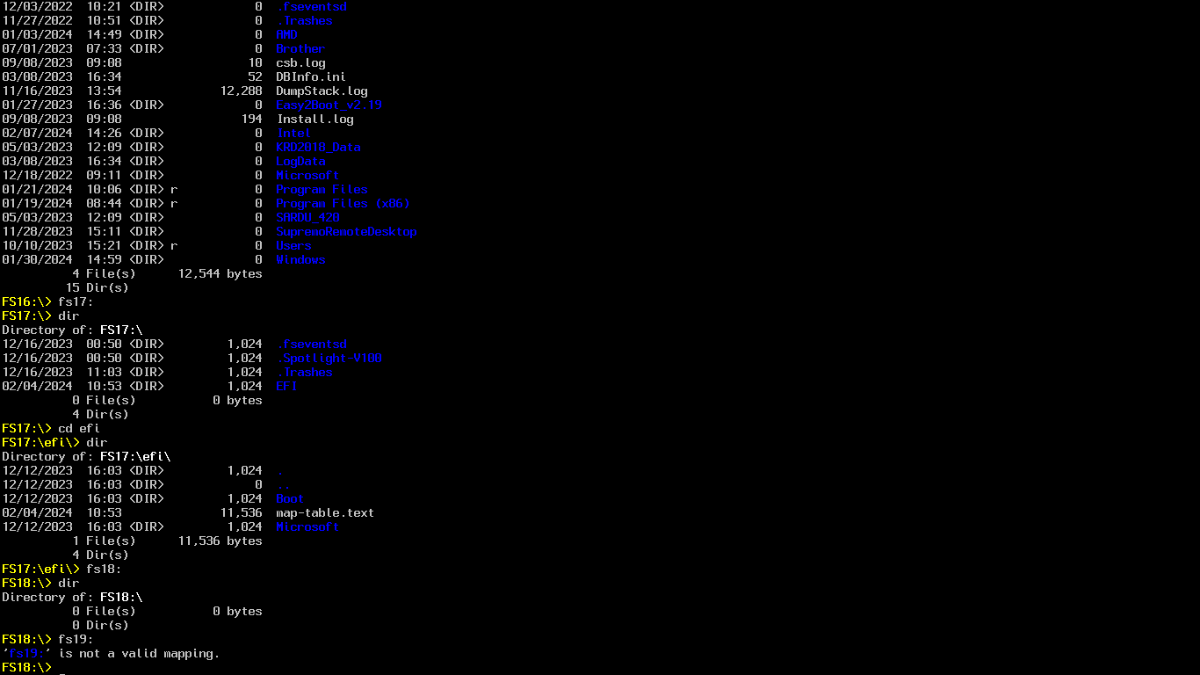
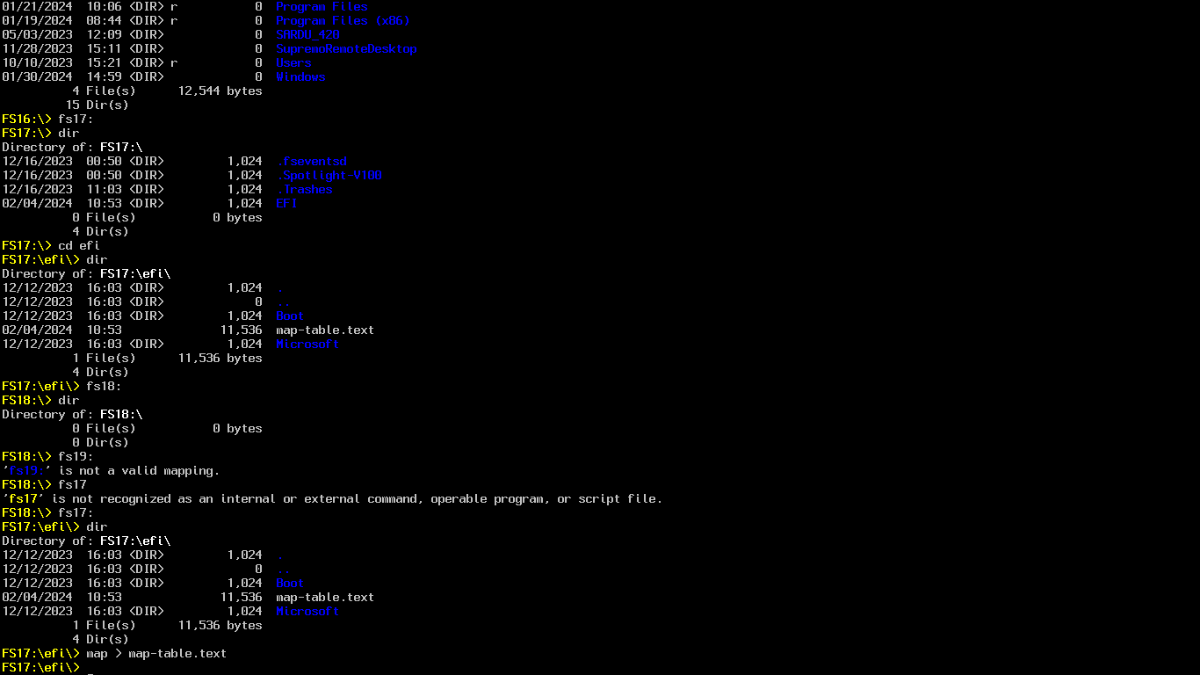
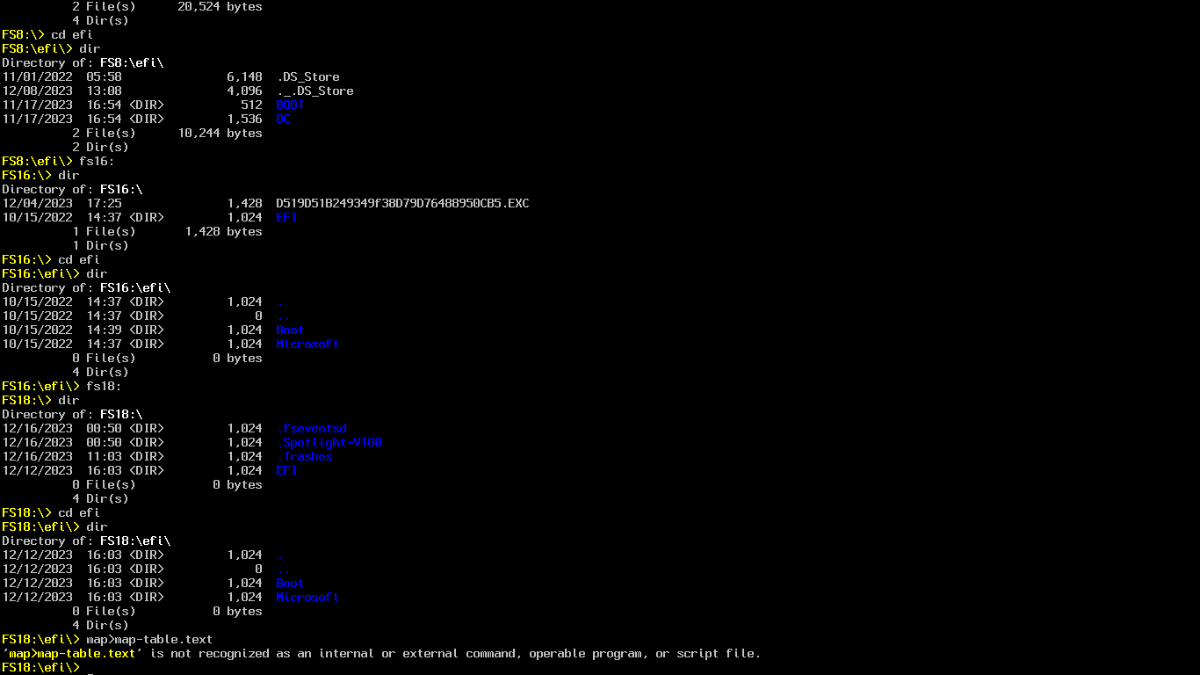
Sono riuscito a creare il map.text (dovevo editarlo da FS??:\efi\>).Le path le ho inserito nel plist però non cambia nulla al boot. Evidentemente sbaglio in qualche cosa,come sempre. Ho rinominato le incs che ho in my theme. Allego map.test, path completo, efi e boot avvio. Ricordo che nella shell ho trovato solo una efi di mint/zorin. Attendo suggerimenti map table.zip map-table.text.zip essendo troppo grande efi allego plist e apple (icone) config.plist.zip Apple13.zip
-
faccio mea culpa mi sono dimenticato il punto, devo stare più attento.Nel PC ho in dischi separati 2 sistemi windows uno chiamato personale l'altro prove,mint,zorin,sonoma. Allego nuove shell. FS1=Ubuntu"mint o zorin",FS8=sonoma,FS16=windows personale o prove,FS18=windows personale o prove non ho trovato l'altro EFI ubuntu"mint o zorin" sono arriva fino a FS30.Il file map non è stato generato con questo avviso: IT IS NOT RECOGNIZED AS AN INTERNAL OR EXTERNAL COMMAND, OPERABLE PROGRAM OR SCRIPT FILE", Allego diskutil. diskutil list.pdf.zip
-
questa è la shell di oggi che è molto diversa da quella del 2022
-
Scusa se rompo ma dove trovo il link sotto la tua firma???
-
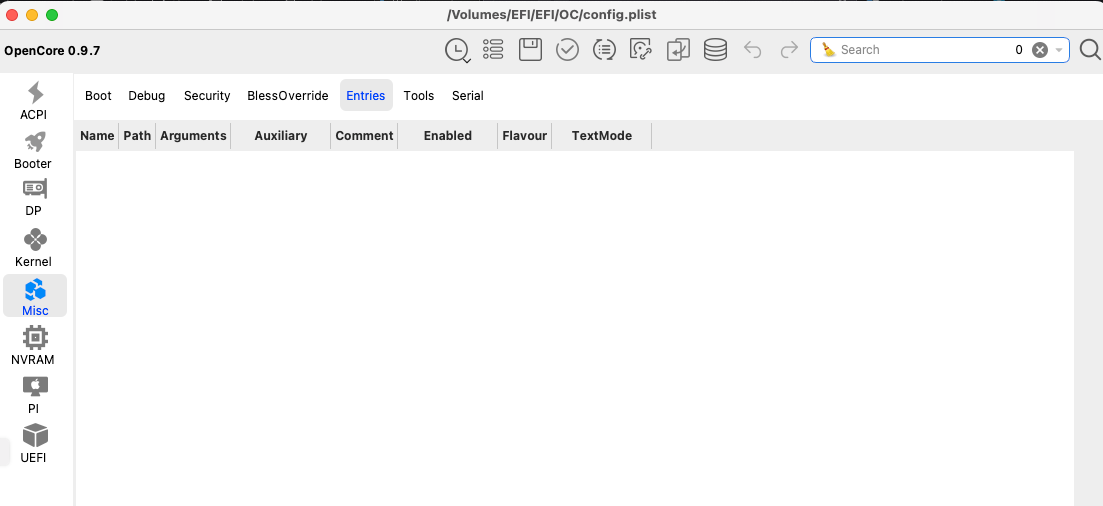
Buona sera antuneddu quando ho inserito la discussione speravo in un tuo commento/suggerimento. Al momento tutto bene mi accontento dato i 75. Sono passato da ventura a sonoma non senza problemi perchè dopo l'aggiornamento andando informazioni mac c'era sempre ventura. Ho provato più volte ma sempre stesso risultato. Volevo chiedere aiuto ma da testardo ho rifatto usb con installer maker e sonoma e ho installato, dopo formattazione e aver fatto backup, e tutto funziona bene. Ti allego entries dove non c' è nulla e diskutil list. Non volendo cercare nelle mail del 2022 mi dai il link della tua guida shell. Però mi ricordo che con la shell non dava i risultati che servivano. Però posso riprovare. Buona serata diskutil list.pdf.zip
-
Domani provo. Grazie
-
Grazie per la risposta ma dove si trovano queste icone da rinominare e nascondere nel config ???
-
Buongiorno, chiedo se si possono rinominare le due icone di windows e nascondere le icone no name e efi. Grazie