
-
Posts
2,717 -
Joined
-
Last visited
-
Days Won
138
Content Type
Profiles
Forums
Events
Downloads
Everything posted by Lorys89
-
try to spoof i211, send pciroot lan In the 2 pciroot of the lan, in config in the DP section, you have to add device-id 39150000 DATA And reboots with kext igb active.
-
Send ioreg with kext igb active
-
Is it made with kext igb active in plist?
-
@Arrakis add bootarg : e1000=0 and reboot
-
Disattiva kext bluetoolfixup e riavvi e riprovi update
-
fatto un reset nvram?
-
in verità controllato com era messa, messo un paio di min e max kernel e aggiunto kext wifi per ventura oltre a quello esistente, per il resto tutto invariato
-
prova a fare aggiornamento con questa https://mega.nz/file/lNl2wCoI#JBKPqUdtHulWUIXcLEz20ACk8yYJ5nZqHvPuy4h0GO8
-
Mi passi efi? Mettila su Dropbox o gdrive o mega o we transfer
-
Va bene per ventura imac 19,1 ed il securebootmodel e messo su default? Hai aggiornato kext e opencore?
-
In sezione nvram, dove ci sono i bootarg, trovi la voce csr-active-config e deve essere con questi valori 00000000
-
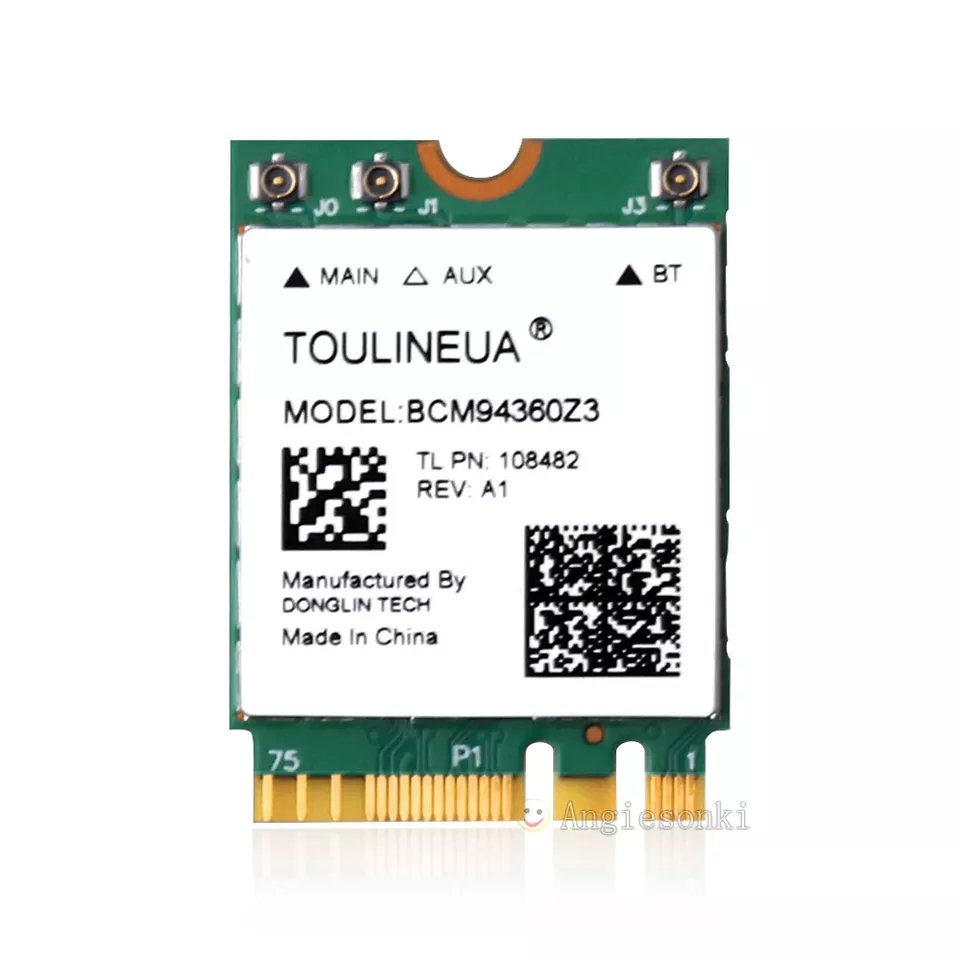
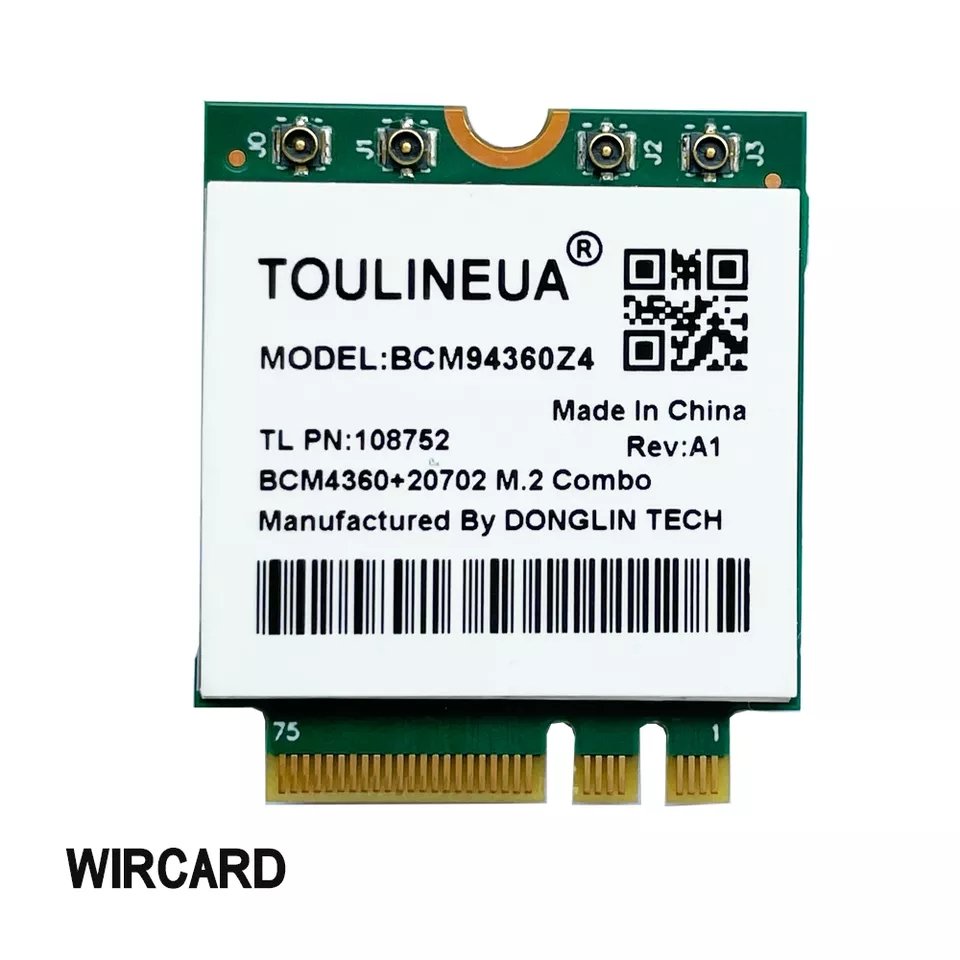
Buongiorno, altre 2 schede M2 ngff sono supportate La BCM94360Z3 (NSS 2) che è 2230 e la BCM94360Z4 (NSS 3) che è 3030, brand TOULINEUA. (a mio parere queste 2 sono superiori alle fenvi BCM94360NG e BCM94352Z che sono entrambe NSS 1 quindi con velocità wifi inferiore)  BCM94360Z3 WiFi: BCM4360 Vendor: 0x14E4 Device: 0x43A0 BlueTooth: BCM20702 Vendor ID: 0x33BA Product ID: 0x03E9 BCM94360Z4 WiFi: BCM4360 Vendor: 0x14E4 Device: 0x43A0 BlueTooth: BCM20702 Vendor ID: 0x33BA Product ID: 0x03E8 Le z3/z4 uscite dopo marzo 2022 per la parte BT sono tutte apple fw.

-
Che os hai installato? Metti questo bootarg : agdpmod=pikera
-
@ArrakisHave you tried the new kect?
-
@Arrakis would say the problem now is only on i210, can we bother you for the next tests and logs? For users : If you have the i211 works, if you have 2 i211 you have to connect lan cable only to one, and it works.
-
Try with only one LAN cable connected And restart hack
-
Have you connected the lan cable to both 2 cards? If you do try to connect it as 1 only.
-
on AMD build the intel lan I211 Works great mb : b450 gigabyte aorus pro wifi
-
Ovvio non e supportata la iris xe, usa Windows o linux 🫣
-
Are you willing to try another kext igb for lan? @iGPU this AppleIGB.kext-max mod.zip
-
Tomorrow as soon as I'm at pc check your efi, from the phone I hurt to check.
-
In the kext loading order, is lilu in first place?
-
add booter quirks avoidruntimedefrag
-
la igpu la puoi lasciare attiva in headless che su chipset 500 così va bene , devi fare mappatura usb
-
non è problema acpi passami un log ioreg, eccoti l app per farlo https://github.com/khronokernel/IORegistryClone/raw/master/ioreg-302.zip