
-
Posts
2,717 -
Joined
-
Last visited
-
Days Won
138
Content Type
Profiles
Forums
Events
Downloads
Everything posted by Lorys89
-
Quando dichiari il kext vabbe se hai come os ventura e non pure big o monterey non ti serve metter il min kernel
-
leva il kext di prima e metti questo kext AppleIntelI210Ethernet.kext.zip e gli metti min kernel 22.0.0 poi metti questo ssdt e lo dichiari su config SSDT-I225V.aml.zip e metti pure il bootarg e1000=0 riavvi e manda ioreg
-
Prova il kext postato sopra e mandi log ioreg se avvia
-
visto già io da ioreg e non la vede attiva

-
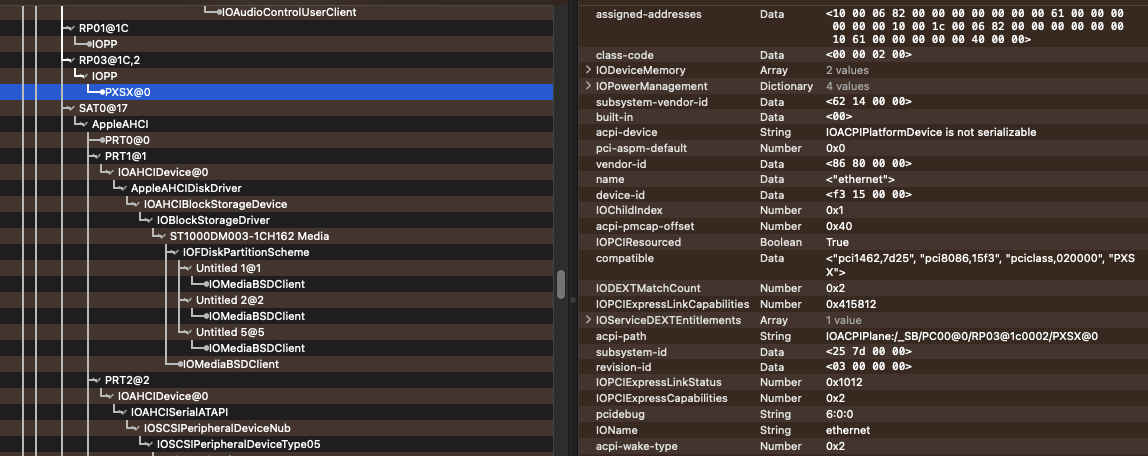
ha una i225v dev id 15F3
-
prova un kext, dichiaralo in config e riavvia e se avvia passa ioreg
-
i225v, metti il bootarg e1000=0
-
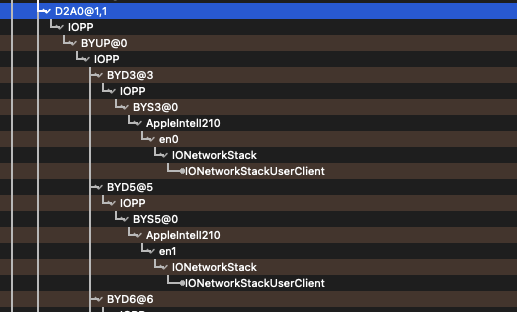
manda un log ioreg con questa app
-
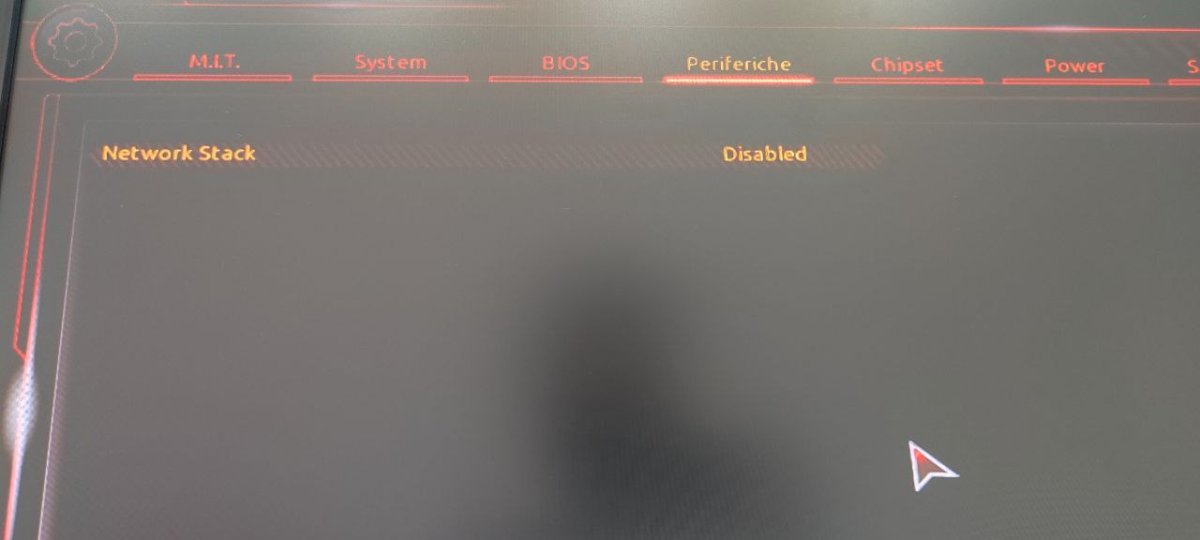
in the bios set this setting as in the picture (disabled)
-
esatto con la pulizia lo risolvi.. io ho usato questa app
-
Try the kext that will soon send you the dev
-
not use kext igb, not use ssdt i210 or patch dp. add this kext and set min kernel 22.0.0 AppleIntelI210Ethernet.kext.zip add bootarg : e1000=0 reboot and send ioreg log
-
No problem, I'm trying to figure out why i210 doesn't work, and we don't have other users with i210😔
-
Bootarg is e1000=0
-
@Arrakis Have you tried ssdt?
-
before try this ssdt witk kext igb active SSDT-I210.aml.zip
-
try to spoof i211, send pciroot lan In the 2 pciroot of the lan, in config in the DP section, you have to add device-id 39150000 DATA And reboots with kext igb active.
-
Send ioreg with kext igb active
-
Is it made with kext igb active in plist?
-
@Arrakis add bootarg : e1000=0 and reboot
-
Disattiva kext bluetoolfixup e riavvi e riprovi update
-
fatto un reset nvram?
-
in verità controllato com era messa, messo un paio di min e max kernel e aggiunto kext wifi per ventura oltre a quello esistente, per il resto tutto invariato
-
prova a fare aggiornamento con questa https://mega.nz/file/lNl2wCoI#JBKPqUdtHulWUIXcLEz20ACk8yYJ5nZqHvPuy4h0GO8