
fabiosun
-
Posts
12,040 -
Joined
-
Days Won
599
Content Type
Profiles
Forums
Events
Downloads
Everything posted by fabiosun
-
riesci in qualche modo a rimettere il vecchio config? stai lavorando e partendo da una penna usb?
-
ecco questo accade dopo che hai fatto la patch con OCLP e ti dice di riavviare? HAi messo sicuro questo config.plist? puoi dirmi che ethernet hai? rispondi punto per punto
-
visti i tuoi tempi 🙂 anticipo la cosa successiva dobbiamo capire che tipo di ethernet monta la tua piastra madre e togliere uno dei kext che hai su messo che non ti serve
-
config.plist.zip usa questo config..e termini che capisco 🙂 sono vecchietto anche io
-
config.plist.zip prima di riavviare usa questo config poi avrei delle domande sui kext di rete che usi ne hai arttivi due uno per intel uno per realtek ne hai 2 di ethernet?
-
se intendi da dove scarica.....li sei solo tu che puoi cambiare il percorso ora pero' andiamo avanti...piano piano vediamo dove ti intoppi 😛 ah adesso ho visto e' la versione che ha postato anto? se si vai ma sii certo... 🙂 @dany dobbiamo riattivare dei kext prima che riparti
-
questa efi e' come fatta per usare IL WIFI con altri OSX piu' vecchi prova solo a sostituire questo config e vedi se parti ugualmente io ragiono che stai su un tahoe pulito installato da zero e non aggiornato da un sequoia Parti e vedrai piu' icone di prima reset nvram e poi riparti con tahoe e vediamo se accedi config.plist.zip
-
posta questa EFI che ti fa entrare in tahoe...e sii sicuro che e' quella 🙂
-
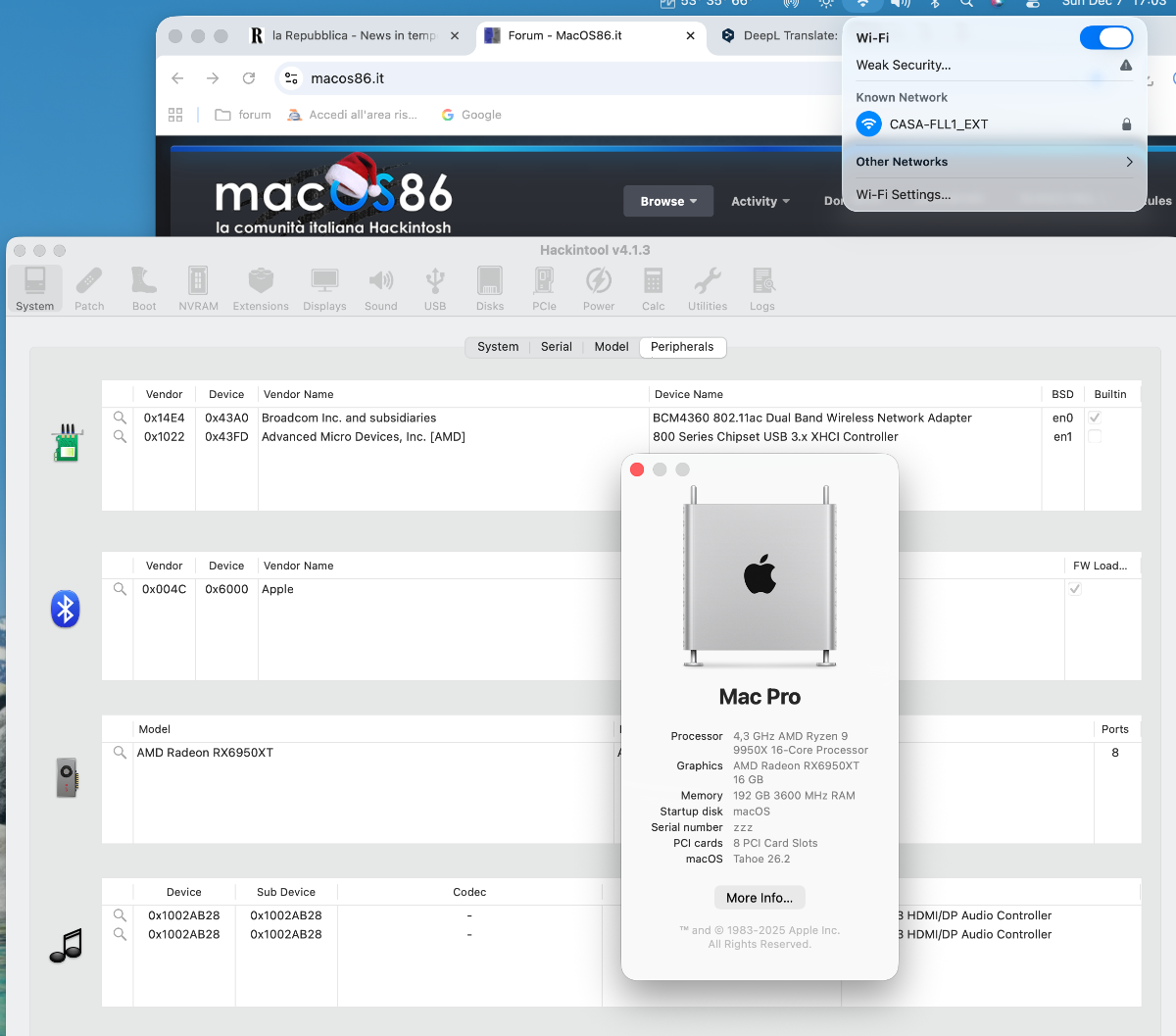
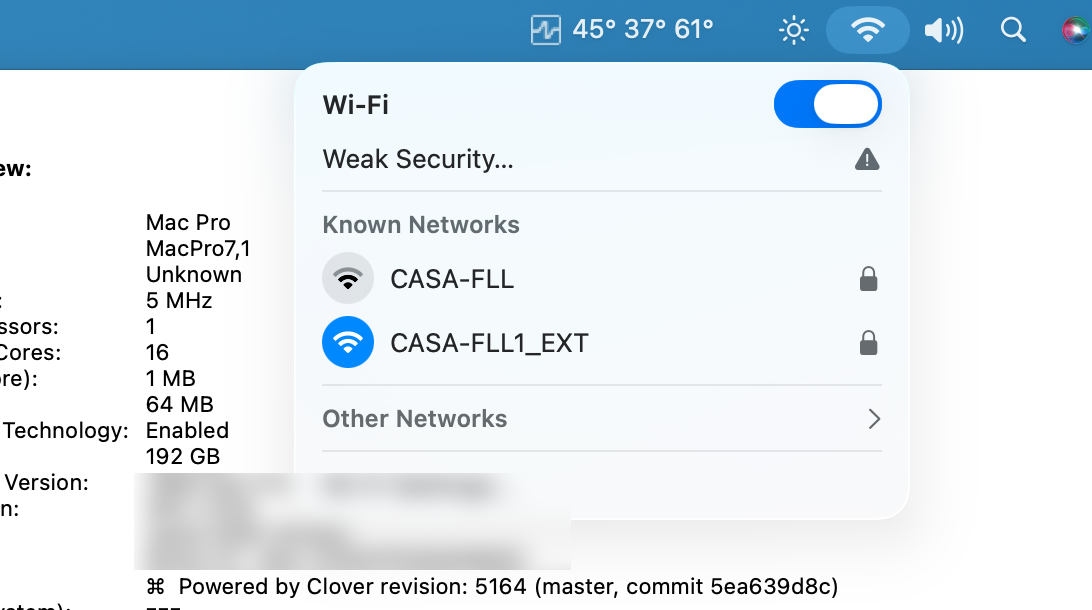
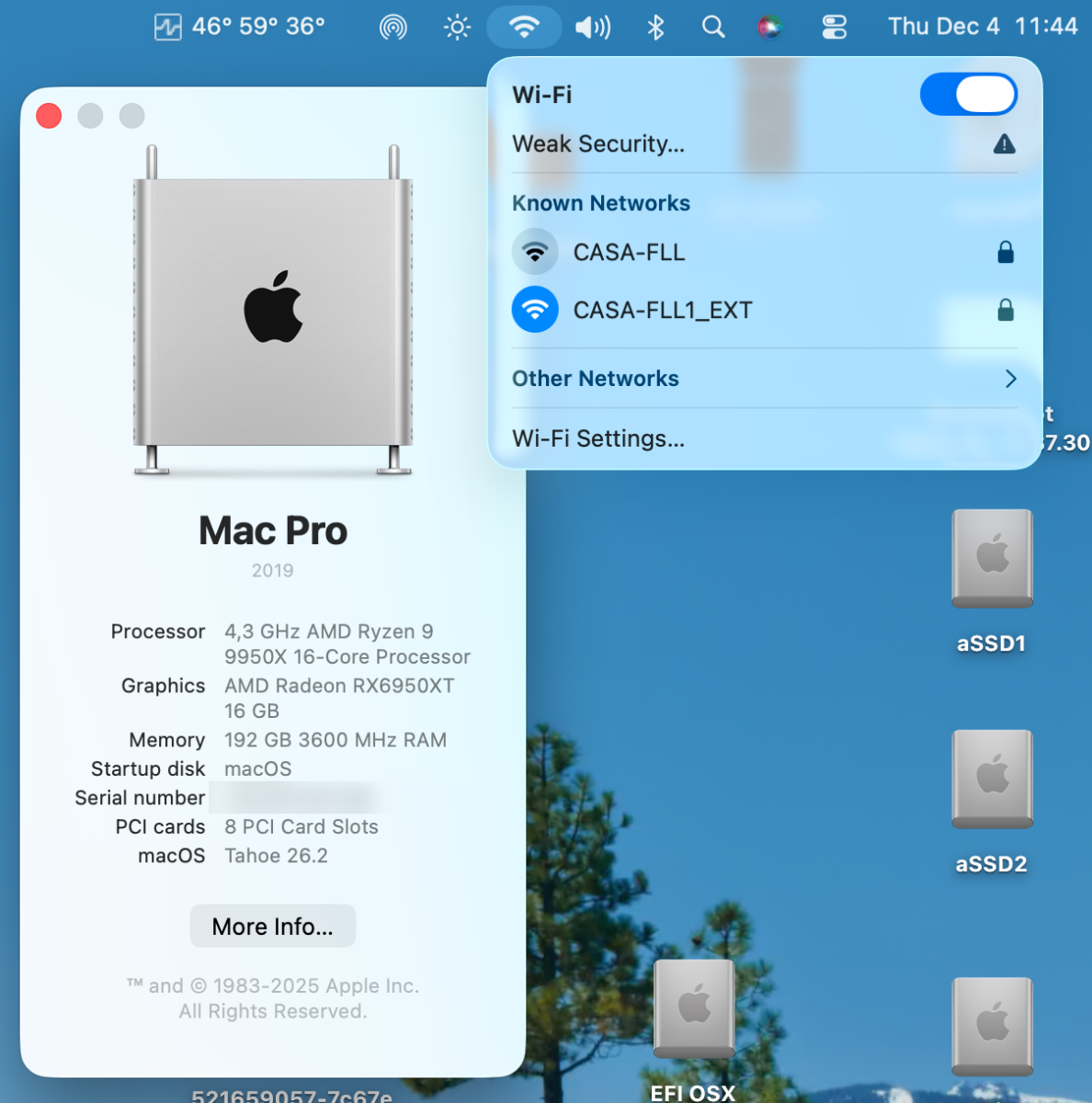
Wifi is back also in latest Tahoe with OCLP modded version! 🙂

-
Guarda preferirei un thread dove si e' fatta funzionare la macchina di dany o di qualsiasi altro utente questo e' un thread generico, meglio lasciarlo piu' pulito se il problema non si risolve in pochi aiutini 🙂
-
altrimenti per trovare il post utile di Anto...ci mettono una vita gli altri utenti 🙂 se hai un post per questo pc dimmi il link che io o anto lo spostimao 🙂 grazie
-
a breve sposto tutto nel thread di dany! 🙂
-
@Anto65vice re va bene? facciamo fuori @carlo_67:)con una congiura di palazzo diventi moderatore anche su InsanelyMac 🙂 @Perduperora la causa personalmente...sei ascoltato 🙂 ma e' solo questione di pecette 🙂 non di poteri speciali 🙂
-
ha gli stessi poteri miei di moderazione, non possiamo cambiarli da noi 🙂
-
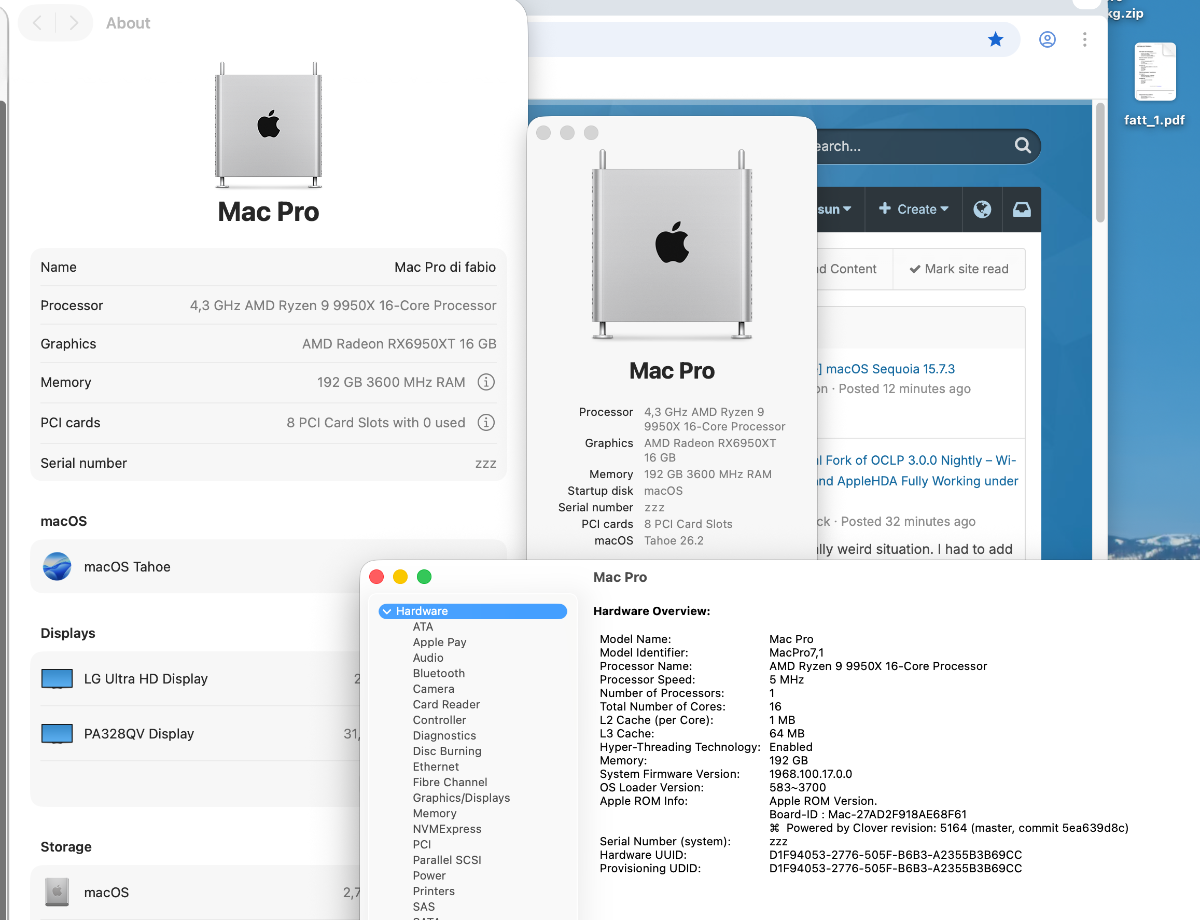
Added a clover bootloader EFi in OP it is done for Modern WIFI patches and OCLP!
- 118 replies
-
- 1
-

-
- x870e motherboard
- asus
- (and 1 more)
-
perche' non provi sempre a partire da una penna USB magari ci metti un tema diverso da quelli che hai in modo tale ti accorgi se parte da li o meno? non ti offendere perche' lo faccio anche per me quando ho piu' dichi e piu' efi presenti nel sistema a volte un cattivo funzionamento puo' cambiare l'ordine dei dischi nel bios e se c'e' altro...parte quello 🙂
-
For AMD's CPU users: https://github.com/AMD-OSX/AMD_Vanilla/pull/214 I did a pull request for the updated patches With latest Clover bootloader actions is also possible to use new Ryzen 9xxx CPu in x670E and newer platforms) Thanks to Clover devs!
-
con gli ultimi bios potrebbero servirti delle patches ne parliamo in altra parte del sito
-
speriamo melius abundare quam deficere 🙂
-
anche sip appropriato se lo ha diverso.
-
Grazie Anto per il supporto (non solo morale) 🙂 🙂
-
e anche Clover e' qui funzionante con la patch 🙂
-
che config stai usando?
-
@danysii pronto ad avere un piano B 🙂 E' un fork sperimentale come dice bene Anto e magari qualche problema c'e' io dopo aver fatto un po' di errori al momento lo uso con molta soddisfazione ma trattare con cura 🙂
-
Grazie @Anto65 funziona 🙂