
khile
-
Posts
30 -
Joined
-
Last visited
Content Type
Profiles
Forums
Events
Downloads
Everything posted by khile
-
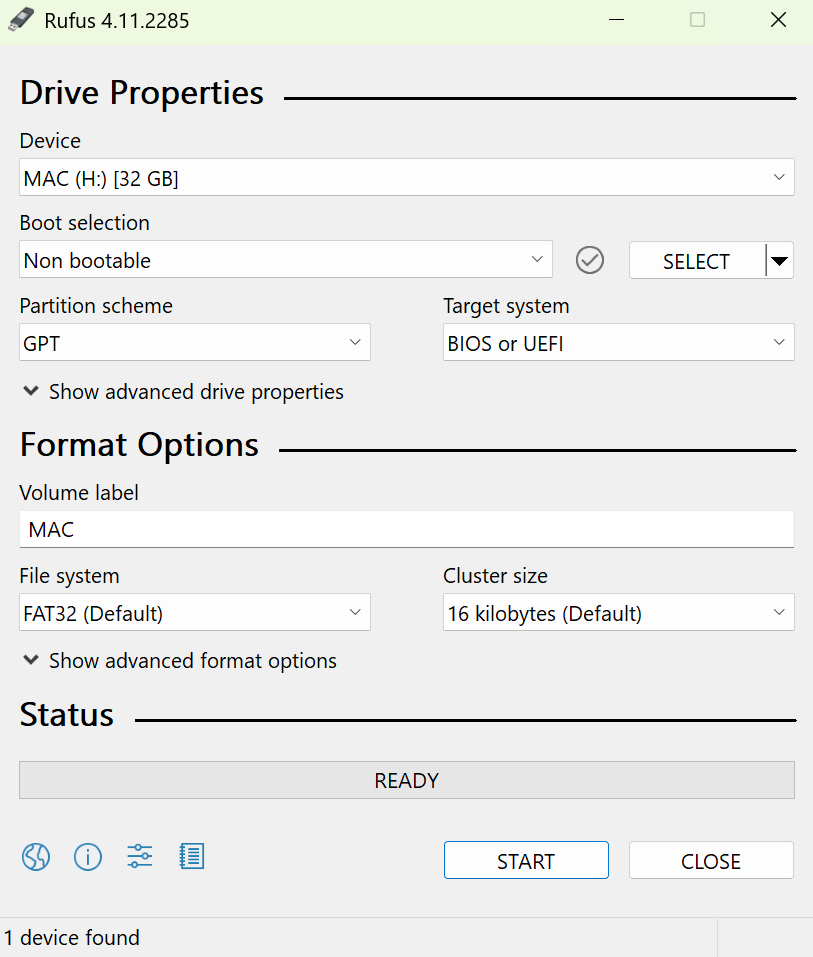
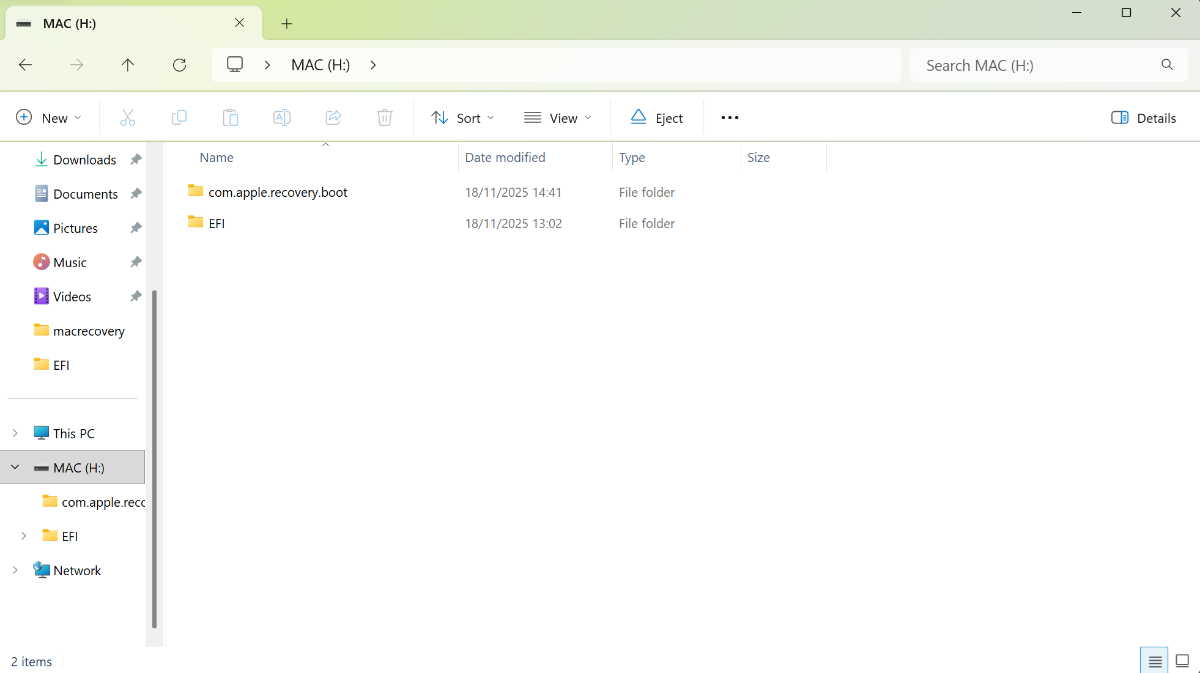
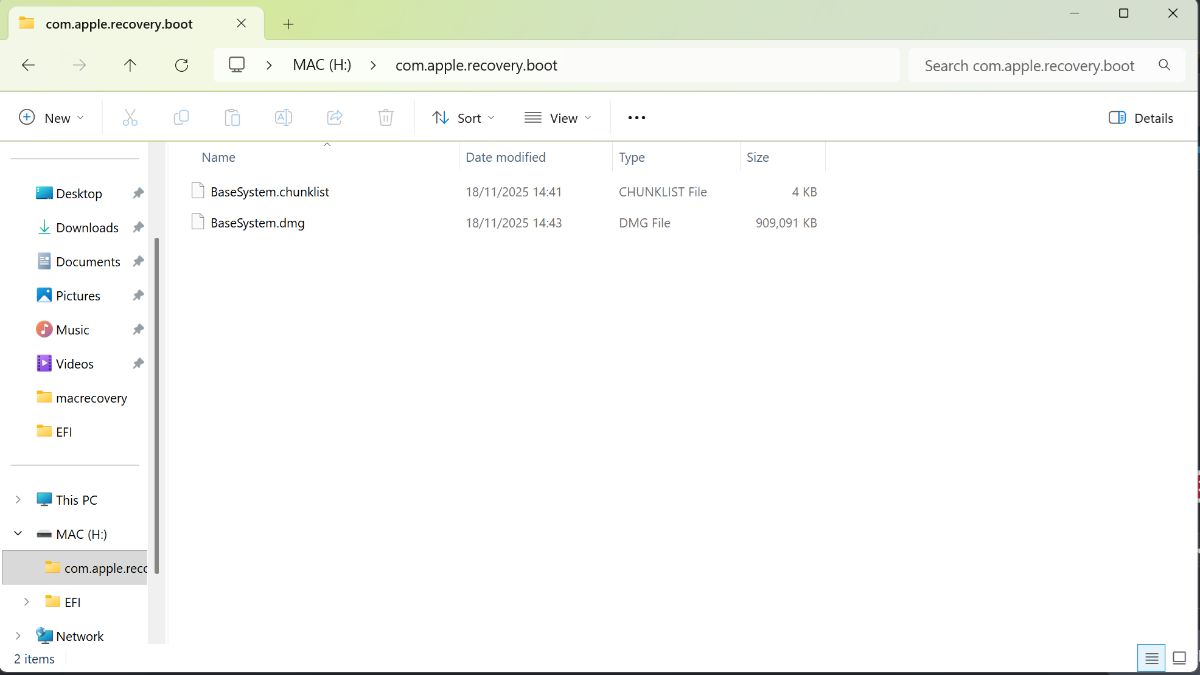
So on the 4090 i see the bios and press F4 to boot from UEFI USB, and i see the bootloader showing Mac (usb drive) and my Windows installation. I then select Mac and both monitors go black i have left it for an hour while i did a few errands, and when I came back still the same black screens I formatted the USB as FAT32 and GPT using Rufus, like the below screenshot see below video both gpu plugged into tv as other monitor was borrowed and needed to be returned (4090 on HDMI 4) (6600 on HDMI1)

-
So it was originally in the bottom black PCI-E slot; it is now in the second slot down Still no picture on either monitor: i have tried different HDMI leads i have tried multiple usb ports and drives all same results no display i'm probably doing something wrong or stupid
-
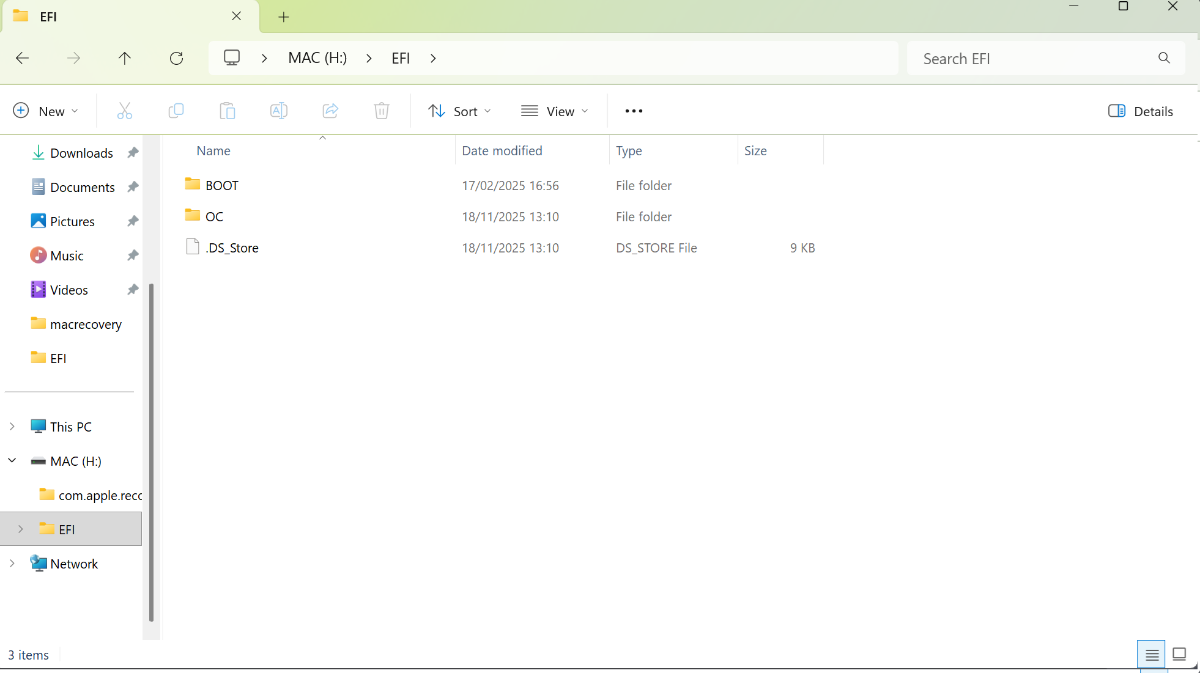
So i was trying to install Tahoe and slot one nearest the IO i have 4090 then slot 2 is empty and in the bottom slot i have the 6600 - with the above attached EFI i still get a black screen im guessing i need a SSDT bridge? ,i have tried to create this with ssdttime but same results but i'll be honest i dont really know how to use that tool thanks again for all the help DSDT.rar
-
Thank you for fast reply So, using your EFI in main post and updating kext, kernel and opencore i get a blackscreen EFI.rar
-
Hi all, having issues getting this to work. This is my first time trying this in over 7 years. It was a long time ago I used Hackintosh Motherboard: ASUS X870-E PROART WiFi – Latest BIOS Version CPU: AMD Ryzen 7950X RAM: 2x16GB Corsair 6000 MHz GPU: AMD RX 6600 (4090 in the same system but disabled ) NVMe: WD Black SN850X Using the efi in first page, i get a black screen, and nothing shows if I use OpCore-Simplify i get an error, and shows support.apple.com/mac/startup Any help or guidance would be greatly appreciated EFI.rar