
-
Posts
6,119 -
Joined
-
Days Won
381
Content Type
Profiles
Forums
Events
Downloads
Everything posted by Anto65
-
Windows ha un disco dedicato ?
-
L'HD4000 è supportato nativamente fino a macOS Big Sur, con supporto eliminato in macOS Monterey https://dortania.github.io/GPU-Buyers-Guide/modern-gpus/intel-gpu.html#native-intel-igpus Quindi rimanere in BS o provare la patch di Chris1111 Oppure patcharla con OCLP https://macos86.it/topic/6463-oclp-il-wi-fi-è-tornato-in-macos-sonoma/ ... essendo procedure un po' complesse procedi se vuoi a tuo rischio e pericolo
-
Da BIOS come ordine di boot devi reimpostare il disco dove c è OC per primo
-
macOS Sonoma 14.2 ( 23C5047e ) Full Installer https://swcdn.apple.com//content//downloads//49//25//042-99545-A_C4VQQ27KG5//jx6c4q0kb0zm992rqpl0m6sb3cyj6wnjx2//InstallAssistant.pkg
-
... certo non hai scelta , nel caso di @oliver660_1 e' fattibile
-
Essendo 3 dischi separati preferisco avere ogni EFI per conto suo piazzate nel relativo disco ... nel caso di un solo disco allora si , per forza di cose' una sola EFI for all 😆 con dentro OC , Microsoft , Ubuntu , cosa che non mi garba tanto
-
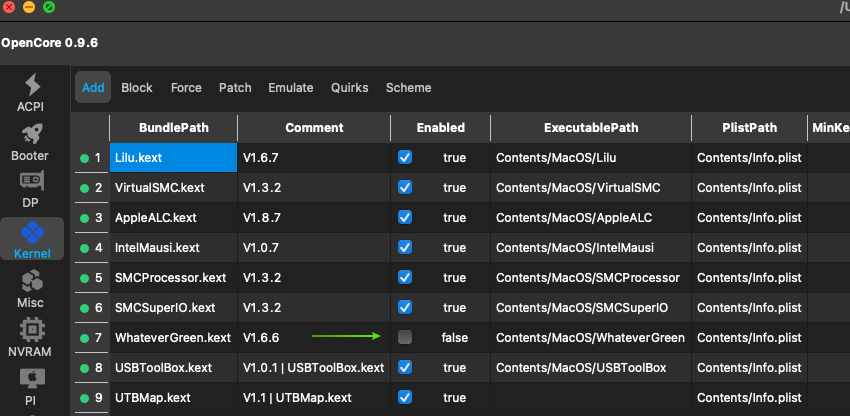
Deduco che e' una EFI pescata in rete ... quei 2 kext inerenti la mappatura ( USBToolBox.kext e UTBMap.kext ) non sono i tuoi quindi ? Rimuovi quei 2 kexts sia dalla cartella kekts e dal plist e prova a crearteli tu rimappando da capo prova a seguire qui https://www.youtube.com/watch?v=GnyY4qhdX5w ... presumo che hai pure Windows installato
-
A ok refind nel caso di fydeos unmmm Installo sempre il bootloader nel disco dedicato ( e' sicuro che mette il bootloader nella sua EFI cosi ( partizionata prima )... posso poi avviare sia con OC o direttamente dal disco dov e' la Distro 🤷♀️
-
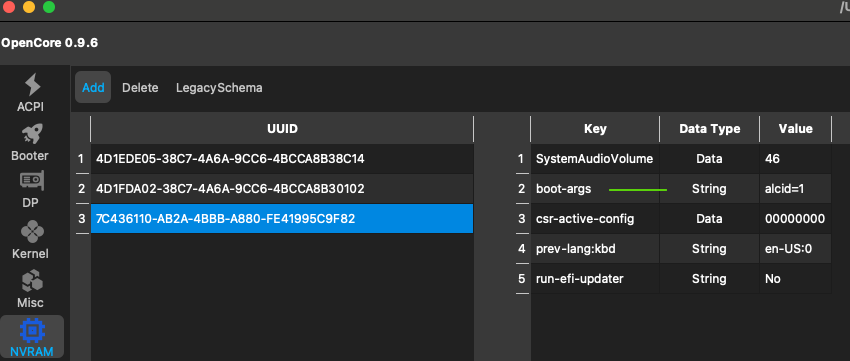
Quella che hai visto era la tua EFI anzi solo la cartella OC che hai postato In kernel Kekts whatevergreen.kext non e' abilitato In Nvram boot-args hai solo alcid=1
-
Dai uno spazio dopo alcid=1 e inserisci agdpmod=pikera qui metti la spunta

-
Hai WEG attivo ? Aggiungi agdpmod=pikera n boot-args
-
Perche' non installare il bootloader visto che ha un disco dedicato ? Puo' cosi anche avviare direttamente dal disco tramite tasti rapidi f12 o f9 ... Importante selezionare il disco di destinazione corretto ... per sicurezza disabilito / stacco gli altri dischi
-
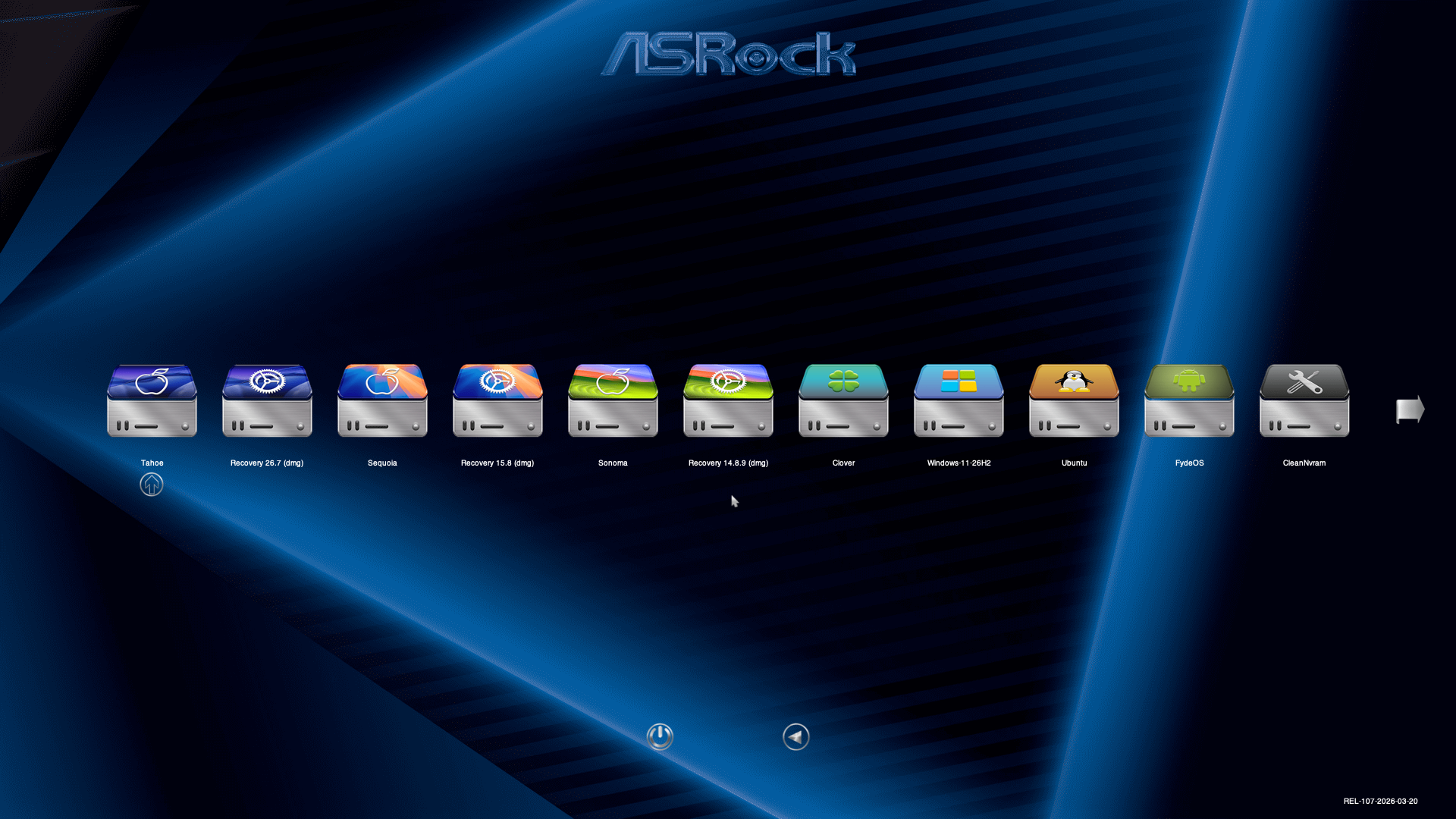
Ciao , per l audio prova a seguire qui https://macos86.it/topic/6540-sonoma-e-accelerazione-grafica/?do=findComment&comment=144664 Per il problema dello sleep potrebbe essere necessario mappare le usb Se ho capito bene vorresti che all avvio parta ad esempio sempre Sonoma ? se si ti basta spostare il cursore sull icona di Sonoma poi premi CTRL + Invio
-
Se hai la possibilità consiglierei di disabilitare il disco / i OSX / Windows da BIOS o togliere l alimentazione In modo che il GRUB non vada ad intaccare gli altri OS
-
Prova se non ti va con RunMe_DownloaderV4 qui nel topic di tominc ... thanks https://macos86.it/topic/6535-guidevirtualbox-on-sonoma-and-amd-hackintosh/
-
Hai dato il consenso cosi' per Mist ? Qui funziona
-
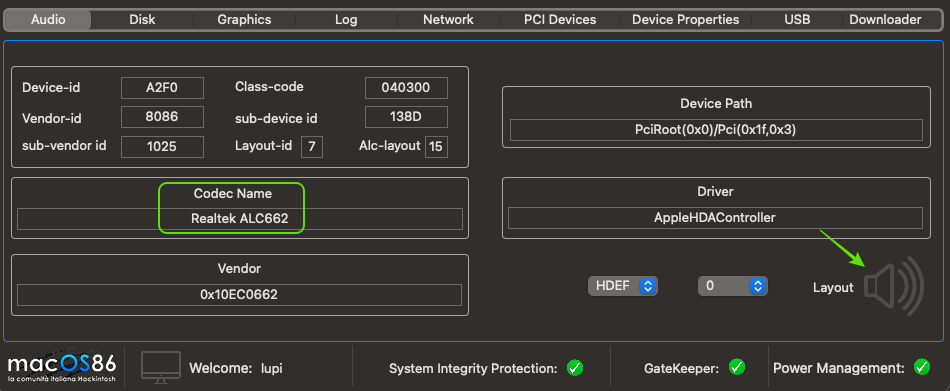
Prova a cambiare layout in boot-args -> alcid= Individua il tuo codec ...usa hackcheck ( nel mio caso ALC662 ) clicca sull altoparlamte , trova il tuo codec e vedi quali layout disponibili da inserire in alcid= Nota : ad ogni cambio di layout va riavviato il pc ! Metti il tuo HW in Firma .. Grazie
-
Prova ad abilitare DisableRtcChecksum in Kernel -> Quirks Solitamente si aggiorna la EFI prima di eseguire un aggiornamento o installazione di sistema 😊
-
Trovato la Partizione EFI ? C e' la cartella EFI al suo interno ? Basta copiare la cartella EFI solo su un disco non serve copiare la stessa EFI su gli altri dischi con OSX Poi impostare il bios che deve partire dal disco dove c e' la cartella EFI
-
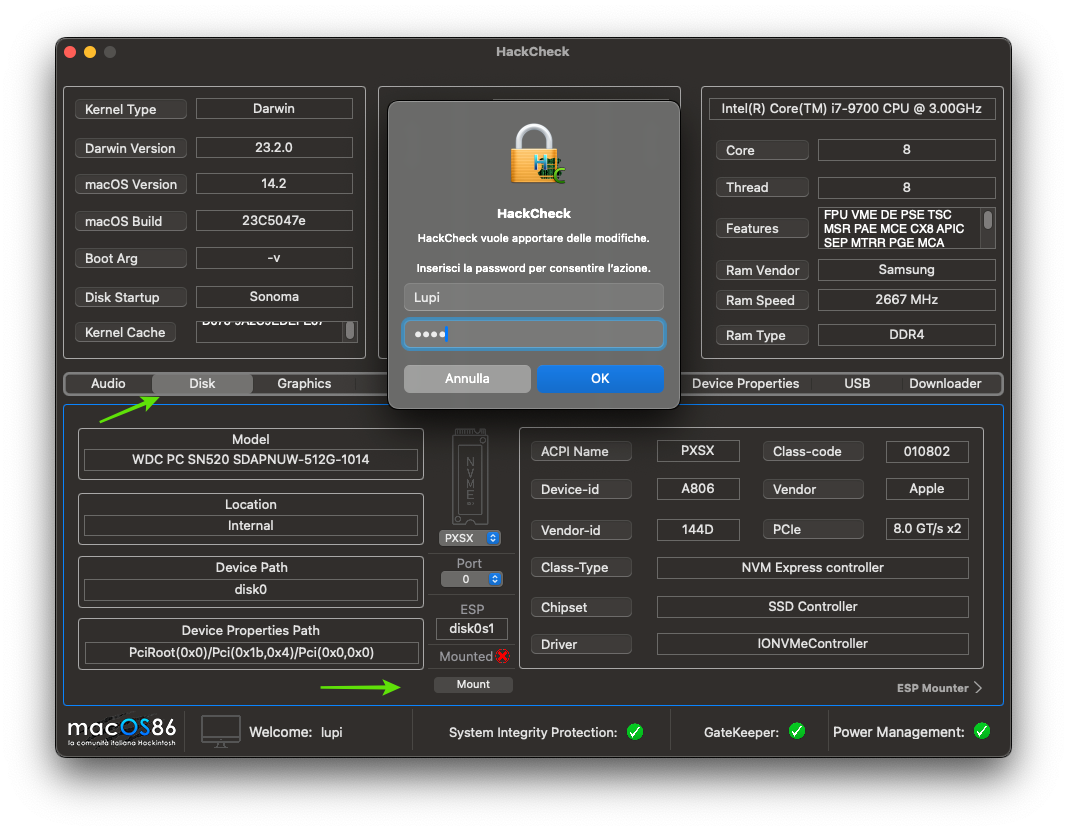
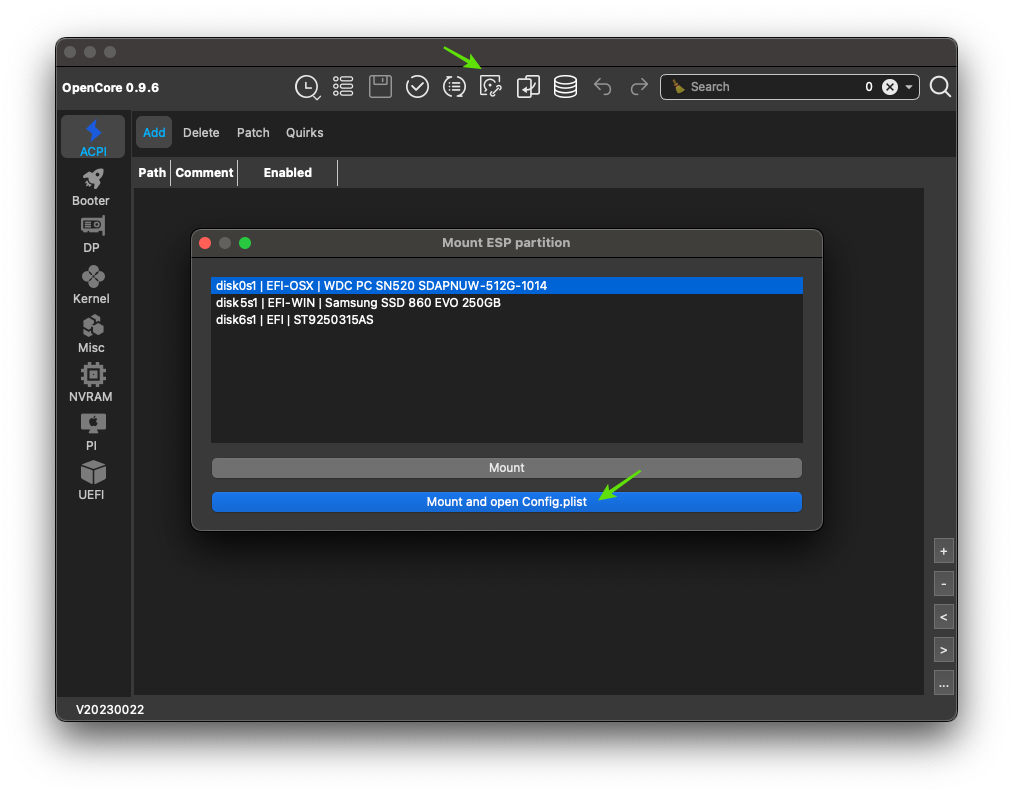
Devi andare prima su disk e poi in basso su mount ... inserisci passw. Mi pare che usi anche OCAT puoi montare i dischi pure da li
-
Se nascondi tramite scanpolicy non vedrai più Win al boot Bisogna poi creare " Custom Entries " Guida nella mia firma Solitamente mettendo i file .ContentVisibity ...risolve ,lasciando scanpolicy sullo 0
-
Prova a dare un occhiata qui https://macos86.it/topic/6501-eliminazione-cartella-oc-da-boot-menu/?do=findComment&comment=144164 Per nascondere la Recovery spunta HideAuxiliary ,ti basta premere la barra spaziatrice x farla riapparire in caso dovesse servire
-
👀 Occhio alle recensioni " Des Teil ist defekt des haben sie nicht gesagt des zeigt die Farben falsch an ich will mein Geld zurück " " Il pezzo è difettoso, non l'hanno detto, i colori sono visualizzati in modo errato, rivoglio i miei soldi "
-
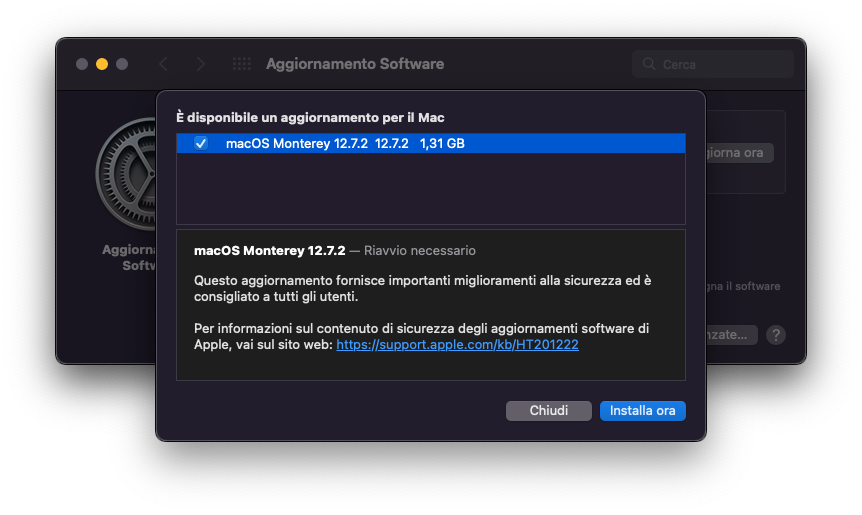
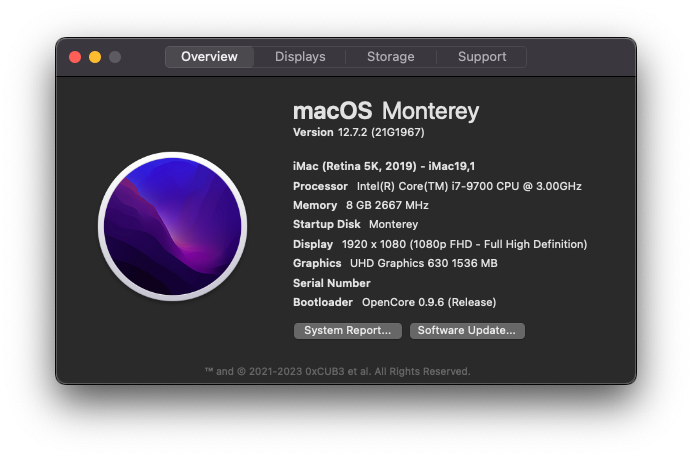
macOS Monterey 12.7.2 (21G1967)