
fabiosun
-
Posts
11,953 -
Joined
-
Days Won
581
Content Type
Profiles
Forums
Events
Downloads
Everything posted by fabiosun
-

asus rog strix x570-f gaming ryzen 9 5900x
fabiosun replied to m.bonci's topic in General Discussion
la cartella efi non si porta nessuna installazione, ma va solo aggiornata e modificata come ti ho scritto (kext, bootloader e AMD kernel patches) La discriminante importante e' nel disco del sistema che OCLP modifica e le relative impostazioni del config.plist per far andare cose vecchie non piu' supportate da apple (audio e wifi per noi in particolare) -
asus rog strix x570-f gaming ryzen 9 5900x
fabiosun replied to m.bonci's topic in General Discussion
Ciao il tuo config e' preparato per l'utilizzo con la wifi/BT broadcom ma non benissimo. ci sono diversi errori (uno tra tutti utilizzo di un bootarg non piu' necessario e altro) Su Tahoe l'applicazione per far funzionare la wifi /BT non e' funzionante per il momento quindi, se fai una installazione pulita di tahoe puoi provare ad usare questo config.plist che ti allego In questo ho disabilitato tutte le cose utili per OCLP (la app di cui sopra) e messo il -v piu' le patches aggiornate per la tua CPU Se accetti un consiglio , io aspetterei Ma se vuoi proprio provare fallo su un disco diverso e con una installazione da zero Se per grandissima fortuna riesci a fare il primo login con tahoe, ricordati prima di riavviare il pc di disabilitare il file vault Ah, ultima cosa, aggiorna opencore e tutti i kext e devi anche stare attento a whatevergreen kext che nelle prime fasi di installazione (se lo usi ed e' utile a te) va disabilitato o preso uno modificato che ad alcuni funziona (compreso me) Config.plist.zip -
asus rog strix x570-f gaming ryzen 9 5900x
fabiosun replied to m.bonci's topic in General Discussion
Come ti dicevo Tahoe ancora ha dei problemi con le wifi , con l'audio che usa AppleAlc come kext e con il wifi se usi una wifi broadcom tramite OCLP Questa schermata non serve conosco il sistema che hai in firma serve un config che ti fa partire il vecchio sistema che utilizzi e leggi bene cosa potrebbe non funzionare in tahoe 🙂 -
asus rog strix x570-f gaming ryzen 9 5900x
fabiosun replied to m.bonci's topic in General Discussion
@m.boncisi aggiornano scaricandole dal github ed inserendole opportunamente nel config.plist sezione kernel patches (fare attenzione a mettere il corecount per la cpu posseduta) , se posti quelle che usi lo faccio per te https://github.com/AMD-OSX/AMD_Vanilla -
allora non e' il kext..pero' quello non e' ufficiale quindi potrebbe anche non andare per alcuni pero' se ti fa la stessa cosa senza kext parrebbe il problema essere altro
-
se dovesse andare appena fai il primo login verifica filevault prima di riavviare
-
Perdu Ciao Usi whatevergreen kext? nel caso nelle prime fasi va disabilitato o utilizzare un kext non ufficiale modificato
-
Quando installi o aggiorni da un osx precedente a tahoe devi sempre disabilitare il kext in questione o usare quello modificato a oggi
-
Puoi fare come hai fatto ora poi formatti la partizione che non ti serve
-
WhateverGreen.kext.zip se vuoi provare questo e' il kext se stai installando e non hai altri problemi nella efi ti dovrebbe passare quel punto (potresti aver bisogna anche di modificare la mappatura usb se la utilizzi via kext) edit non vedo mappatura usb nella tua efi (se non sbaglio) quindi con il kext dovrebbe andare
-
Stai installando tahoe o e' già installato? se stai installando nelle prime fasi devi disabilitare whatevergreen kext o utilizzarne uno modificato
-
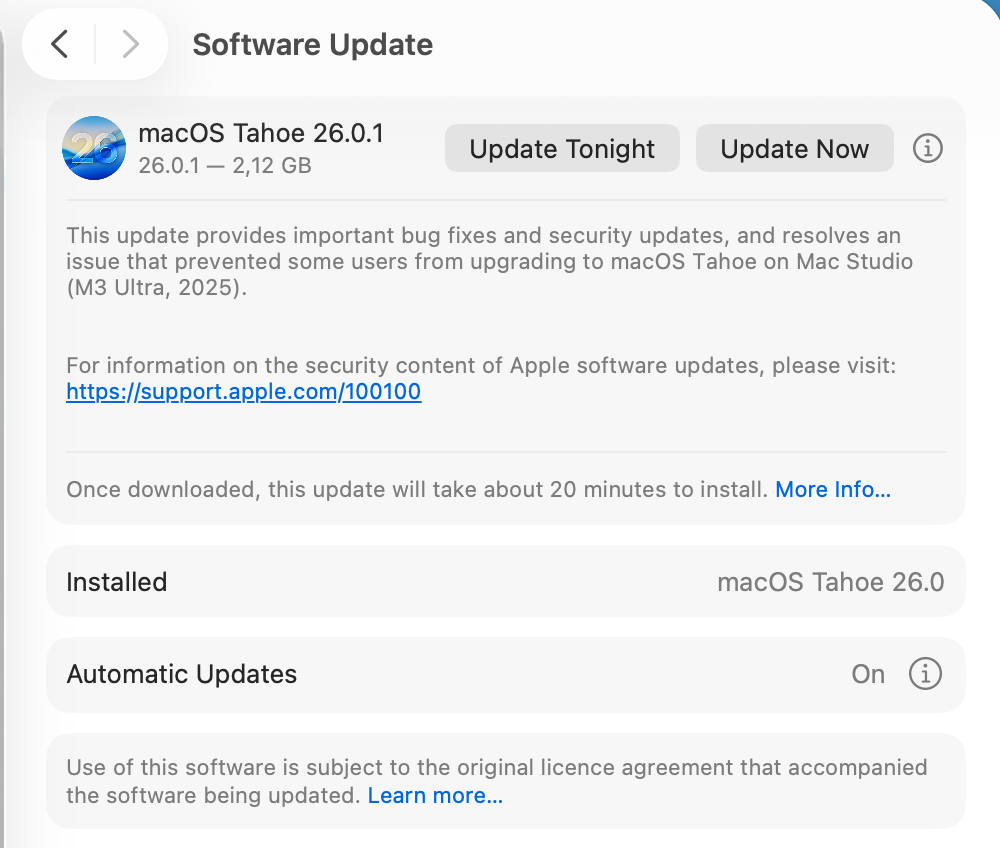
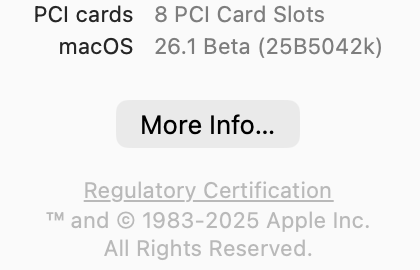
Sì è normale @danysei avanti e non puoi tornare indietro 26.1 è una beta con numerazione più alta di 26.01 che è una release (anche se la 26.01 è uscita dopo)
-
la prima e' una beta la seconda e' ufficiale per tutti
-
@carlo_67eri arrivato terzo se non quarto..ho spostato i thread nel tuo 🙂
-
funziona carissima 🙂

-
-
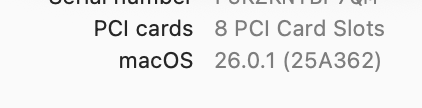
26.0.1 build 25A362
-
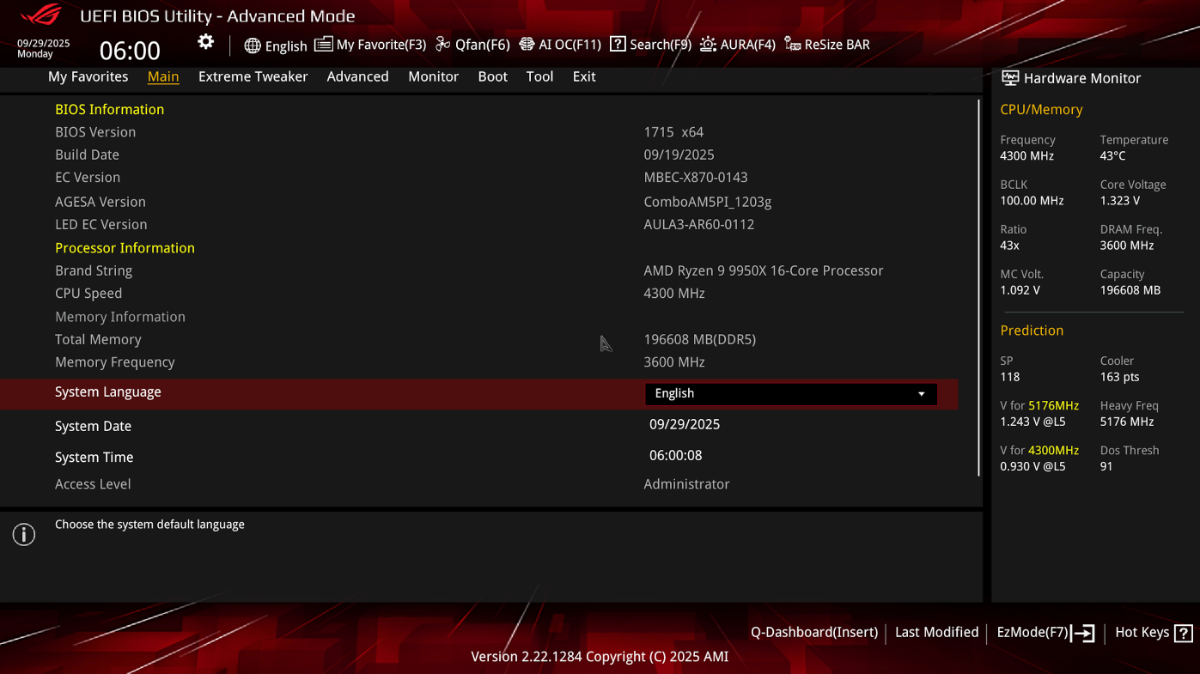
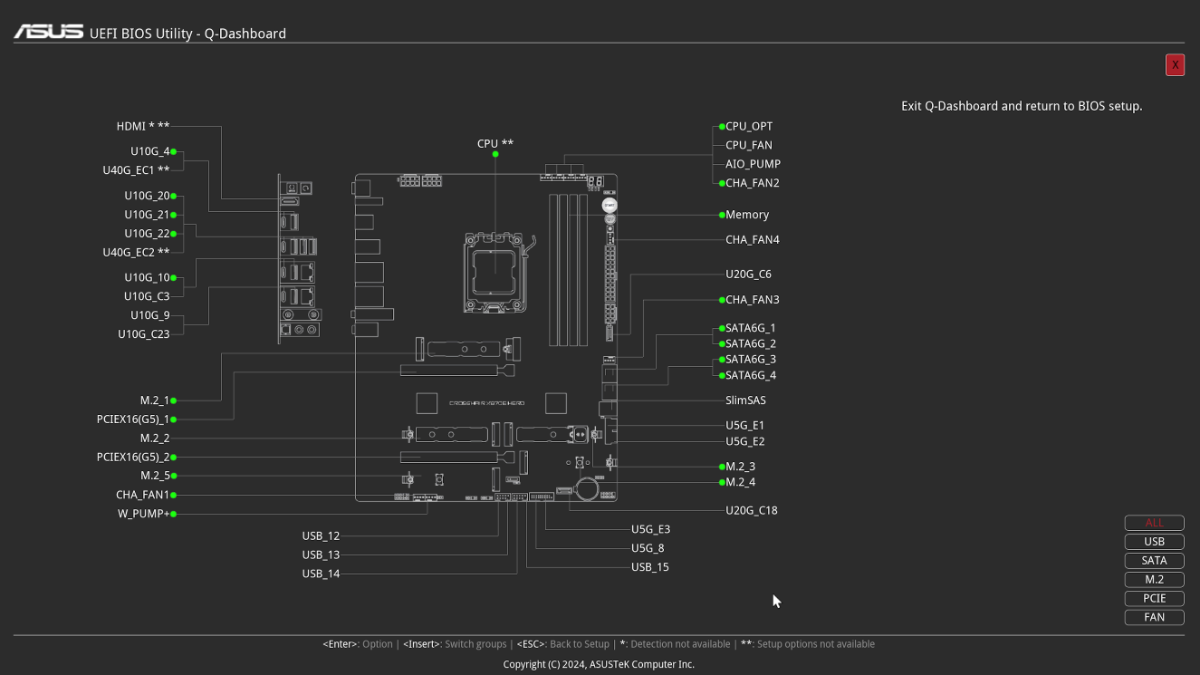
New 1715 bios with new Agesa All devices with a green dot work 🙂
-
dipende se per l'audio ti serve AppleAlc o meno non serve nulla per HDMI/DP e audio USB
-
Per me la soluzione migliore è installare su altro disco un Os compatibile con il tuo lavoro reinstallare le applicazioni che usi e poi con pazienza rimettere sul nuovo disco funzionante i dati purtroppo la app Oclp è fondamentale per far funzionare i vecchi Mac e purtroppo non è compatibile con tahoe ora e probabilmente per parecchio tempo a venire
-
se fai un update del sistema appena finisce non devi riavviare dopo il login ma controllare se ti ha attivato di nuovo filevault nel caso lo disabiliti
-
Se il problema lo hai avuto dopo l’aggiornamento a tahoe ( che è stato completato ed al riavvio non va la password) segui il link che ha messo anto65 per logan71 qualche messaggio prima del tuo
-
prova solo diskutil list da che OS partivi?
-
Totuccio, non sono esperto di portatili ma mi sembra che tu abbia troppi kext di rete nella tua efi
-
AMD funziona bene https://github.com/Carnations-Botanica/WhateverGreen/actions/runs/17732862870 questo weg (a chi serve usarlo) funziona in tutte le fasi dell'installazione!