All Activity
- Past hour
-
Strano ... a perdu nenche si abilita VTD 🙈
-
si gia provato tutto ieri se abilito VtD e metto il boot arg e il mapper su disabile non ho più tastiera e mouse sto parlando della kabylike
- Today
-
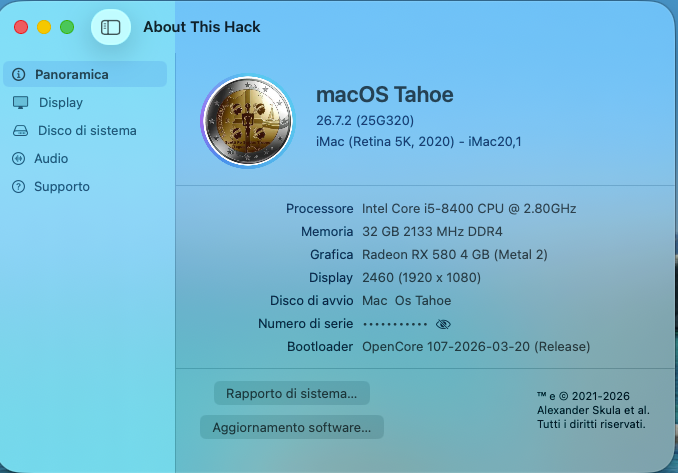
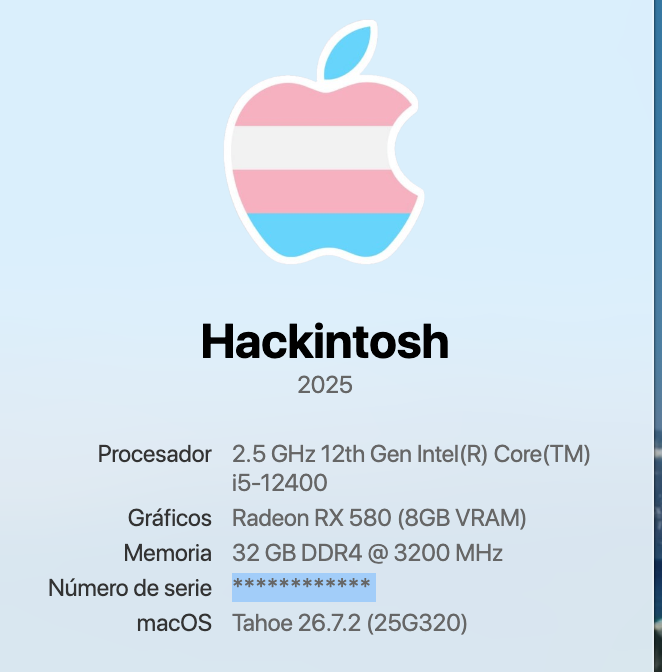
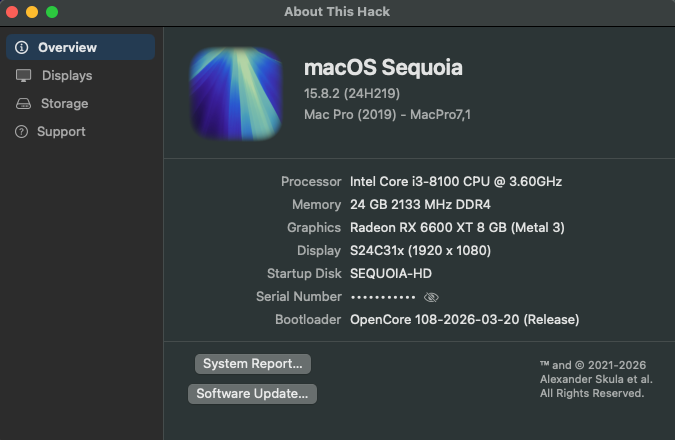
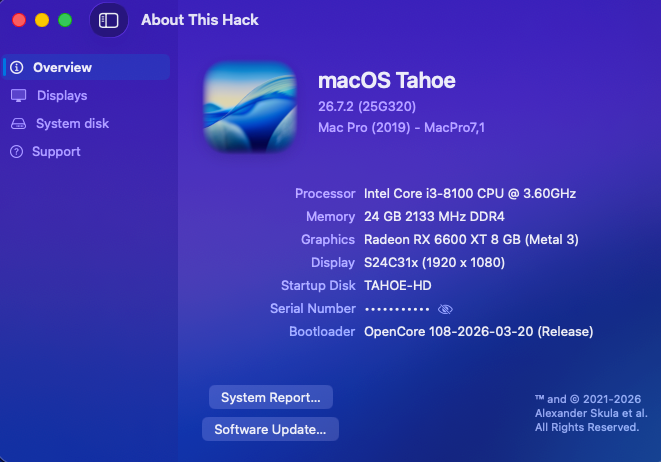
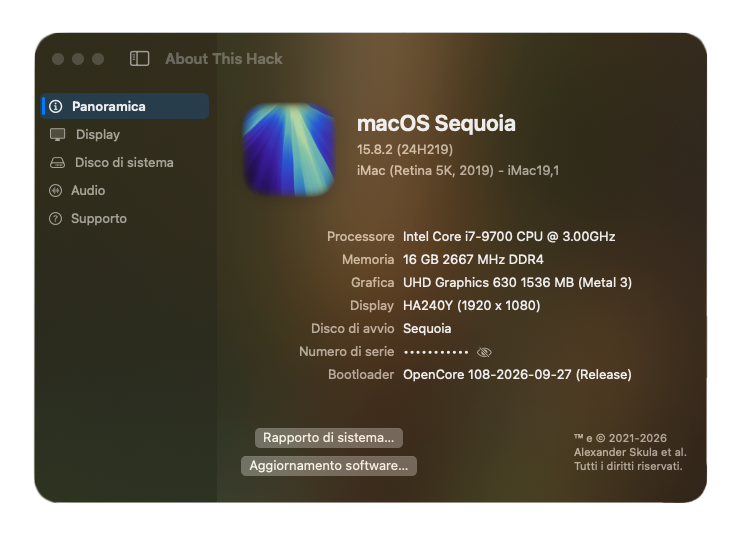
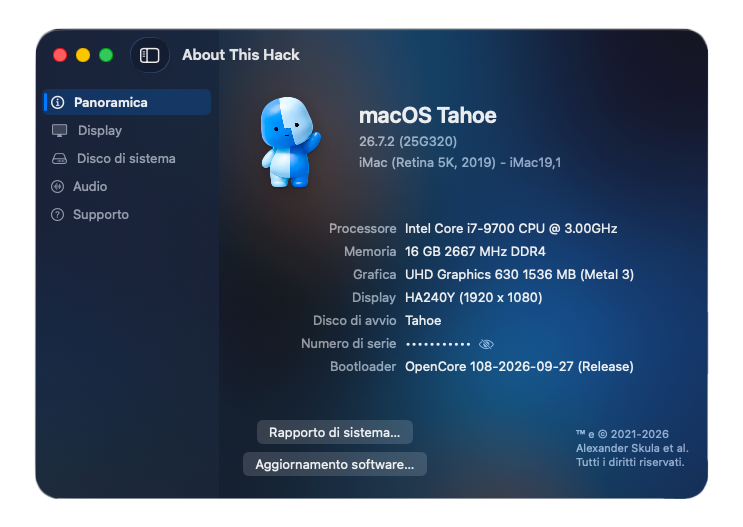
si https://github.com/2009-Nissan-Cube/About-This-Hack ce ne sono diverse versioni io uso questa
-
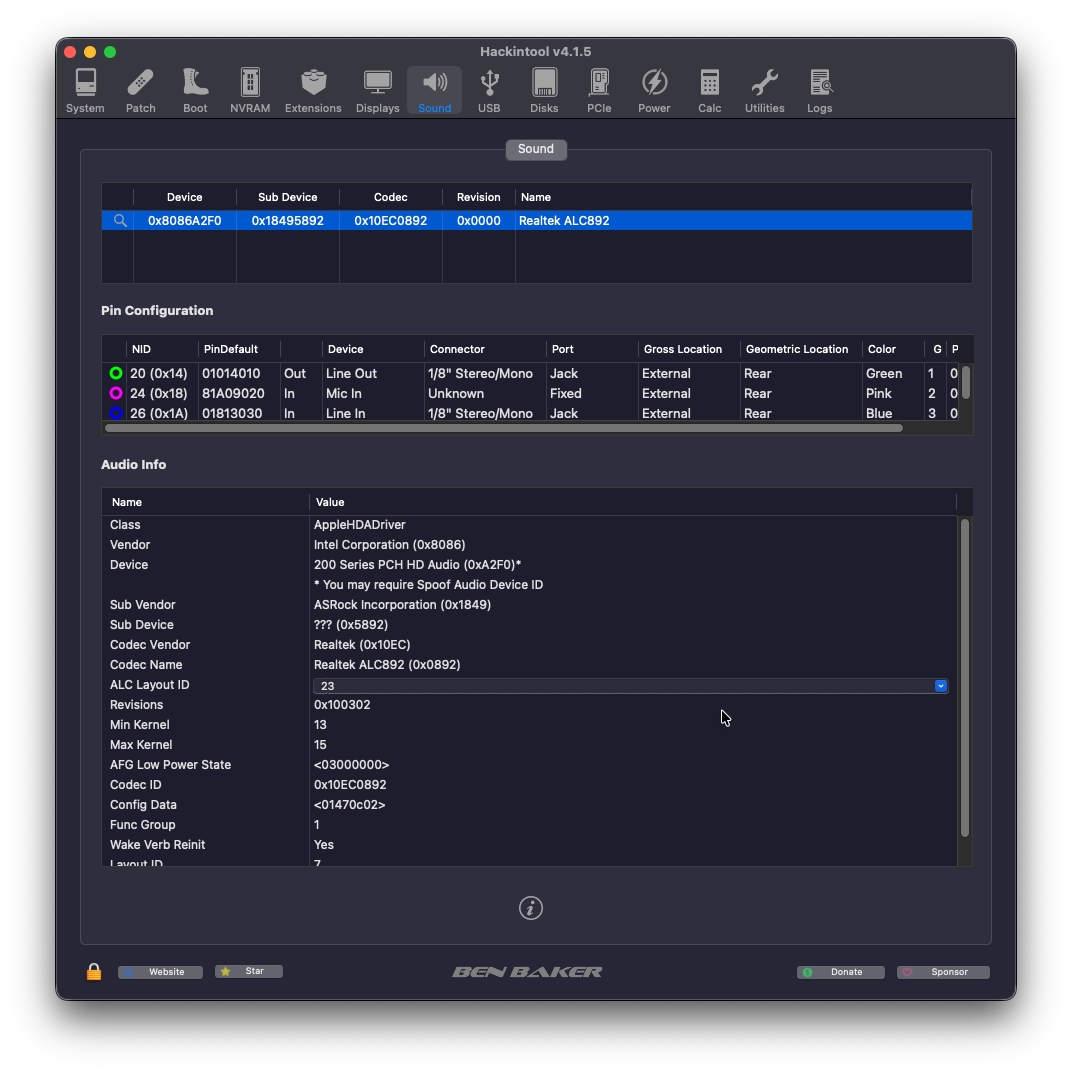
Ragazzi come fate a ottenere questa schermata? e un programma?
-
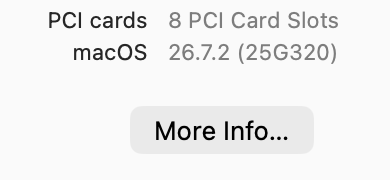
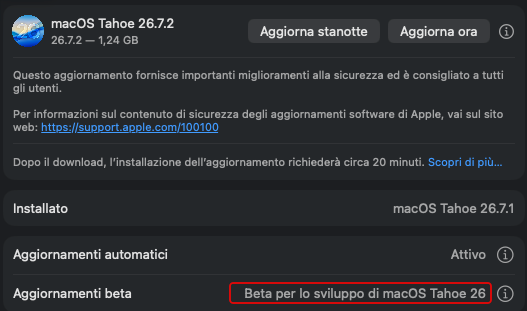
macOS 26.7.2 - 25G320 - 👍

-
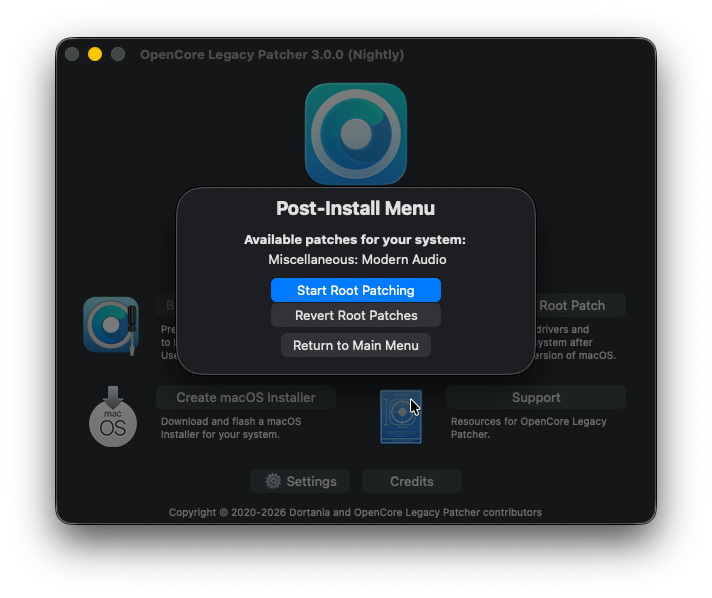
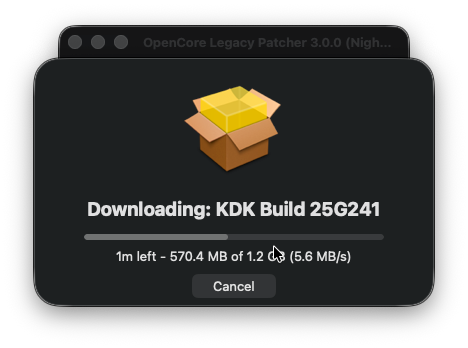
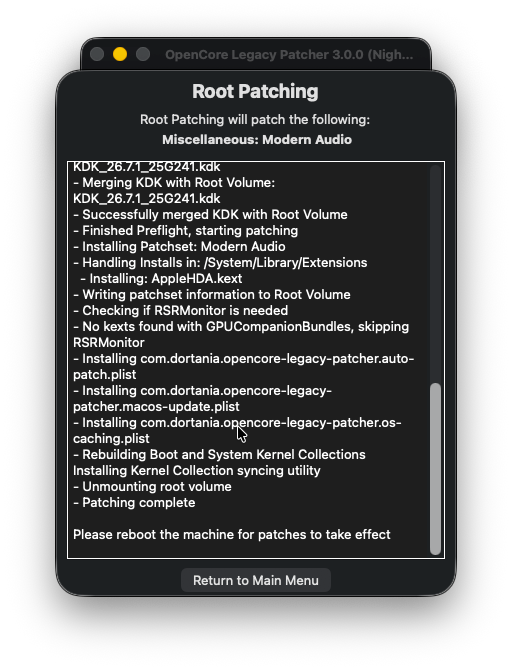
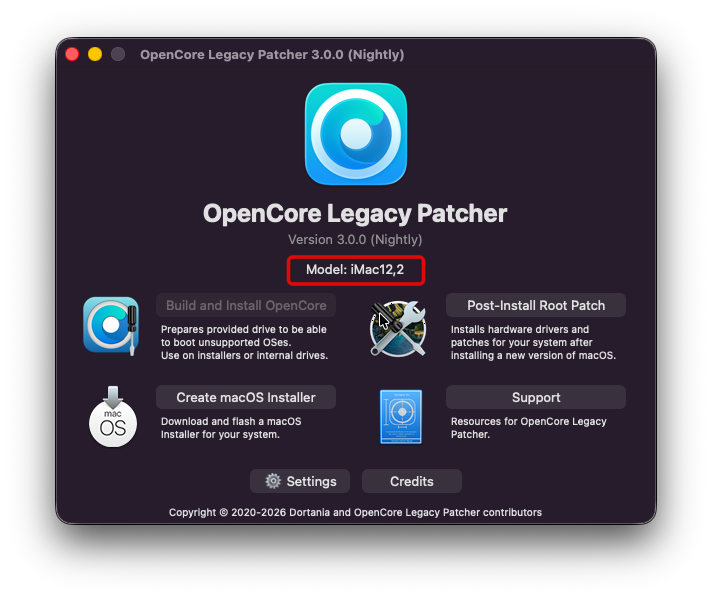
OCLP 3.0.0-rc.3
-
Hi Fabiosun, I removed the w6600 pro and tested using the integrated graphics. Unfortunately, the system still hangs at exactly the same point: This makes it appear that the GPU is not the cause of the problem. Thank you very much for all the you have put to helping me troubleshoot this. I truly appreciate your assistance, and I do not want to take up more of your time. I have already received far more help than I expected. Now that I have your EFI, I will continue testing and adjusting the BIOS and related settings carefully on my own. Hopefully, I can eventually get this system working. Best regards, Steven
- Yesterday
-
Hai provato ad abilitare VTD e con il boot-args itlwm_he=1 ?
-
anche con VTD disable nel BIOS e DisableIoMapper true
-
va alla grande
-
Aggiunto il supporto AppleVTD ( sembra andare di moda ultimamente 🤭 ) ai Kexts Airport Tahoe / Sequoia ( VTD abilitato nel BIOS DisableIoMapper = False ) https://github.com/laobamac/itlwm/actions/runs/37601834372
-
Nuovo AirportItlwm.kext per Tahoe e Sequoia Per le WiFi Intel ( ax210 ... ) ( by laobamac ) Non necessita Heliport.app supporto nativo https://github.com/laobamac/itlwm/releases 💪
-
 Müller joined the community
 -
tutto ok anche poi utilizzando il nuovo OpenCore legacy Patcher R3.0 RC2
-
Hi @Stegran as latest and desperate idea you can try to unmount your 6600pro gpu and see if system passes that hang in that case if it will go on you will have a system with not accelerated graphics sorry no more ideas to test
- Last week
-
Hi Fabiosun, Thank you for sharing your personal EFI. Even with your working configuration, the system hangs at the same point. I'm afraid my AMD Radeon Pro W6600 may be the culprit. I really appreciate your help. If you have any other ideas, I'm happy to test.
-
tutto liscio.
-
Hi Fabiosun, Let me try your last EFI. I posted without noticing it. With the previous omne I have done those steps, and unfortunately the system halted at the same point: "Successfully initialized AHCI controller" & non-verbose mode progress bar still freezes at roughly 50% under the Apple logo. Regarding the NVMe compatibility, I also tested the boot using a SK Hynix Platinum P41 NVMe PCIe 4.0 drive, but the boot sequence halts at the exact same point. Thank you
-
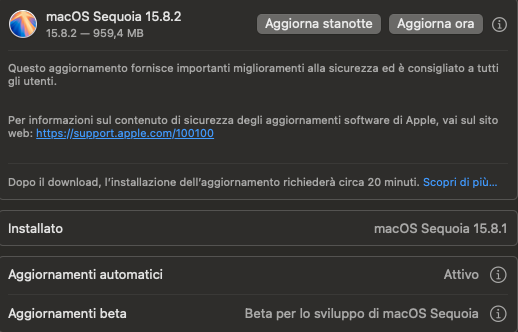
macOS Sequoia 15.8.2 ( 24H219 )
- 1 reply
-
- 1
-

-
macOS Tahoe 26.7.2 ( 25G320 ) Full Installer https://swcdn.apple.com/content/downloads/56/55/142-36157-A_UQAE2ZYSL6/czqg6vwamgyvjnd3coz6t7fa4lb1mb8x1n/InstallAssistant.pkg
-
If all above fails try this EFI Remember always to reset Nvram EFI.zip It is my EFI (in my system it installs and boot OSX from mac OS Ventura? i cleaned my wifi and gpu parts, and it should be good for your system
-
Try to disable also internal gpu from bios and remove all Device properties in your config. Plist if it hangs the same I will try other EFI remember to reset nvram in opencore menu i do not know also if your nvme is properly supported in OSX
-
Hi Fabiosun, Thank you for the updated EFI. I've tested it with the CSM off, WiFi and internet disabled, but unfortunately the issue persists. I am installing from a full installer. Without verbose : Apple logo + progress bar stops at ~50%, & with verbose mode it hangs at "Successfully initialized AHCI controller".