All Activity
- Today
-
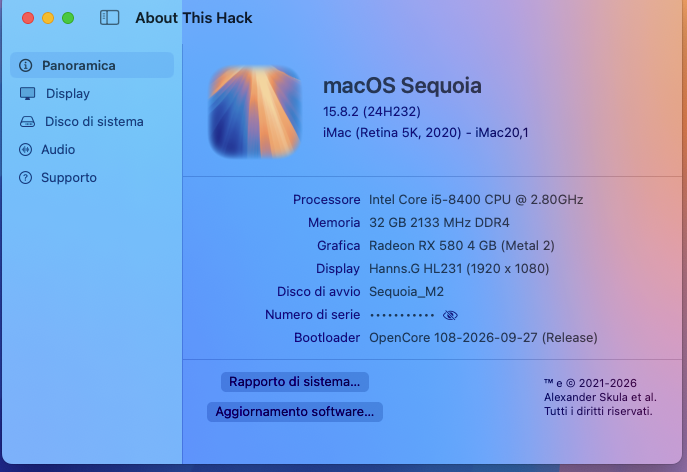
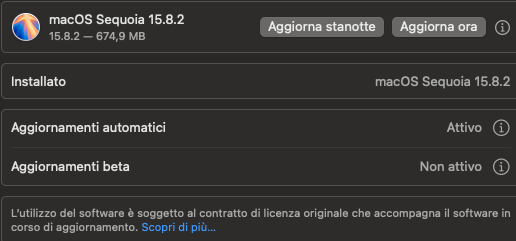
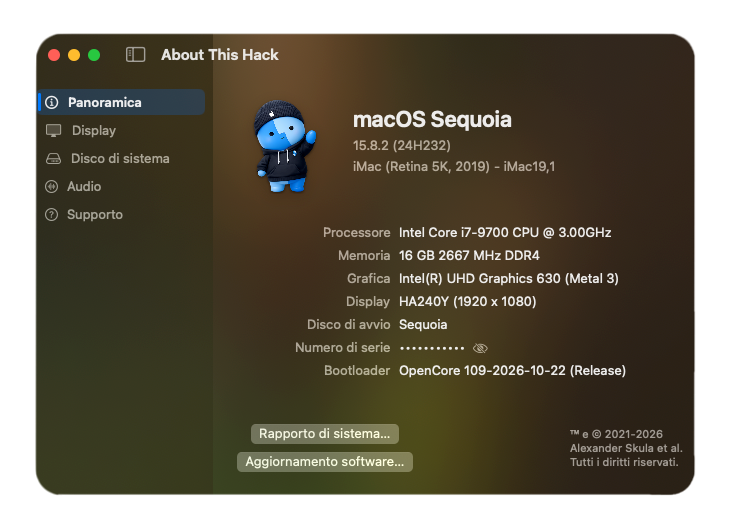
macOS Sequoia 15.8.2 - 24H232- 👍

- 1 reply
-
- 1
-

-
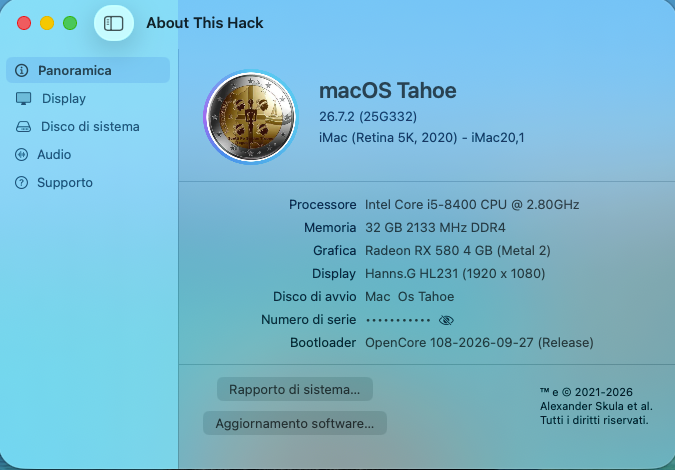
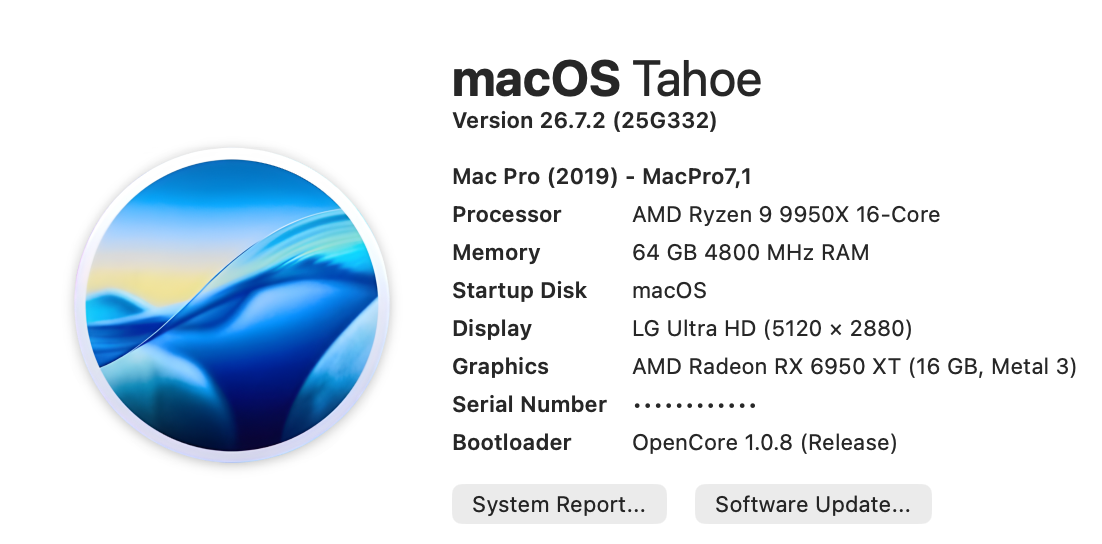
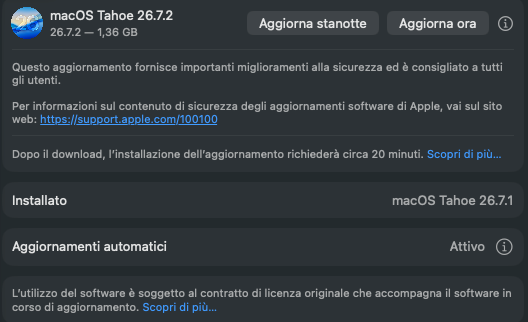
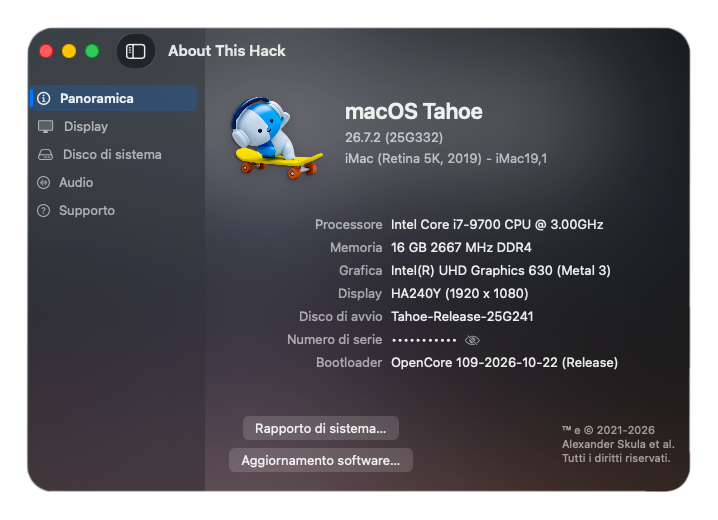
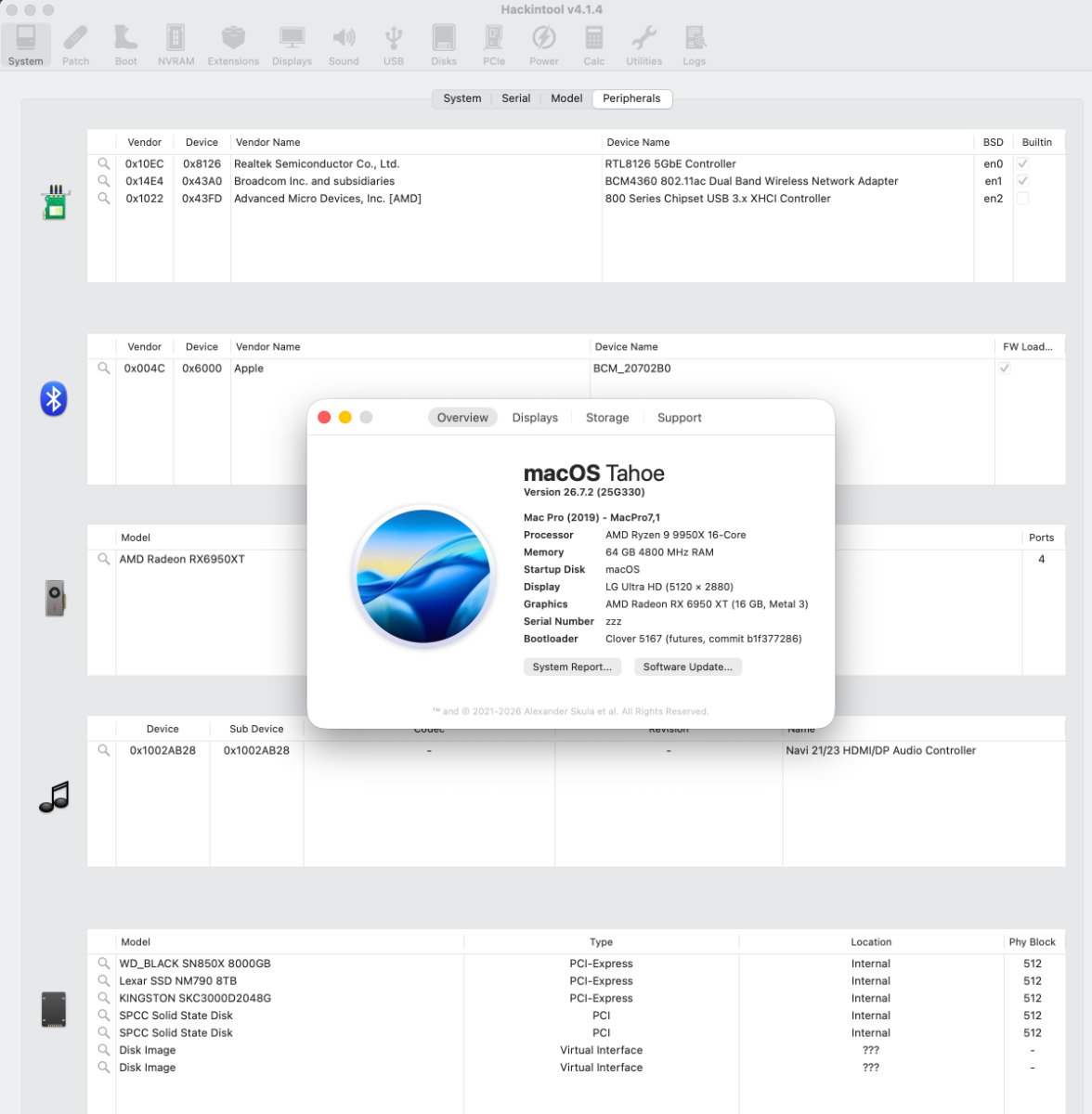
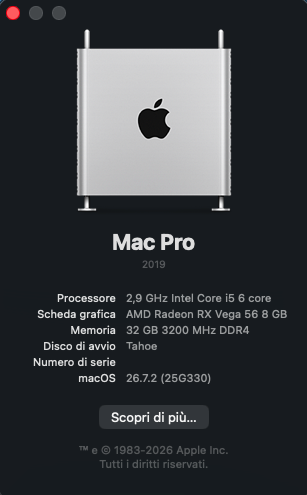
macOS Tahoe 26.7.2 - 25G332- 👍
- Yesterday
-
macOS Sequoia 15.8.2 (24H232) Full Installer https://swcdn.apple.com/content/downloads/31/10/142-50013-A_0GMSQ8FVZX/kpmee5466o6dmojjdqw34x6ckj6b332of6/InstallAssistant.pkg
- 1 reply
-
- 1
-

-
macOS Tahoe 26.7.2 (25G332) Full Installer https://swcdn.apple.com/content/downloads/38/31/142-50020-A_7SHECS0ACF/ncy3h2j7nwse4aoz0rjot59fp0z9s4yf3o/InstallAssistant.pkg
- Last week
-
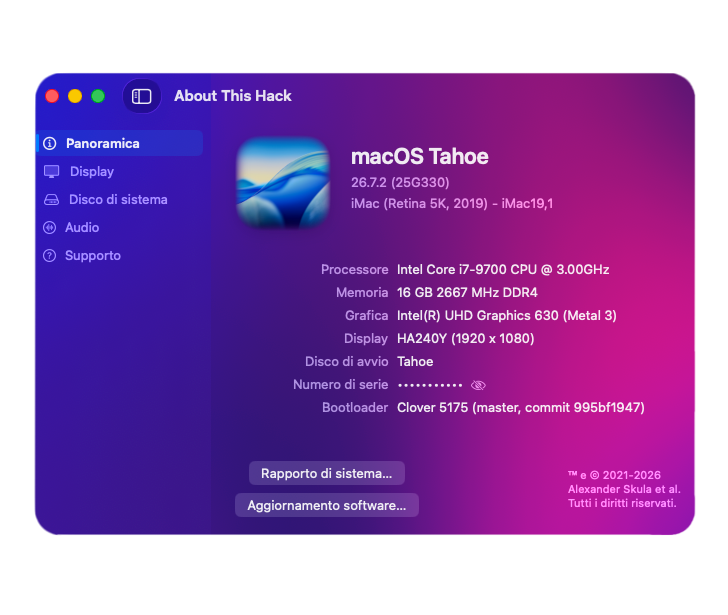
Anche con CLover tutto bene con il nuovo metodo di Laobamac! 🙂
-
Installato anche questo kext e come hai detto, tutto va alla grande!
-
Intendi questo di Block ? Credo che anche sulle schede grafiche farebbe centro , ha comunque molte pentole sui fornelli OCLP-MOD , Airport.kext ... e poi ha anche la scuola da seguire a tempo perso 😆 Aspetto solo di leggere ( anche x lui ) la proposta di Apple a far parte in qualche squadra
-
https://macos86.it/topic/7840-simplehda/#comment-161252 Attualmente sto usando Lilu v1.7.3 e tutto procede a meraviglia
-
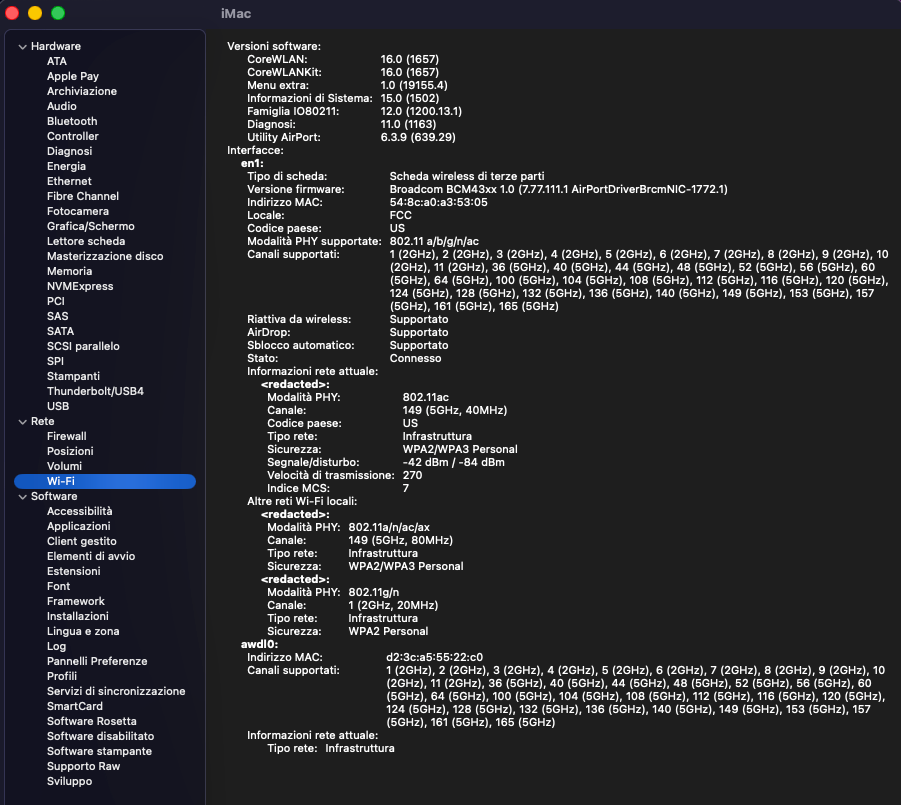
Ciao @fabiosun avendo latitato in questo sito da tempo, mi sono perso come recuperare l'audio AppleHda senza OCLP (così mi pare di aver capito dalla tua affermazione) Sai indicarmi il link per poter fare l'upgrade? Seguendo le indicazioni del README.en.dm i text della cartella SimpleBCM-1.0.0-Tahoe si sono installati correttamente ed è riapparso il WiFi ma OCAT mi segnala la nuova versione di Lilu, la 1.7.2 che già avevo e che ho sostituito assieme a tutti i kext della cartelletta Kext di SimpleBCM che risulta essere la 1.7.1 . Posso aggiornare Lilu? Grazie per le informazioni che fornisci e mi saprai dare. Ps l' ho trovato adesso l'aggiornamento di Lilu lo tento comunque, grazie lo stesso.👋
-
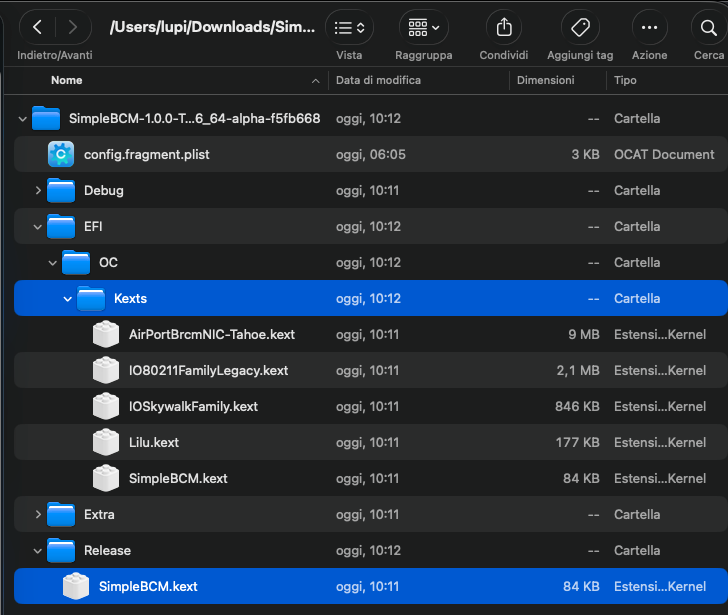
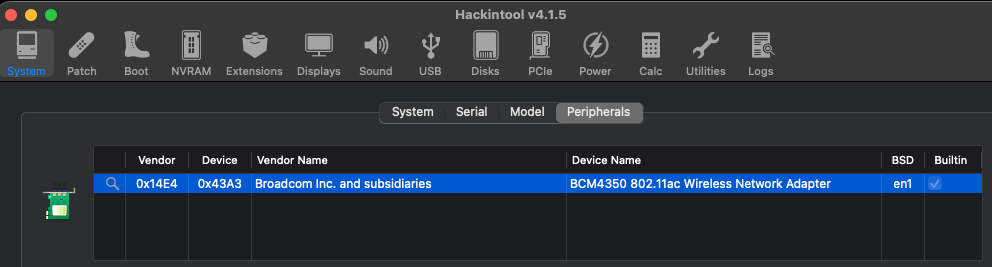
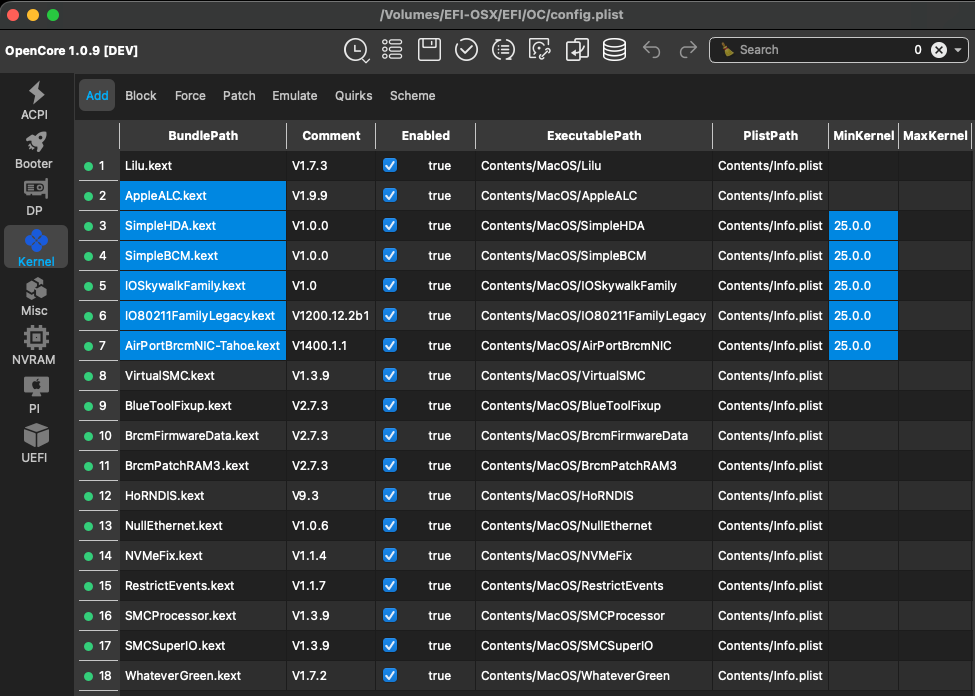
confermo ho quella scheda bastano Lilu → SimpleBCM → IOSkywalkFamily → IO80211FamilyLegacy → AirPortBrcmNIC-Tahoe e AirportBrcmFixup senza far caricare i suoi plugin
-
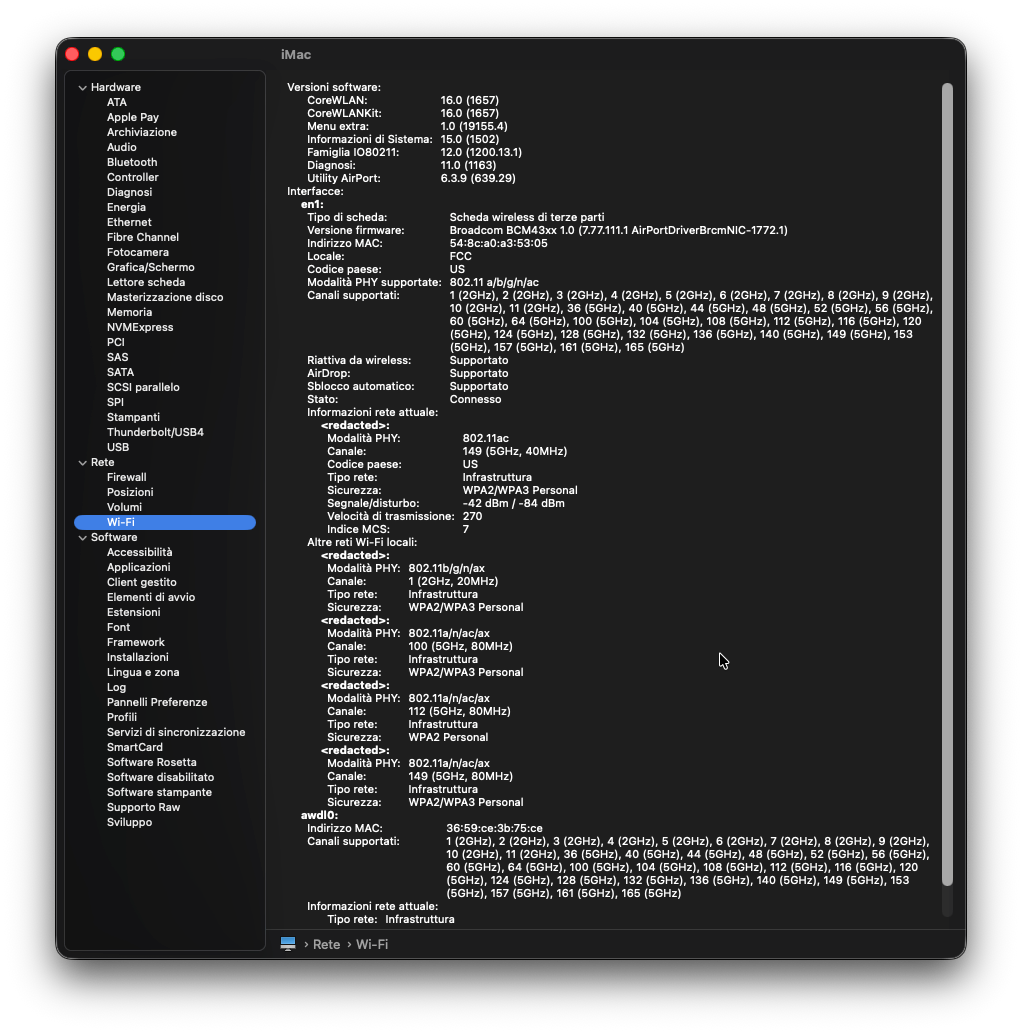
Si volta pagina 😆 OCLP non e' piu' necessario per ripristinare il WI-FI su schede Broadcom in macOS Tahoe ( Serve ancora per Sequoia / Sonoma ) https://macos86.it/topic/7845-simplebcm/#comment-161282
-
Ciao @Anto65 ho scaricato lo zip del link e ho scoperto che il kext non c'è già pronto ma deve essere compilato. Non avendo xcode c'è la possibilità di recuperarlo in altro modo? Tra l'altro sulla pagina in cinese(?) di GitHub riesco a intuire giusto la sequenza che hai sopra accennato e null'altro. ... Ps ho notato nel readme.en.dm le istruzioni per l'installazione. Provo e nel caso non riuscissi torno a chiedere consiglio. Scusa l'impulsività e grazie per la dritta!
-
che bello senza fare revert avere il delta update 🙂
-
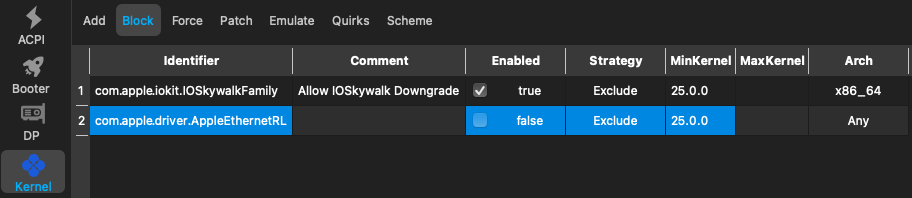
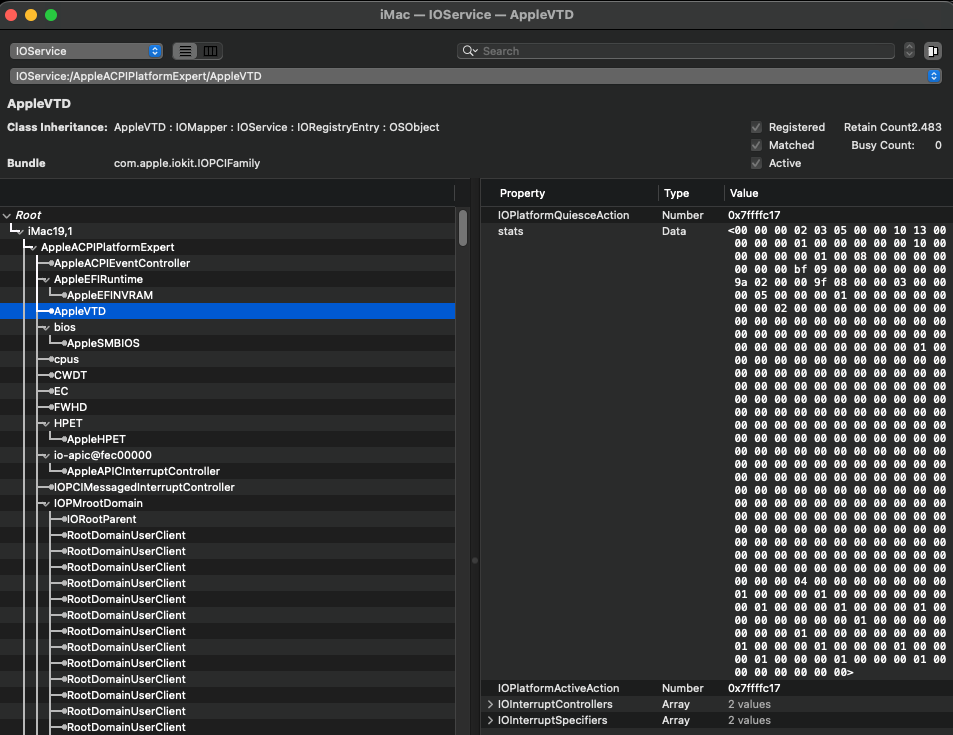
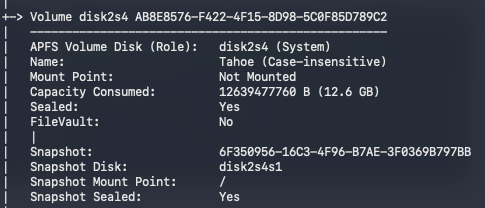
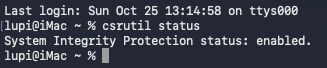
! Altra chicca firmata laobamac 🙏 Soluzione definitiva senza patch di Root : OCLP / MOD / KGP ... dopo AppleHda , anche per le schede di rete wireless Broadcom Inietta direttamente tramite Opencore i driver Legacy ( Attualmente questa soluzione e' valida solo per Tahoe , probabile ulteriori sviluppi futuri anche per Sequoia ) ! Rimuovere altre soluzioni per il ripristino del WI-FI ( patch di root ) Amfipass.kext non piu' necessario Boot-args : -amfipassbeta non piu' necessario In Kernel → Block : " Allow IOSkywalk Downgrade " e' ancora necessario ! Maggiori dettagli qui https://github.com/laobamac/SimpleBCM/blob/main/README.en.md Aggiungere il kext SimpleBCM al plist. mantenendo questo ordine : Lilu → SimpleBCM → IOSkywalkFamily → IO80211FamilyLegacy → AirPortBrcmNIC-Tahoe . ( Alcune schede più vecchie, come la BCM943224, necessitano di AirportBrcmFixup e del suo NIC Injector. ) Repository https://github.com/laobamac/SimpleBCM ( Da compilare ) Releases https://github.com/laobamac/SimpleBCM/releases ( Gia' compilato ) ( Tutto il necessario all interno dello zip ) AppleVTD abilitata ! Sip abilitata ! Sigillo del Disco Integro !
-
@Tambo dopo una rapida occhiata mi sembra che la tua EFI sia ben fatta, forse manca qualche bootarg e hai un sip disabilitato parzialmente in Nvram Dalle patches del kernel eliminerei quelle di Visual che sono le 21 e 22 mi pare nella lista che non ti servono
-
Ciao a tutti! sono tornato 🙂 Dopo mesi con windows ho deciso che era ora di rimettere macOS in dualboot Ho ricreato la efi da capo e devo dire che Sequoia gira abbastanza bene, non è veloce quanto un vero mac, però devo dire che si difende abbastanza bene Qualcuno di voi, quando ha tempo e voglia, potrebbe dare un'occhio alla mie EFI e dirmi che ne pensa? critiche e consigli sono ben accetti, ho cercato di crearla al meglio 🙂 EFI.zip
-
e ci son pure io 🙂