
-
Posts
6,106 -
Joined
-
Days Won
376
Content Type
Profiles
Forums
Events
Downloads
Everything posted by Anto65
-
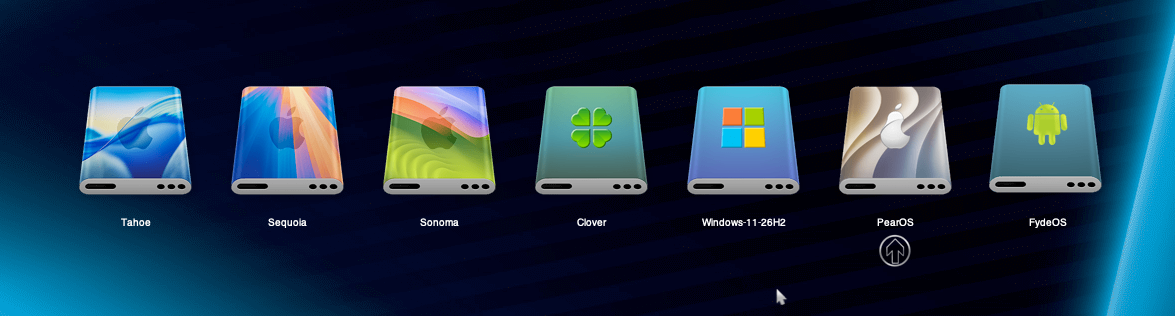
👍 Su questo Hai messo i drivers ext4 e Linux boot presumo Prova da shell a trovare i percorsi dei bootlader ( Win e Ubuntu ) e lo fai partire senza i driver ... segui qui https://macos86.it/topic/4665-opencore-aggiungere-custom-entries-via-shell/ Solo a scopo didattico , se vuoi 🤭 ... Backuppa la EFI sempre
-
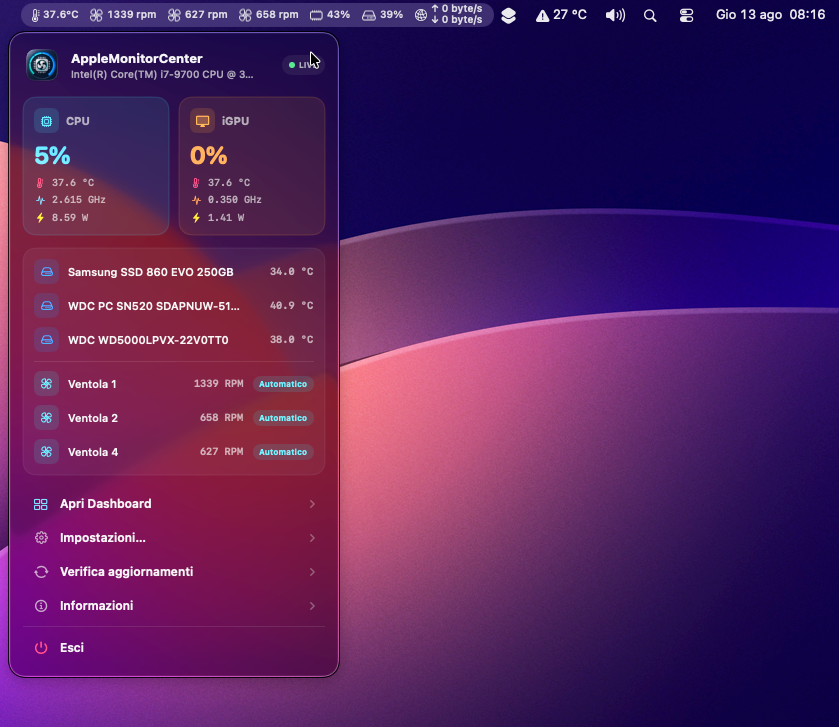
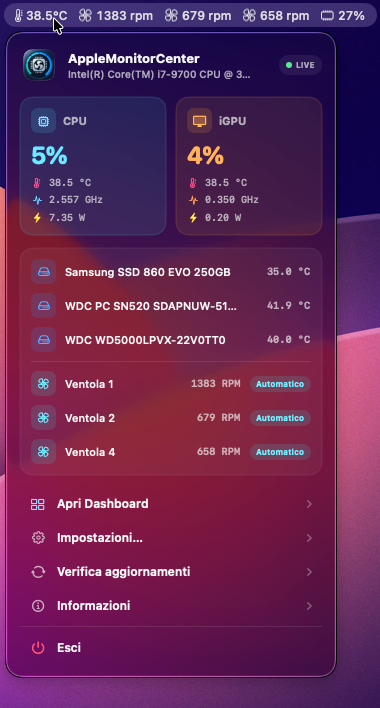
Masculu 😅 2 Considerazioni se confronti i caratteri / icone con quelle di sistema risultano leggermente piuì piccole e meno marcate , bianche come avevo anticipato prima (se hai visto il breve video) , la lungezza della barra si espande e si contrae , quando gli RPM aumentano o diminuiscono Ora sei libero di mandarci a quel paese 🤣 immaggino nn e' facile accontentare a tutti , chi la vuole al dente e chi cotta ... Grazie

-
Si , ma ho già occupato 1 processore temp. 2 ventola CPU 3 ventole frontali 4 ventola retro 5 RAM 6 ( che stai ampliando) rete 7 ? Discho / i 🤷
-
😘 metti la RAM pure o sezione 7 .... Hai fatto 30 , fai 31 ormai THX
-
" La scheda Radeon RX 580 2048SP (basata sul chip Polaris 20 XL / ID 0x6FDF) non è nativamente supportata da macOS. A differenza della versione genuina (2304SP, ID 0x67DF) La 2048SP è in realtà una Radeon RX 470/570 rinominata e necessita del flash di un BIOS compatibile per abilitare l'accelerazione grafica Senza modifiche, macOS si avvia con un'accelerazione assente o con VRAM bloccata a 4MB " Ma e' sempre la stessa scheda 中国人 che avevi gia' flashato qui ?
-
Forse VT-D e' disattivato nel Bios ? In caso abilitalo * Overclocking > CPU Features * **Intel VT-D:** Enabled Che vuol dir nn e' attiva la RX , al monitor cos e' collegato l integrata ? Posta foto " Informazioni su questo Mac "
-
Intelmausi , ma c è già credo Prova ad abilitare DisableIoMapper in Kernel - Quirks
-
Avercela 😅 sono in H.SPOT con il cell 😝 Si si e ' ok ... vorrei solo riempire la barra dei menu con tt i moduli 🤣
-
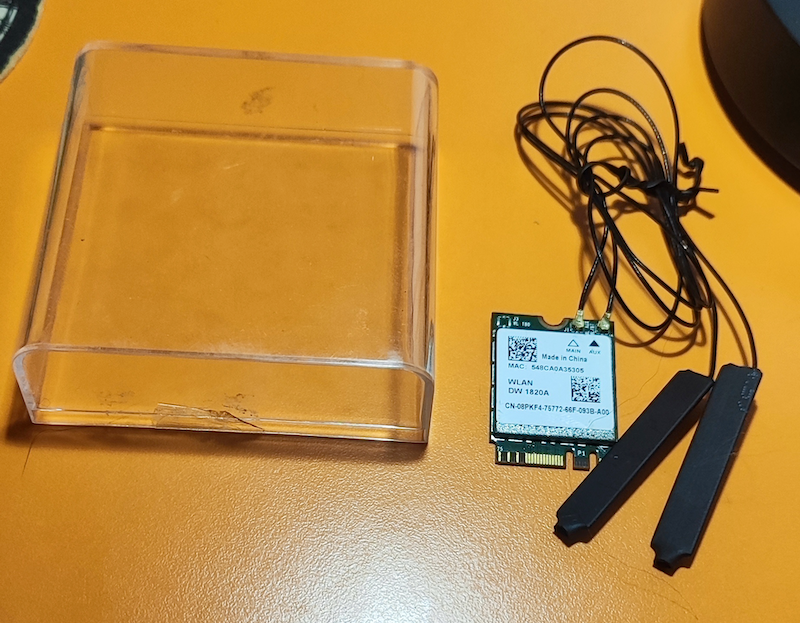
😔 ho cambiato MB ... fritta , questa che ho trovata in extremis non ha slot m2 Wifi ... dovrei usare adatt.e pcie ... ma
-
nn ho proprio WI-FI 😁
-
La batt. ok , la rete intendi il Wifi ?
-
Vedo che pian piano stai aggiungendo moduli al menu della barra ( un po' quello che volevo all inizio ) Non puoi aggiungerli tutti in modo che ognuno possa scegliere cosa visualizzare ? Mi macherebbe il / i dischi e la rete , per mandare in pensione Stats 😝 e direi che non sarebbe una clonazione ... i moduli quelli sono Altra cosa , quando gli RPM delle ventole aumentano , lo spazio nella barra si espande e si contrae Registrazione schermo 2026-08-12 alle 18.14.37.mov
-
questa l avevi gia' provata e nn andava , com e' che adesso e andata ? 🤔 Forse nn avevi sostituito il config. qui https://macos86.it/topic/7366-sequoia-msi-x99a-gaming-pro/?do=findComment&comment=160463 ... comunque meglio cosi hai provato ad aggiungere la RX in DP , esportando le Device con Hackintool ? Nel Bios da impostare la RX come primaria
-
Prova nell ultima EFI copia SSDT-EC-DESKTOP.aml.zip in OC - > ACPI sostituisci il config.plist.zip
-
👍
-
Perche' mettere il vecchio kdk quando c ' e ' il suo nuovo ? ( Kernel Debug Kit 26.6.2 build 25G82 )
-
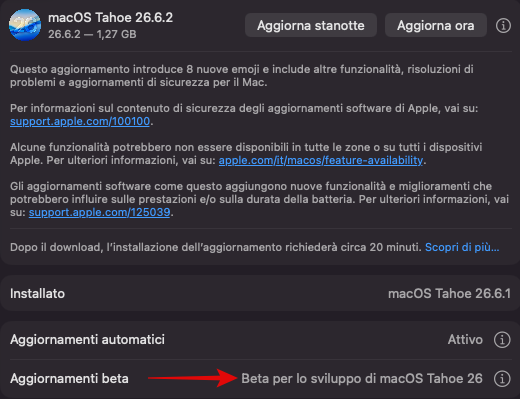
Non credo , se non sei loggato Apple Beta Software Program
-
Prova EFI.zip resetta nvram prima Ricontrolla queste imp. nel Bios * Settings > Advanced > PCI Subsystem Settings * **Above 4G Decoding:** Enabled * Settings > Advanced > Integrated Peripherals * **SATA Mode:** AHCI * **sSATA Mode:** AHCI * **HPET:** Enabled * Settings > Advanced > USB Configuration * **USB Controller:** Enabled * **XHCI Hand-off:** Enabled * **EHCI Hand-off:** Enabled * **Legacy USB Support:** Enabled * Settings > Advanced > Windows OS Configuration * **Windows 10 Support:** Enabled * **MSI Fast Boot:** Disabled * **Fast Boot:** Disabled * **Secure Boot:** Disabled * Overclocking > CPU Features * **Intel Virtualization Tech:** Enabled * **Inted VT-D:** Disabled * **CFG Lock:** Disabled
-
Non essendo una Beta ma una Release , non serve essere iscritti ad Apple Beta Software Program 😏
-
Niente non fai il revert ? ... 18gb 😬 Ahahah letto sopra , giusto
-
Soluzione piu' semplice senza l ausilio di software , e' avere un disco / partizione formattata in Exfat quindi e' possibile copiare / incollare da OSX , Linux , Win ... e viceversa i dati ( foto , audio , video , etc ... )
-
Un po' invasivo , non lo uso non saprei adesso , ma in passato mi ha creato qualche casino 🙈
-
Normale , ci vuole il software tipo Paragon che legge / scrive sul disco con estensione ext2/ext3/ext4
-
Ti parte ancora OC ? 🫣
-
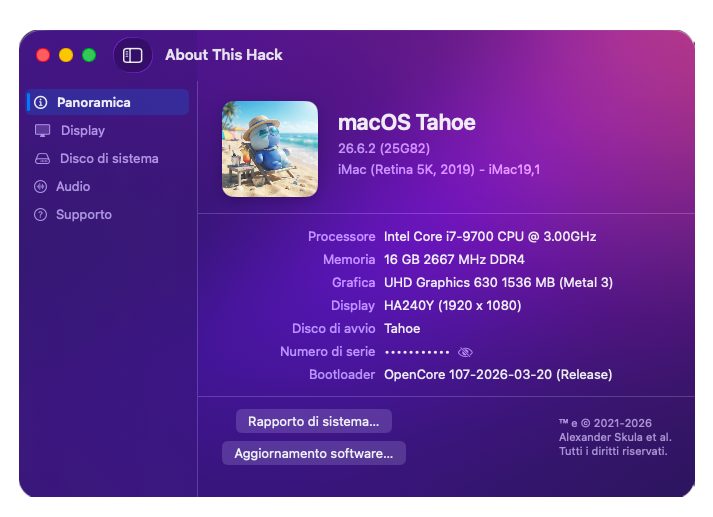
🤔 Probabile RC ? macOS Tahoe 26.6.2 (25G82) Nuovo Kernel Debug Kit 26.6.2 build 25G82 https://github.com/dortania/KdkSupportPkg/releases/tag/25G82