
-
Posts
6,198 -
Joined
-
Days Won
397
Content Type
Profiles
Forums
Events
Downloads
Everything posted by Anto65
-
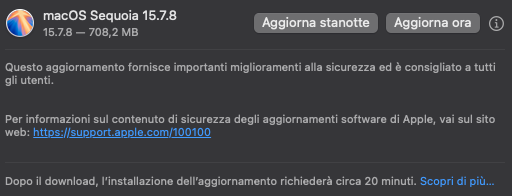
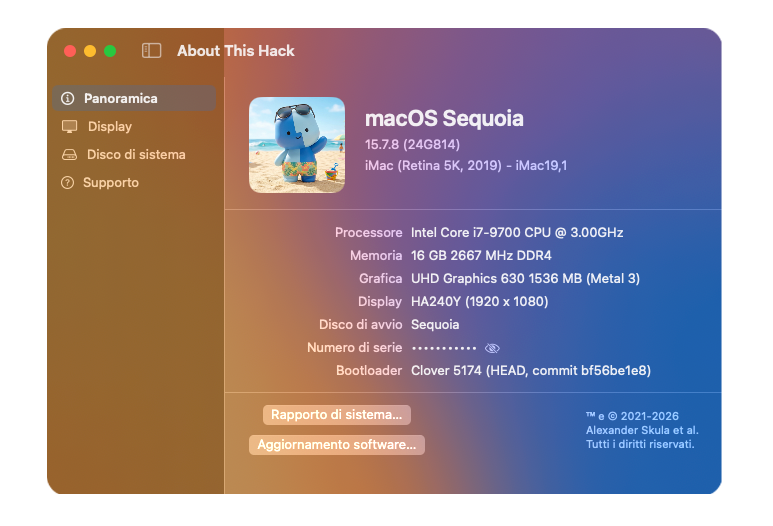
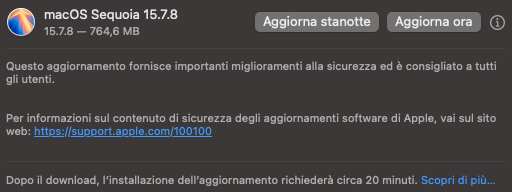
macOS Sequoia 15.7.8 (24G814)

-
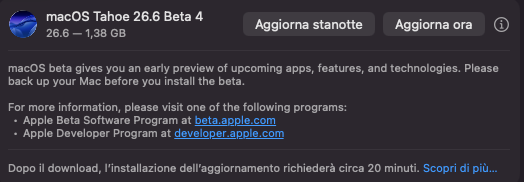
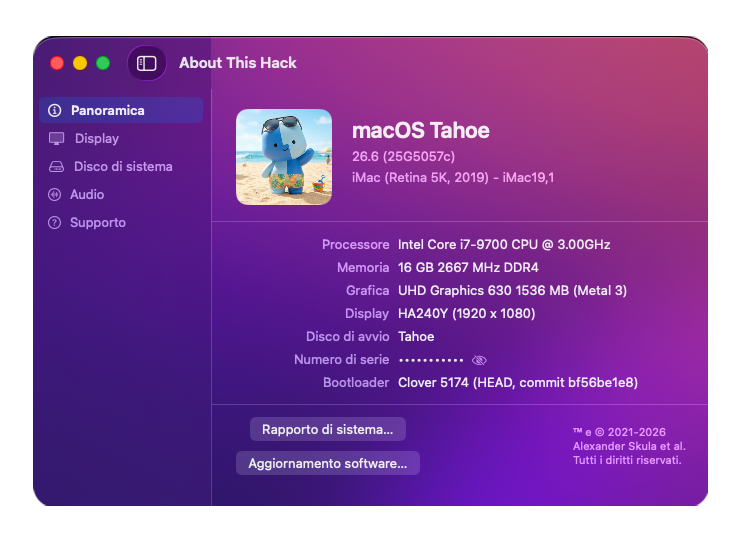
Tahoe beta 4 (25G5057c)
-
Unmm, intanto proverei un altra versione di Tahoe , es. l ultima Release rilasciata qualche giorno fa' https://macos86.it/topic/7332-release-macos-tahoe-265/?do=findComment&comment=160080 Creati un usb d installazione per fare un installazione pulita , senza dover partire da Sequoia o da Recovery Abilitare il loign automatico e disconnettersi dall ID Apple ( in caso di aggiornamento < Sequoia > Tahoe ) Non loggarsi con il proprio Id Apple in caso d installazione pulita , saltare la procedura , LOGGARSI appena arrivati a desktop Non saltare la cofigurazione guidata per il riconoscimento di mouse / tastiera Farsi un backup dell attuale OS installato ... nn uso TM ne tantomeno la Migrazione , provato un paio di volte , non ha funzionato Uso R-Drive Image non fallisce un colpo e in 3 min. ripristina Se il mouse funziona in Sequoia dovrebbe andare anche su Taohe , le porte sono le stesse e il kext e' stato aggiornato con i requisiti per Tahoe Che tipo di mouse , con il filo o usb ? Puo' essere che ti ha attivato invece il FileVault
-
Fatto il revert delle patch ? 🤭
-
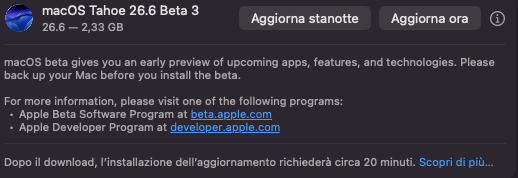
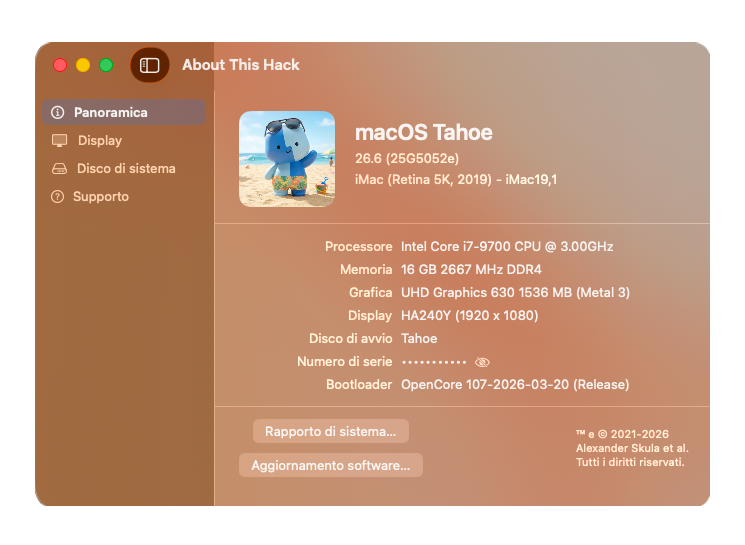
Tahoe beta 3 (25G5052e) Full Installer https://swcdn.apple.com/content/downloads/49/28/140-25997-A_B5RFTVNO2R/0pairti3iolnxw1wcir6gi2feq2s5muxc3/InstallAssistant.pkg
-
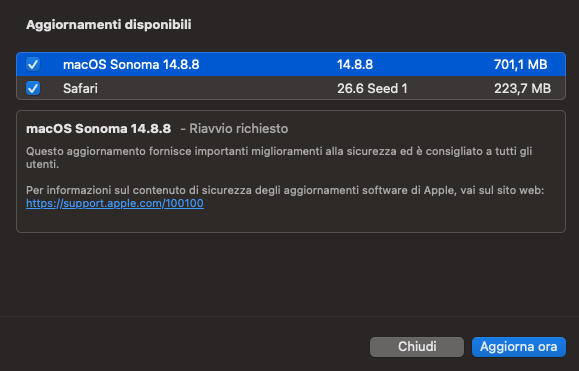
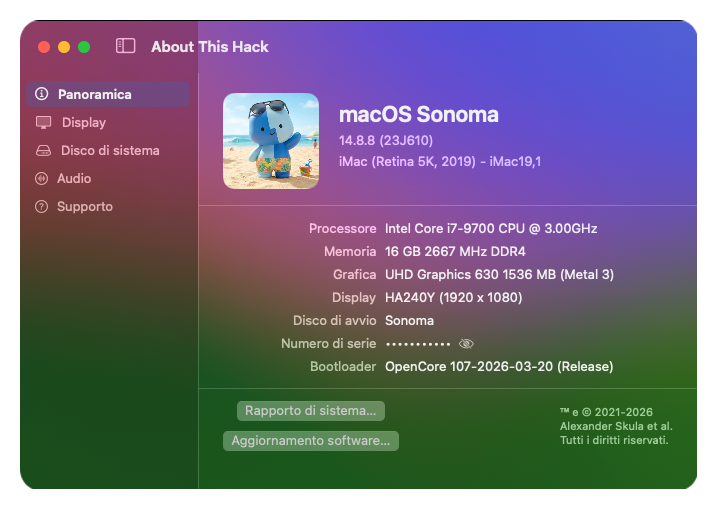
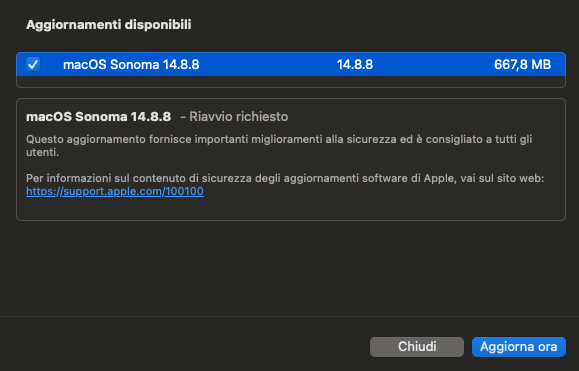
macOS Sonoma 14.8.8 (23J610)
-
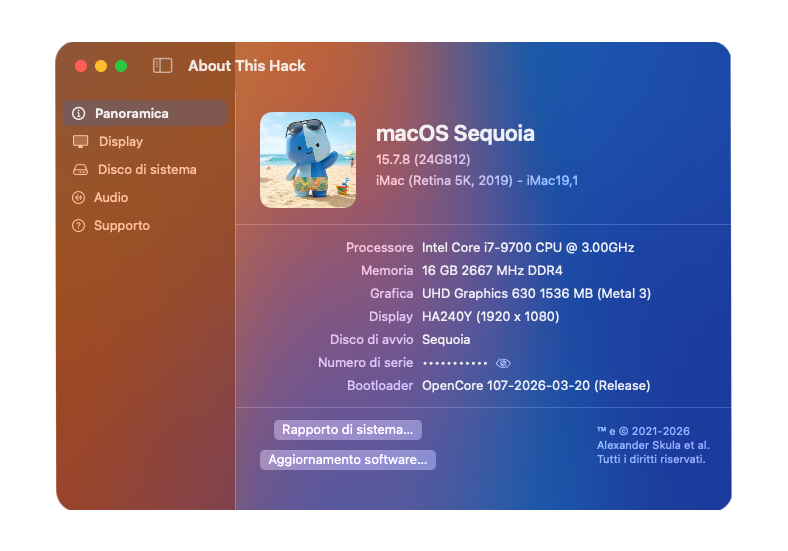
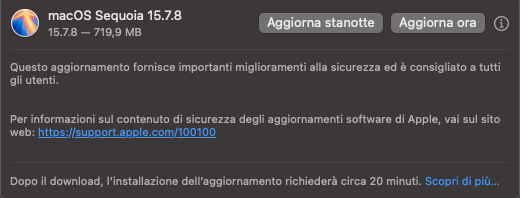
macOS Sequoia 15.7.8 (24G812)
-
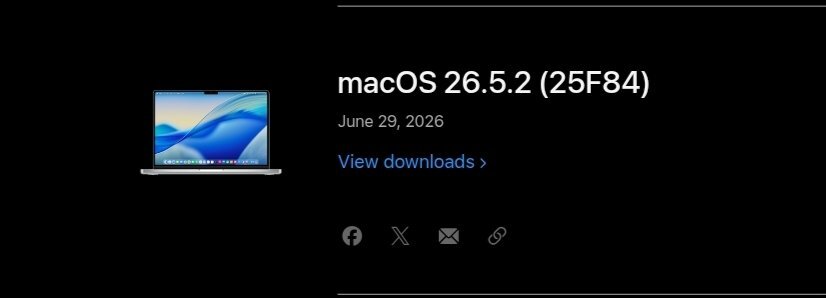
macOS Tahoe 26.5.2 (25F84) Full Installer https://swcdn.apple.com/content/downloads/63/03/140-36226-A_WUCZCLWK7K/1elqm2ix9y06je9fgy9rdqed1jod0jgxoe/InstallAssistant.pkg Kernel Debug Kit 26.5.2 build 25F84 https://github.com/dortania/KdkSupportPkg/releases/tag/25F84
-
Tahoe beta 3 (25G5052e) Kernel Debug Kit 26.6 build 2025G5052e https://github.com/dortania/KdkSupportPkg/releases/tag/25G5052e
-
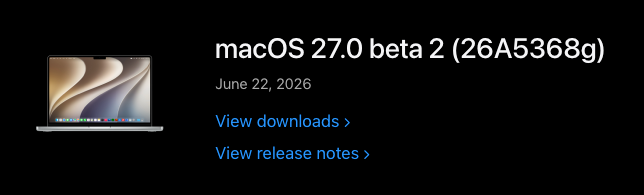
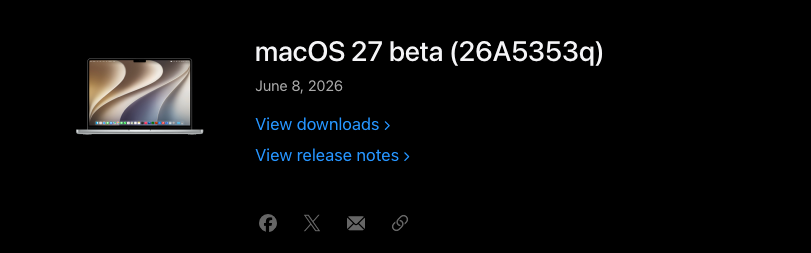
macOS 27 Beta 2 (26A5368g)
-

FACE TIME SU ACER NITRO 5 NON FUNZIONA....AIUTATEMI PLS.....
Anto65 replied to Stefan02024's topic in General
Appena scaricata
-
FACE TIME SU ACER NITRO 5 NON FUNZIONA....AIUTATEMI PLS.....
Anto65 replied to Stefan02024's topic in General
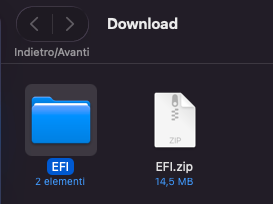
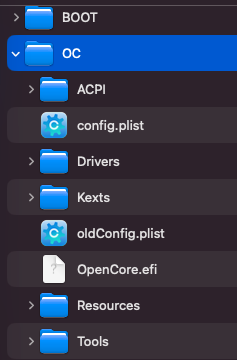
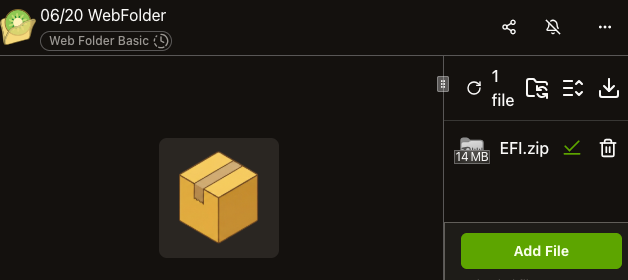
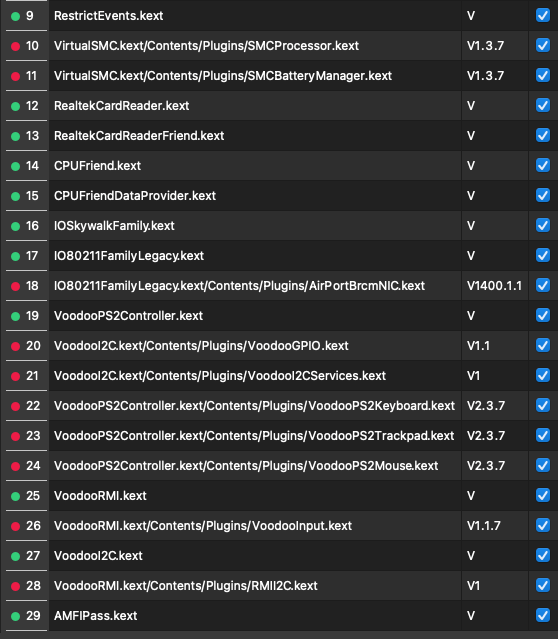
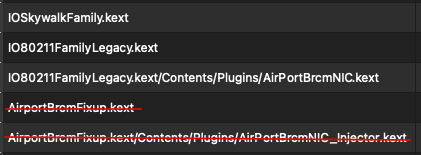
" Nelle chat e nelle comunicazioni online, scrivere un messaggio interamente in maiuscolo equivale a urlare. Secondo la netiquette (il galateo della rete), digitare frasi o parole IN QUESTO MODO viene percepito come un'espressione di aggressività, rabbia o arroganza. Manca il tono di voce: Chi legge non potendo udire la voce, interpreta il maiuscolo come un rimprovero o un ordine. " Prendilo se vuoi come un avvertimento , questo nn e' un servizio a pagamento , qui nessuno e' obbligato e risponde quando ha tempo e perche' no anche quando ha voglia , se non vuoi che i tuoi post vengono oscurati sai cosa fare Tornando a FT se dai un occhiata in rete non sei l unico con questo problema , c' e' chi risolve e chi no e credo che molti coinvivono anche senza Ti ricordo che cambiando Smbios , da Sequoia 15,... a 16.4 qualcosa puo' succedere e non aiuta a generare in continuazione nuovi seriali etc... anzi Segui i consigli di carlo_67 , troppi tentativi Se aggiungi o rimuovi qualcosa in OC , si deve fare anche nel plist , non solo nelle cartelle Hai rimosso parecchi plugins ( in rosso ) , ma sono ancora presenti nel plist ... ! rischi di non avviare AMFIPass.kext risulta senza versione ne senza contenuto ... nullo Prova Click to download files: https://file.kiwi/6c879e85#1HAbza4ya33mr9phHYhtIA Dalle tue EFI non sapendo quale prendere di Seriali , ... sempre diversi , ne ho generato uno nuovo Disconettiti dal ID , prova su usb , resetta nvram Considera come anticipato da Lorys89 anche un downgrade se i problemi persistono 🤷♂️
-
Tanto se non fai ( solito ) il revert della patch , hai comunque il Full 😆 ... pure che ti vede l update
-
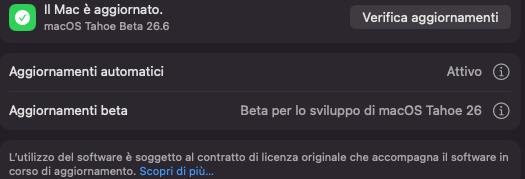
Qui hai Beta abilitato ?
-
Aggiungi revpatch=auto,sbvmm in boot-args RestrictEvents.kext.zip
-
FACE TIME SU ACER NITRO 5 NON FUNZIONA....AIUTATEMI PLS.....
Anto65 replied to Stefan02024's topic in General
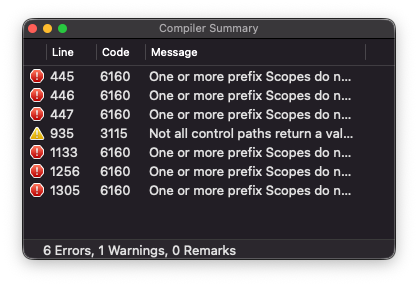
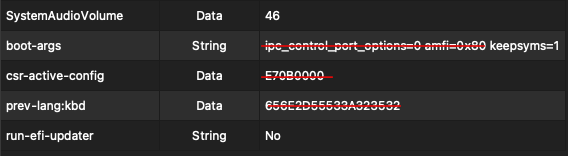
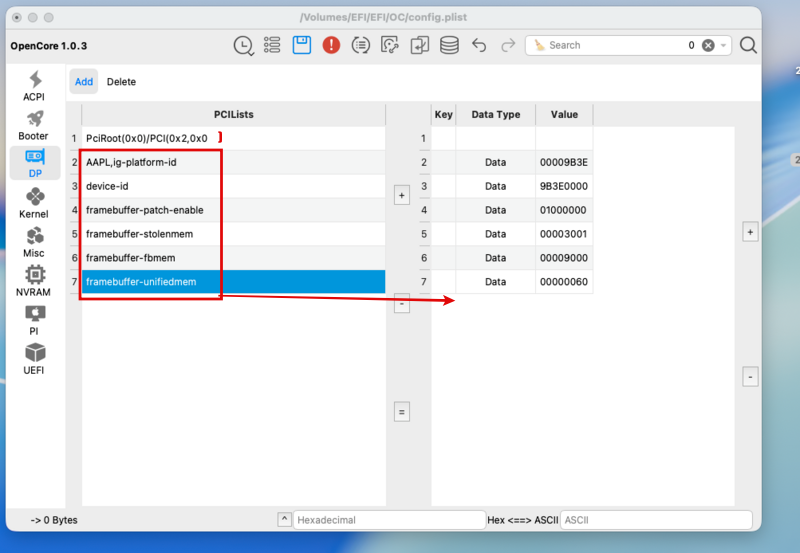
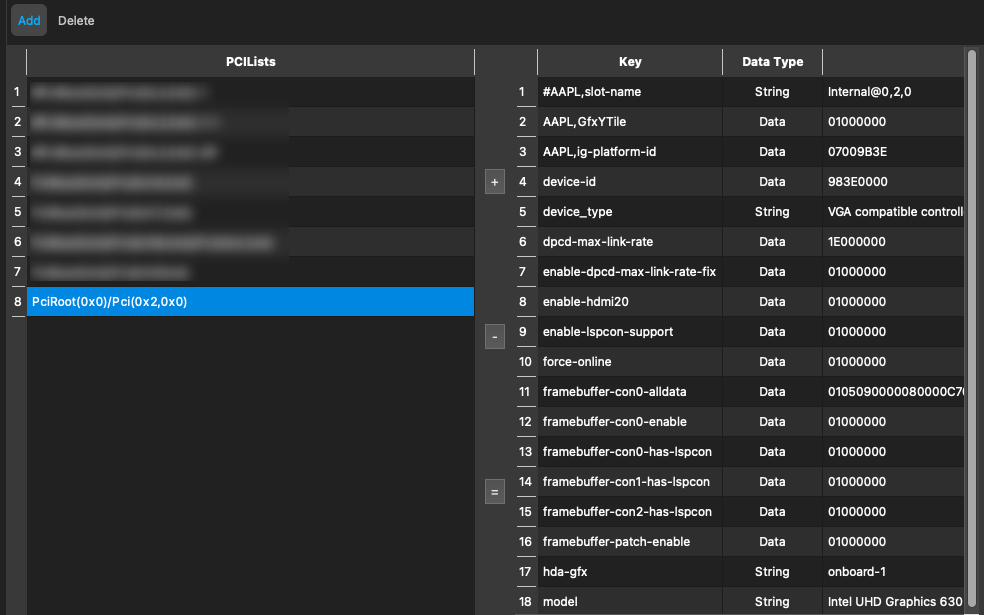
Dovrebbe essere ok MacBookPro 16,4 Se editi il plist con OCAT verifica che la ver. di OC mostrata sia aggiornata all ultima , attuale 1.0.7 La tua mostra 1.0.3 https://macos86.it/uploads/monthly_2026_06/image.thumb.png.2fe160919099388c321f17a9bae868f9.png quindi aggiornala ... vedi guida sotto la mia firma In DP va inserito PciRoot(0x0)/Pci(0x2,0x0) ( manca la parentesi di chiusura ) L ID della grafica del i7-8750H e' 0x3E9B che diventa 9B3E0000 https://www.intel.com/content/www/us/en/products/sku/134906/intel-core-i78750h-processor-9m-cache-up-to-4-10-ghz/specifications.html OK quello dichiarato in DP https://macos86.it/uploads/monthly_2026_06/image.thumb.png.2fe160919099388c321f17a9bae868f9.png eliminerei l ultima voce " f...-unifiedmem Edit: no non va bene , le voci AAPL etc... vanno messi a DX , sotto la voce Key Cosi' Tutt altro quello dichiarato sull SSDT "device-id", Buffer (0x04) { 0xA5, 0x3E, 0x00, 0x00 // .>.. }, ( l SSDT e' stato fatto sulle tue ACPI ? , hai estratto le ACPI della macchina per fornirle al tuo " amico " ) presenta svariati errori , non so se irrilevanti Lory89 ha piu' competenze in questo campo , difficile per uno alle pime armi andare ad apportare delle modifiche su SSDT unico ( provare in caso a generare una EFI ( anche per incominciare a viaggiare da solo e capirci qualcosa ) con OpCore-Simplify da WIN s e' installato o sequire semplicente la guida https://dortania.github.io/OpenCore-Install-Guide/config-laptop.plist/coffee-lake.html#starting-point ) Quale OCLP e' stato usato per patchare il Wi-Fi ? ( Troppe varianti in giro ) Questi kexts andrebbero disabilitati ( in rosso ) Va aggiunto AMFIPass.kext.zip Vanno modificati i boot-args in Nvram ipc_control_port_options=0 e amfi=0x80 potrebbero impedire di far funzionare alcune app (basate su Electron) Whatsup , Skype ...o i browser ( propabile anche FaceTime ) Da usare invece -amfipassbeta ( boot-args ) 03080000 ( csr-active-config ) it:04 ( prev-lang ) Disabiliterei in Drivers OpenVariableRuntimeDxe.efi Apportate le modifiche ( magari su USB ) .. resettare Nvram prima di avviare
-
Tahoe 26.6 B2 (25G5043d) Full Installer https://swcdn.apple.com/content/downloads/50/25/140-15662-A_UPB0N3Q94Q/oip2t78ot0mme3eqfmgtygss52ldw7q6c9/InstallAssistant.pkg
-
Da provare a disattivare BlueToolFixup.kext , se non completa il download e riprovare
-
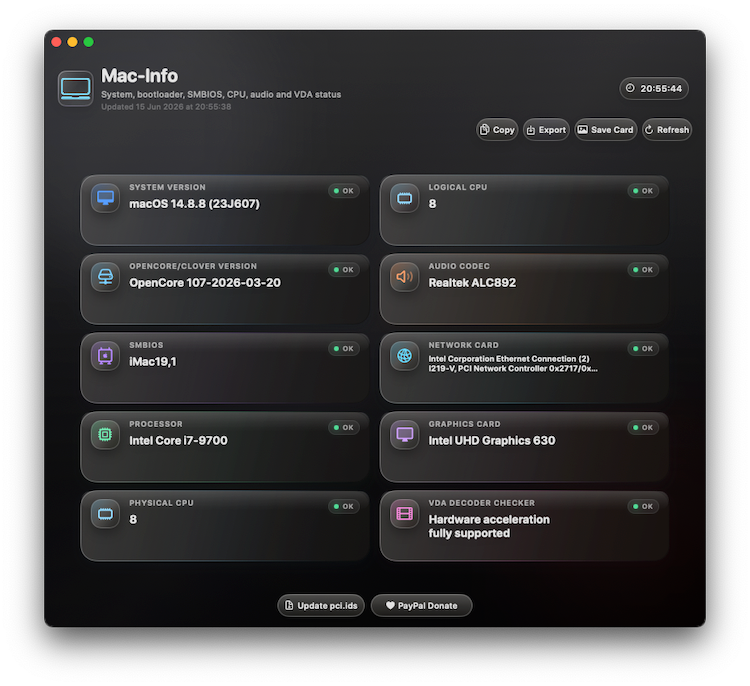
macOS Sonoma 14.8.8 (23J607)
-
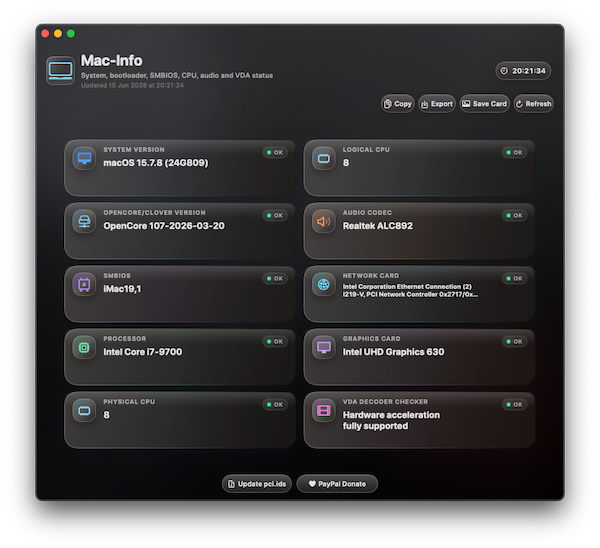
macOS Sequoia 15.7.8 (24G809)
-
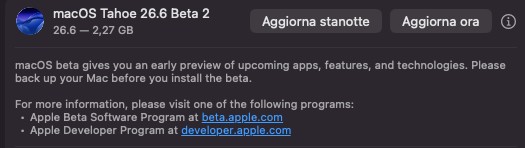
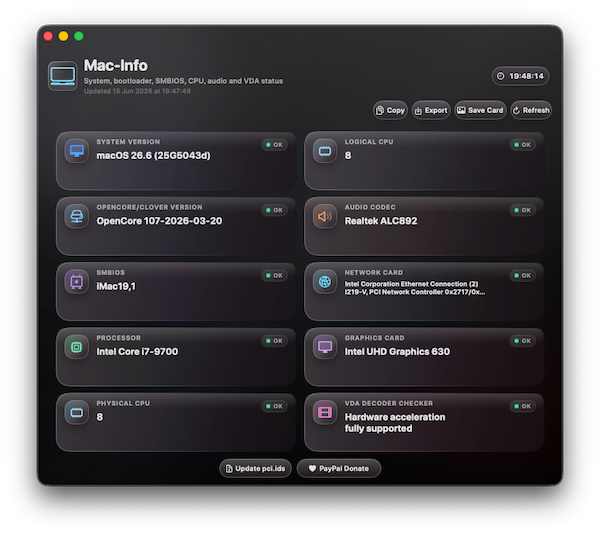
macOS Tahoe 26.6 B2 (25G5043d) ... siamo ancora in gioco 😝
-
😅 eccolo
-
🙄
-
Vediamo se mi passa il finanziamento
-
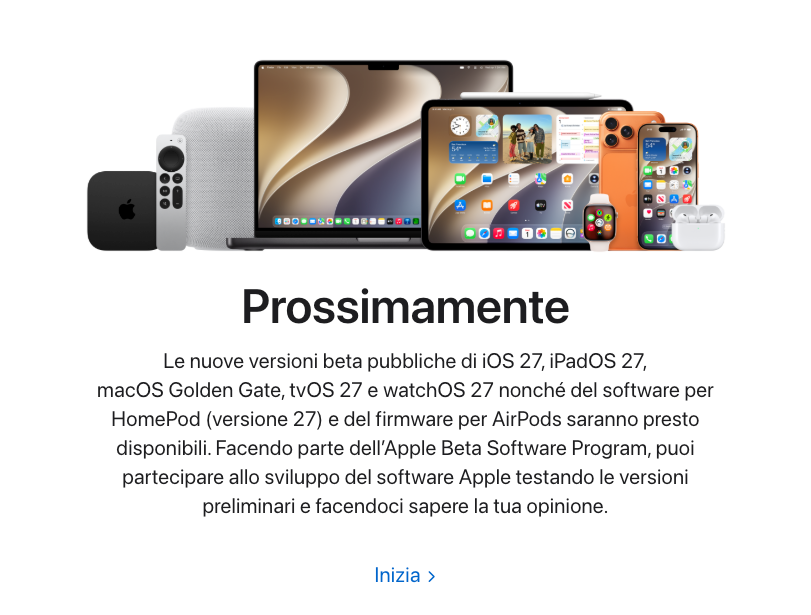
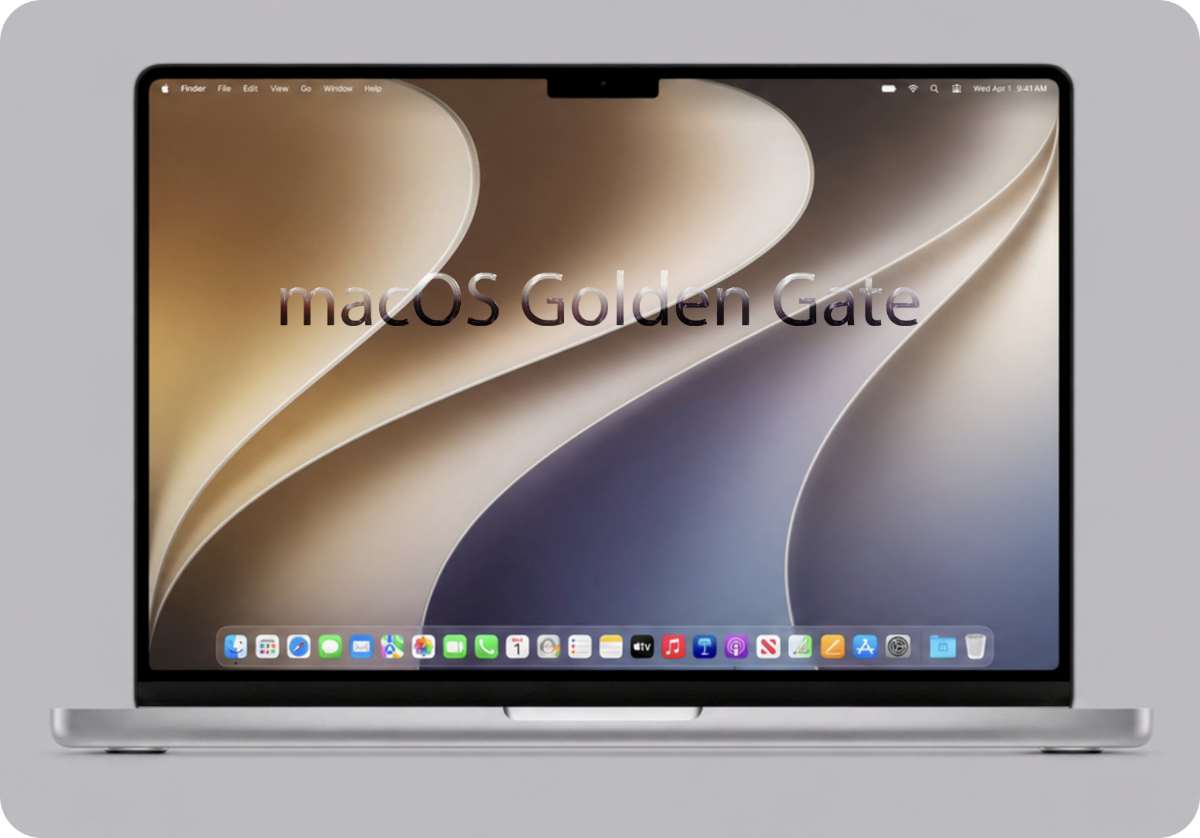
Una la so' : " I Mac Intel si fermano a macOS 26 Tahoe ... " ... potremmo solo guardarlo il nuovo OS 😭 😆