All Activity
- Past hour
-
🤙

-
Hi Fabiosun, Let me try your last EFI. I posted without noticing it. With the previous omne I have done those steps, and unfortunately the system halted at the same point: "Successfully initialized AHCI controller" & non-verbose mode progress bar still freezes at roughly 50% under the Apple logo. Regarding the NVMe compatibility, I also tested the boot using a SK Hynix Platinum P41 NVMe PCIe 4.0 drive, but the boot sequence halts at the exact same point. Thank you
-
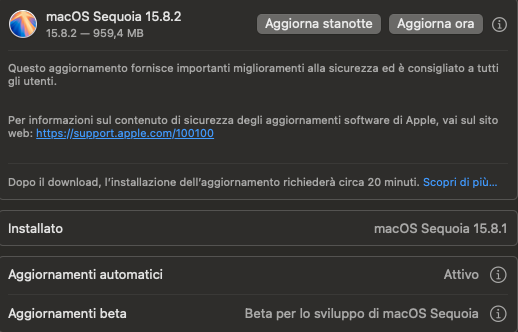
macOS Sequoia 15.8.2 ( 24H219 )
- Today
-
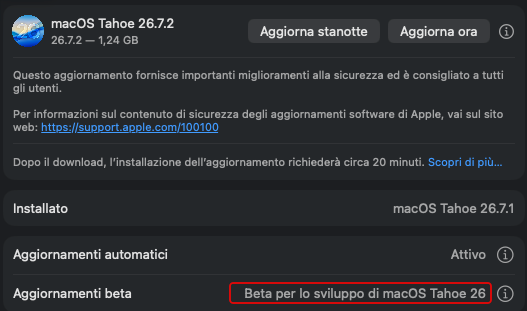
macOS Tahoe 26.7.2 ( 25G320 ) Full Installer https://swcdn.apple.com/content/downloads/56/55/142-36157-A_UQAE2ZYSL6/czqg6vwamgyvjnd3coz6t7fa4lb1mb8x1n/InstallAssistant.pkg
- 1 reply
-
- 2
-

-

-
If all above fails try this EFI Remember always to reset Nvram EFI.zip It is my EFI (in my system it installs and boot OSX from mac OS Ventura? i cleaned my wifi and gpu parts, and it should be good for your system
-
Try to disable also internal gpu from bios and remove all Device properties in your config. Plist if it hangs the same I will try other EFI remember to reset nvram in opencore menu i do not know also if your nvme is properly supported in OSX
-
Hi Fabiosun, Thank you for the updated EFI. I've tested it with the CSM off, WiFi and internet disabled, but unfortunately the issue persists. I am installing from a full installer. Without verbose : Apple logo + progress bar stops at ~50%, & with verbose mode it hangs at "Successfully initialized AHCI controller".
- Yesterday
-
I updated your EFI a bit try this (backup yours) EFI.zip In your Bios CSM off Disable for now wifi if it is the original internal of asus Hero then, more important is if you are installing from a full installer or recovery installer the second one needs a proper kext for your ethernet RTL812xLucy.kext.zip i use this one for 25Gbit realtek ethernet (i also disable intel ethernet in bios)
-
Hi Fabiosun, Without -v as bootarg the installer reaches the Apple logo and progresses to about 50%, but after that it gets stuck and does not reach Disk Utility. I attached the EFI from my USB installer. Thank you very much for your time and taking a look. EFI.zip
-
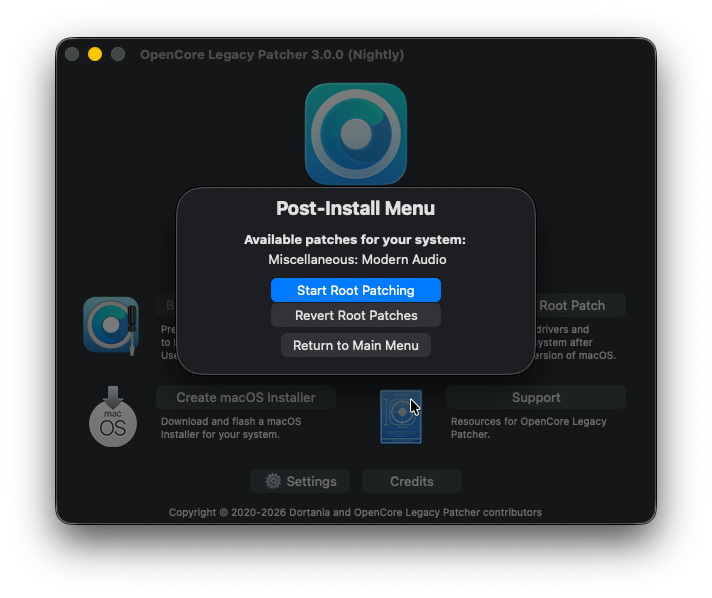
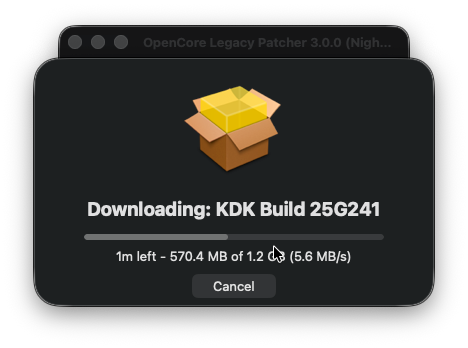
@FrankyM76 Se ti riferisci alla ver. dell app si aggiorna da solo , non ci sono nuove versioni l ultima 3.1.9 Stessa cosa per il KDK si scarica da solo quello corrispondente alla versione installata / da istallare di Tahoe ... avresti ricevuto un avviso o ancora peggio nn avviato , se l aggiornamento non fosse andato a buon fine
-
E tu che non ci volevi venire 🤣 Sinceramente ero un po' incredulo anch io ieri quando l ho postato , ma poi vedendo sul Web che le conferme fioccavano mi sono ricreduto Mi sarei sacrificato volentieri x la " scienza " 🤣 ma non ho nessuna scheda W-Fi , grazie x averlo provato Attualmente si solo le patch per Wi-Fi ma nn e' detto che nella versione finale non includono le Patch per AppleHda o le patch per schede grafiche non metal Ricordo comunque per chi avesse bisogno l audio Built-In ci sono soluzioni alternative VoodooHda , il quale ormai basta metterlo come un normale Kext in EFI e non piu' in /Library/Extensions/ supporta anche l audio Hdmi HDAUniversal , kext di un famoso " birraio " 😆 altrettando valido , supporta anche l audio Hdmi , va ancora installato in /Library/Extensions/
-
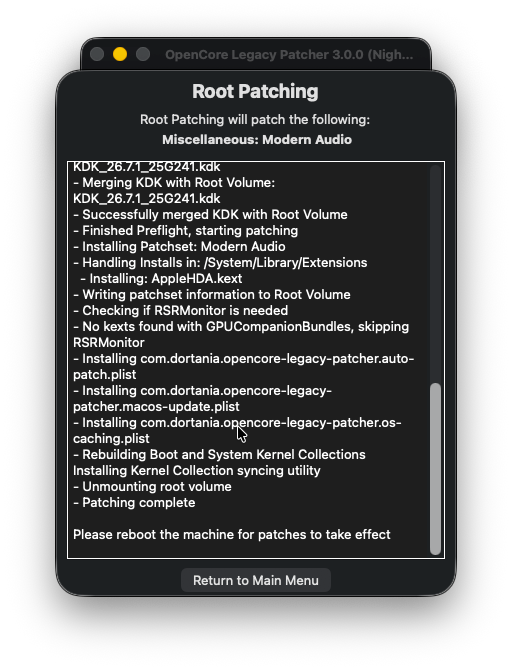
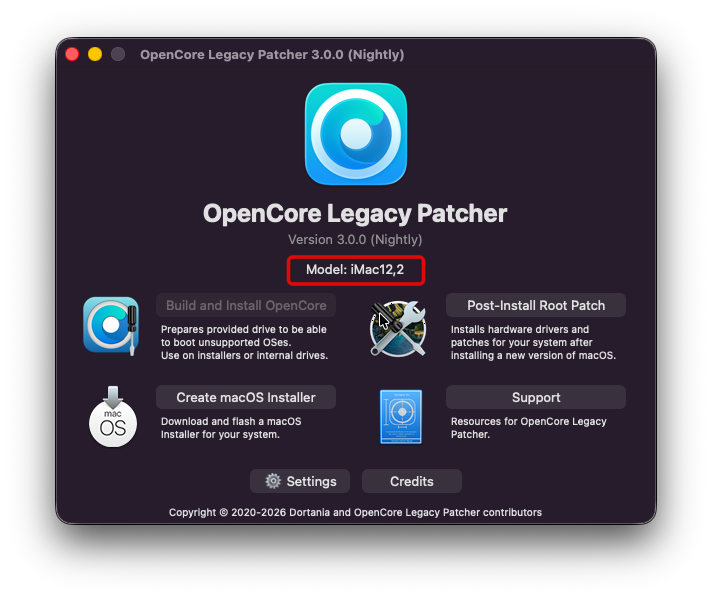
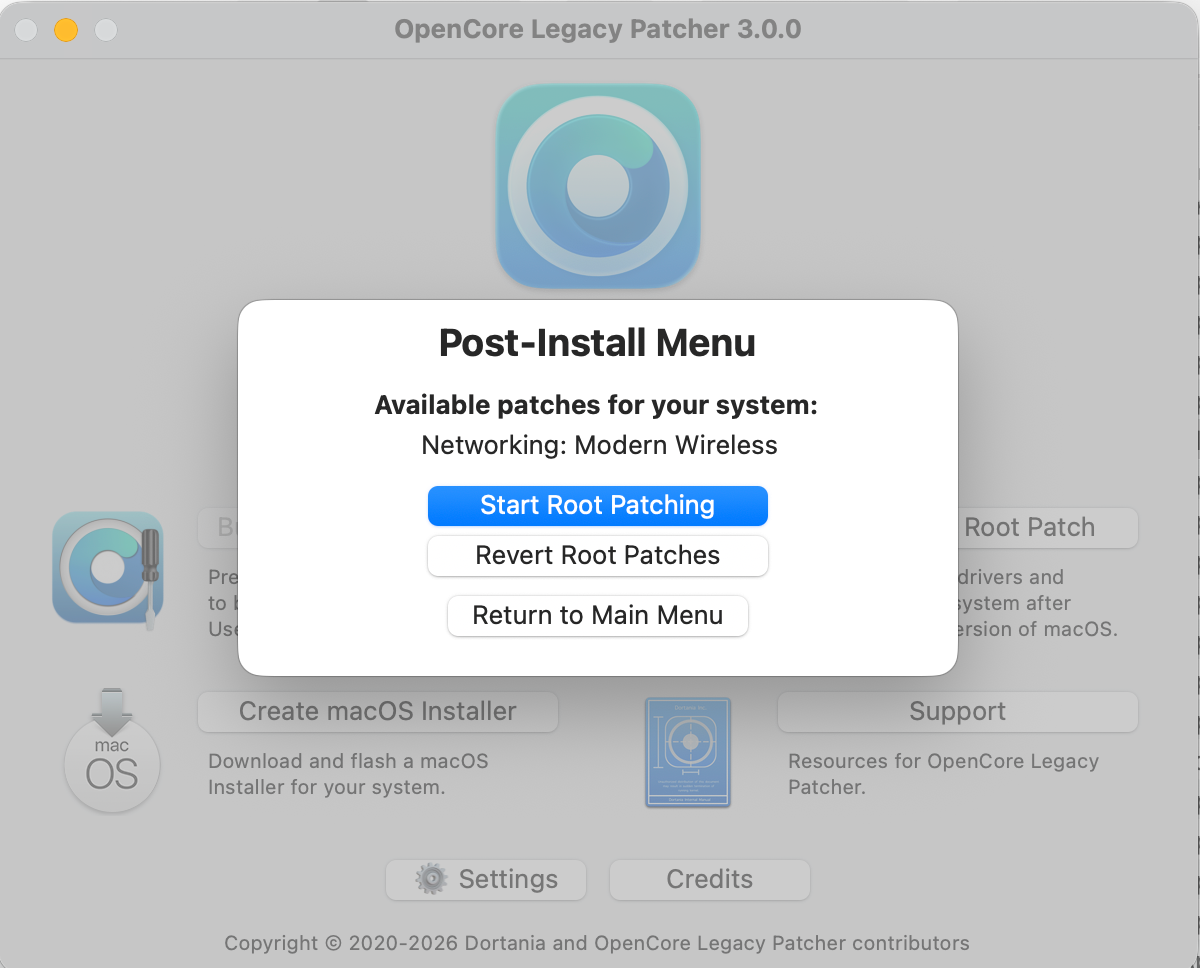
grazie ad @Anto65che mi ha stimolato ho provato funziona Ricordarsi di fare il revert delle patches con la versione cinese (se si usa quella) riavviare Disinstallare la versione cinese con il proprio uninstaller (scaricabile dal github di loabmac) Scaricare la 3.0 RC2 ufficiale installarla fare le patch che propone (a me solo il wifi perchè ho audio supportato di serie) riavviate e dovreste vedere il wifi funzionante piu' che per Hackintosh e' una buona notizia chi possiede vecchi Mac originali
-
Ciao E' in Cinese, se serve lo aggiorna lui (mi pare) io non lo aggiorno da un po'
-
Hi @Stegranwelcome here If you post your exact EFI i can try to understand better HAve you tried without -v as bootarg?
-
Buon giorno,qualche giorno fa ho aggiornato a tahoe 26.7.1 (25G241) il software oclp mod 3.1.9,mi ha proposto degli aggiornamenti alle patch credo,che ho regolarmente eseguito,se pur in giapponese penso di aver fatto correttamente,adesso chiedo devo lasciare il kernel debug attuale o installarne un altro? il sistema funziona,cosa dovrei controllare o aggiornare? grazie per gentile risposta
-
Hi Fabiosun, I hope you're doing well. I've followed your X870E Hero thread for some time, and it inspired me to build a similar system. I finally have it assembled and tried to install Sequoia, but I'm stuck at the AHCI initialization point. My System Build: CPU: AMD Ryzen 9950X Motherboard: ASUS ROG Crosshair X870E Hero BIOS: 1715 RAM: GSkill 96GB (2×48GB) Storage: Crucial T705 NVMe (PCIe 5.0) GPU: AMD Radeon Pro W6600 (workstation) Using the OpenCore EFI you mentioned works for you and prepared for viljeml (BIOS 1715) The Issue: The system hangs at "Successfully initialized AHCI controller" during Sequoia boot and becomes completely unresponsive. What I've Tried: Removed RX 6950 XT GPU properties Tested with/without agdpmod=pikera Tried npci boot arguments (0x2000, 0x3000) Tested different USB ports, EFI versions, and minimal kext configurations, but every test results in the same hang point My Question: do you think the issue is that I'm using a W6600 Pro workstation instead of a GPU like your 6950 XT? Would switching to a consumer RDNA2 card likely resolve this? If you have any insight, I would really appreciate it. Thank you, Steven
- Last week
-
OCLP 3.0.0 RC2 ( Ufficiale ! ) Per le Fenvi / Broadcom https://github.com/dortania/OpenCore-Legacy-Patcher/releases/tag/3.0.0-rc.2 " Update HDA patch and enable Tahoe patching without developer engagement " 🎉 🎉 🎉 Per le WiFi Intel ( ax210 ... ) Nuovo AirportItlwm.kext per Tahoe e Sequoia ( by laobamac ) Non necessita Heliport.app supporto nativo https://github.com/laobamac/itlwm/releases 💪
-
Ti ringrazio per il consiglio
-
No non la fai se non ti da noia la spesa sarebbe abbastanza più performante del tuo miglior sistema attuale
-
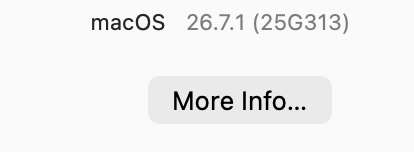
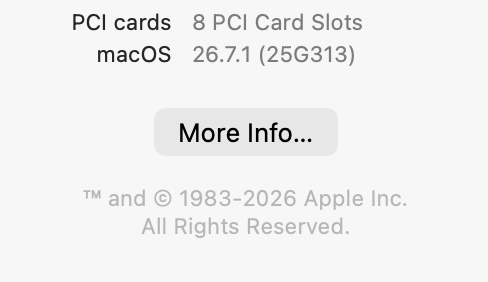
si si alla 26.7.1 (25G313)
-
STAVO GUARDANDO il mac mini base Chip M6 CPU 12‑core, GPU 12‑core con due Neural Engine 16‑core - domanda: faccio una cavolata?
-
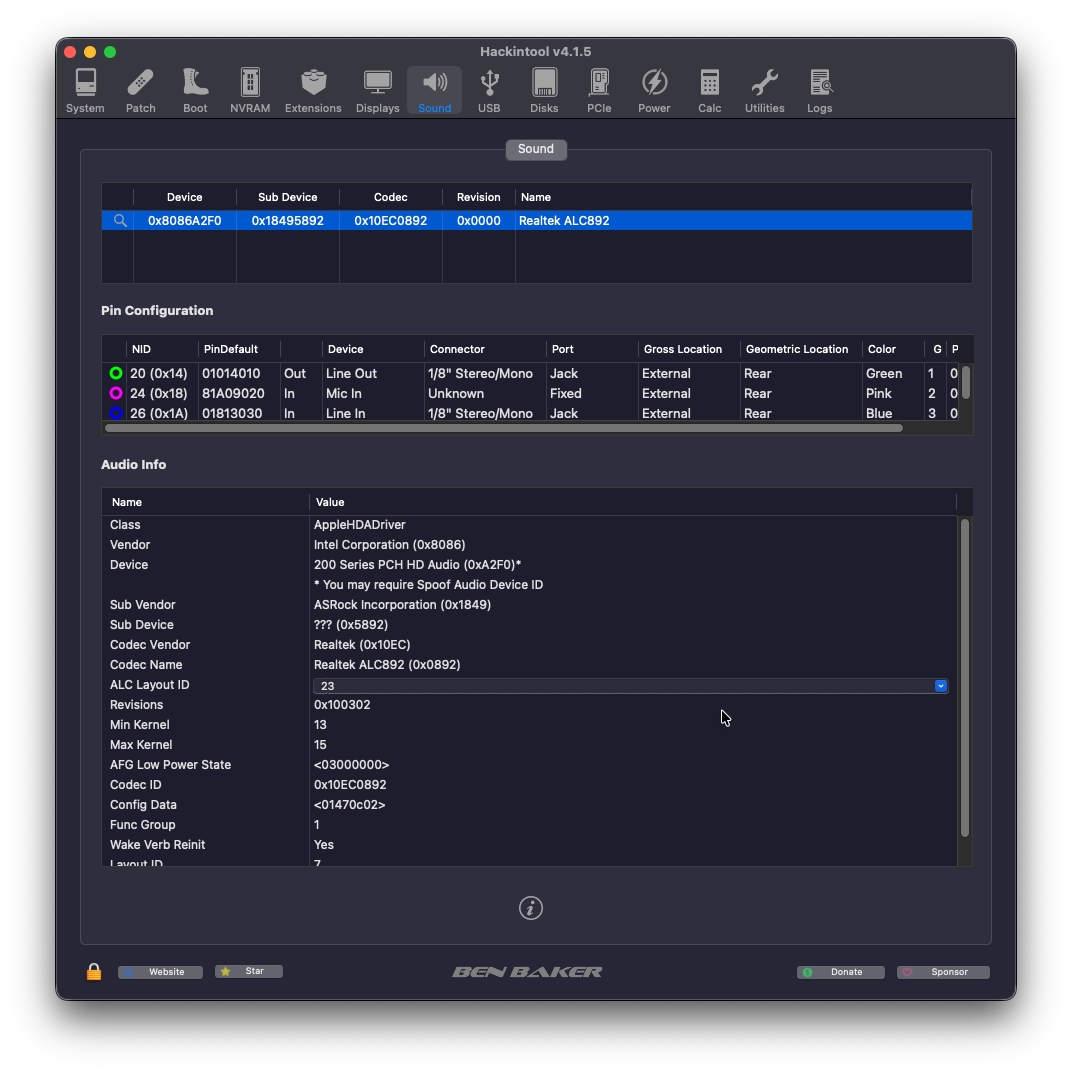
@strangerone i have this